
Affordable Home Security: 5 Gadgets That Actually Help
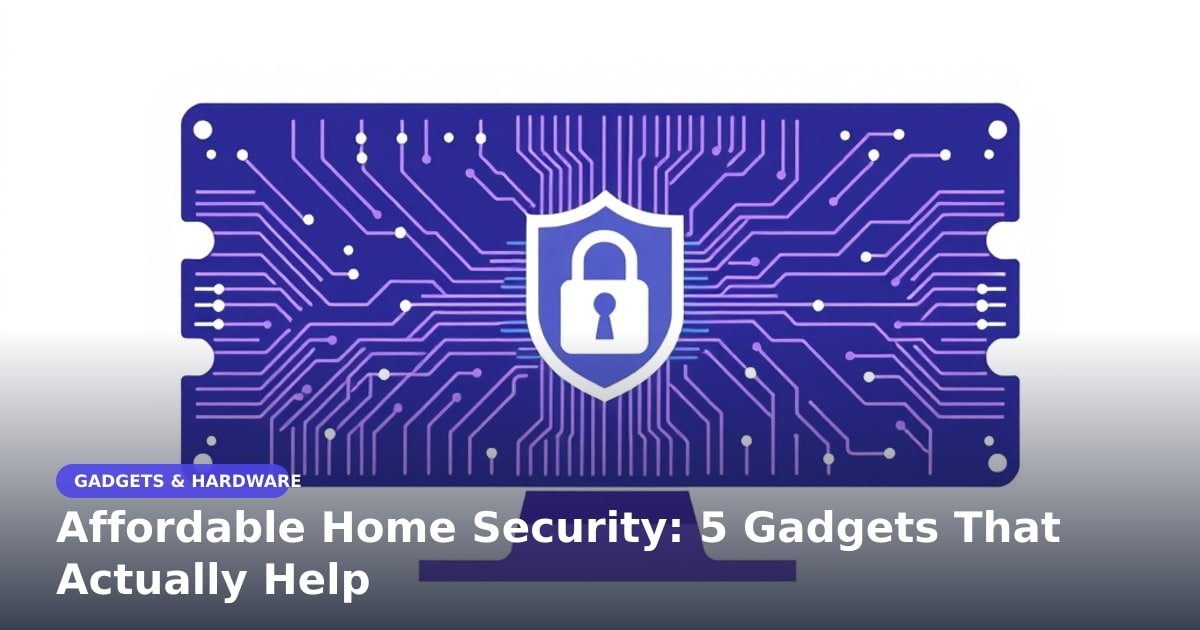
TL;DR: BGR has rounded up five low-cost gadgets for a basic home security setup. It's a fair starting point, but the monthly cloud fee is the number that decides whether a cheap camera stays cheap. Check that before you buy anything.
Picture this: you're halfway to work and you can't remember whether you shut the back door. Or a parcel goes missing from your step and you have no idea who took it. That small, nagging feeling is what sends most people shopping for their first camera.
What's actually happening
BGR published a guide to five gadgets that can put together a budget home security setup. The summary doesn't name them, so treat it as a starting point rather than a shopping list.
Most cheap setups follow the same shape. A camera at the front door. One inside, pointed at the hallway. A couple of smart plugs. And one app that ties it all together.
Three of those gadgets do the heavy lifting. A video doorbell is just a camera with a doorbell button, so you can see and talk to whoever is outside from your phone. A smart plug lets you switch a lamp on from a bus, which makes an empty house look lived in. An indoor camera records what happens while you're out.
Why affordable home security finally makes sense
Basic cameras cost far less than they did five years ago. What used to be a specialist install is now a box you unplug, pair with your Wi-Fi and stick on a shelf in ten minutes.
That convenience cuts both ways. A cheap camera sends video of your living room to a company's computers. Before you buy, find out where the footage goes and whether you can keep it on a memory card instead. A memory card is the little chip inside, and it means the video never leaves your house.
Wi-Fi signal matters too. A bargain camera on a weak router will drop out exactly when you need it. Test the signal on your phone in the spot where the camera will go.
The bill nobody mentions at checkout
Here's the part that catches people. Many brands let you watch live for free but charge a monthly fee to save recordings. Without it, you get a live view and nothing to look back on.
That fee is the real price of the camera. A few dollars a month sounds harmless until you multiply it by a few years and a few cameras. Ask two questions before you pay: does this model take a memory card, and can I still get alerts without a plan?
Privacy is the other cost. Cheap hardware often comes with weak default settings. Change the password on day one, and turn on two-step login if the app offers it.
What to watch next
A shared standard called Matter is slowly reaching security cameras. Think of it as a common language, so gear from different brands can talk to each other instead of locking you into one app.
Cameras that do the thinking on the device, rather than in the cloud, are the other thing to track. They spot a person instead of a swaying bush, and they can skip the subscription entirely.
None of this makes a cheap setup worse today. It just means the gap between budget and premium is narrowing, so buying now is reasonable if you need it now.
Key Takeaways
- A budget setup usually means a doorbell camera, an indoor camera and a smart plug.
- Check the monthly cloud fee before you buy; it often costs more than the hardware.
- A memory card slot can let you skip subscriptions and keep footage at home.
- Change the default password and turn on two-step login immediately.
Frequently Asked Questions
Do I need a monthly subscription for home security cameras?
Not always. Many cameras work without one, but you may lose saved clips and get only a live view. Look for a memory card slot if you want to avoid fees.
What's the cheapest useful home security setup?
Start with one camera covering your front door. Add a smart plug so a lamp switches on at night. That covers most of what people actually worry about.
Are cheap security cameras safe to use?
They can be, if you set them up carefully. Change the default password, enable two-step login and keep the app updated. Avoid brands with no privacy policy you can read.
How did this story feel?
Be the first to react
Recommended gear
Related picks for this guide

Sony WH-1000XM5
Over-ear ANC · 30h battery
Best headphonesView on Amazon →
Anker 737 Power Bank
24,000mAh · 140W USB-C
Best travel pickView on Amazon →
Nintendo Switch 2
7.9" 1080p · 4K docked · 256GB
NewView on Amazon →Affiliate links: we may earn a commission at no extra cost to you.
Written by
TechPulse Team
The TechPulse editorial team publishes clear, practical technology guides. Every article is original and written to be understood — not just skimmed.
Comments (0)
No comments yet — start the conversation!
Keep reading

Soldered Laptop RAM: Why It Happens
Soldered RAM keeps laptops thin and power-efficient, but it locks your memory for life. Here's how to decide how much to buy and when to pick a slot.
Milwaukee USB-C Tools: Why One Cable Matters
Milwaukee USB-C tools are trending. The practical win is one cable for small gear, but big power tools still need their own batteries.
Milwaukee USB-C Tools: Why Tool Brands Are Switching
Milwaukee's USB-C tools promise one cable for your flashlight, speaker and phone. Here's what it means for buyers — and what to check before you pay.