Cheap MacBook Accessories: The $9 Keyboard Fix Worth Trying
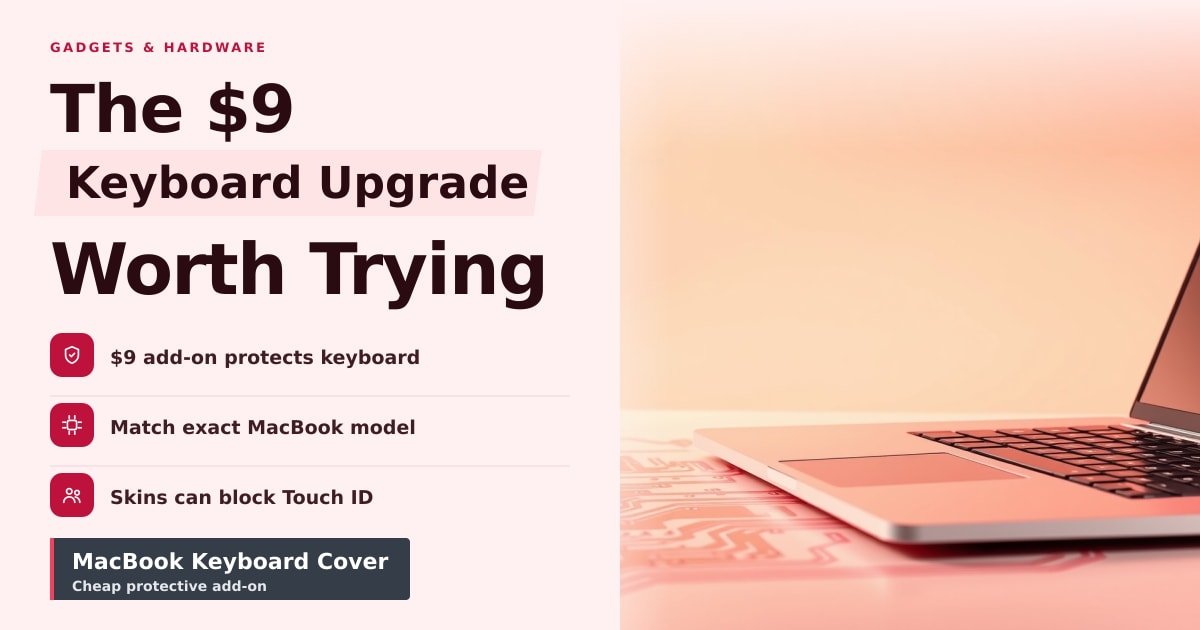
TL;DR: A ZDNET writer says a $9 add-on gives their MacBook keyboard a small but genuinely useful upgrade, and the logic holds up. Cheap MacBook accessories like key covers won't make your laptop faster, but they can keep an expensive keyboard out of the repair shop. Buy for fit and materials, not features.
Run a finger across your laptop's space bar after a year of daily use. It feels different: smoother, shinier, a little greasy in the middle. That slow wear is exactly what a $9 add-on is built to slow down.
The pitch here is modest, as cheap MacBook accessories go. ZDNET's writer calls this their favorite accessory and prices it at nine dollars, framing it as a simple typing upgrade. The published summary stops short of the full product details, so it's worth judging the category instead: a few dollars buys a thin silicone skin, a set of textured key stickers, or a layer that changes how each press feels. None of them add speed. All of them touch the part of the laptop you use most.
What's actually happening here
A short recommendation post, not a launch. There's no new chip, no software update, no price cut from Apple. Someone who types on a MacBook all day found a cheap add-on that made the experience better and wrote it up.
That's the whole story, and it's why it travels. Accessory picks spread because you can test the claim yourself for the price of a sandwich. If it disappoints, you're out nine dollars.
The interesting part is what the pick says about MacBook owners. They're not shopping for power. They're shopping for protection, grip, and a keyboard that still looks and feels decent two years in.
Why cheap MacBook accessories matter more than they sound
Start with repair math. On most modern MacBooks, one dead key isn't a key swap. The keyboard is riveted into the top case, so a fix often means replacing the aluminum deck, the keys, and sometimes the battery with it. That bill can run into hundreds of dollars, far more than a used laptop loses in value.
Then there's resale. Anyone buying a second-hand MacBook presses the keys and looks for shine, crumbs, or a sticky space bar. A clean keyboard reads as "careful owner," and that shows up in what a buyer offers.
Daily habits finish the argument. You eat lunch at your desk, dust settles, coffee splashes. A thin layer over the keys catches all of that instead of the switches underneath it.
The keyboard history behind the paranoia
Apple spent years selling MacBooks with a "butterfly" keyboard, a design with very little key travel. It looked sleek and failed often. A speck of grit under a key could leave a letter repeating or dead, and Apple ended up running a free repair program for affected models.
The company returned to a more traditional scissor mechanism in 2019 and hasn't gone back. But the lesson stuck with owners: keyboards are the fragile, pricey part of a laptop. That's the worry a nine-dollar accessory is selling into, and it's a fair one.
What to check before you spend
Fit comes first. Keyboard layouts differ between MacBook Air and Pro, and between model years. Search your exact model, not just "MacBook," or you'll get a skin with half a millimeter of misalignment and keys that stick.
Second, check coverage. A full skin can block the Touch ID button or dim the backlight. Very thin covers sometimes leave a faint outline on the screen when the lid is shut, especially on tighter-fitting Airs.
Third, accept the limits. A cover makes typing feel softer and collects crumbs around its edges, so you still need to lift it and clean. It won't rescue a key that's already broken, and it isn't a substitute for keeping drinks away from the deck.
Key Takeaways
- A $9 add-on can't speed up your MacBook, but it can protect a part that costs hundreds to replace.
- Fit matters more than price. Match your exact model and year before ordering.
- Full keyboard skins can block Touch ID, dim the backlight, or mark the screen.
- A clean keyboard helps at resale time, and used buyers do check.
Frequently Asked Questions
Is a keyboard cover safe for a MacBook?
Generally yes, as long as it's thin and made for your model. MacBooks vent mostly through the hinge, so a light cover rarely causes heat problems, but remove it now and then to clean underneath.
Do cheap MacBook accessories actually last?
Silicone skins stretch and yellow over a year or two of daily use. At this price, replacing one is cheaper than replacing a keyboard, so treat it as a disposable layer.
Will a keyboard cover stop my keys from getting shiny?
It slows the shine because your fingers touch the cover, not the keycaps. The trackpad and palm rest will still polish up over time, since nothing covers them.
Sources
How did this story feel?
Be the first to react
AI assistance. This article was researched and drafted with AI tools and reviewed by our editorial team before publication. We link to sources at the end of every article so you can verify the claims. If you spot an error, please let us know.
Recommended gear
Related picks for this guide

Sony WH-1000XM5
Over-ear ANC · 30h battery
Best headphonesView on Amazon →
Anker 737 Power Bank
24,000mAh · 140W USB-C
Best travel pickView on Amazon →
Nintendo Switch 2
7.9" 1080p · 4K docked · 256GB
NewView on Amazon →Affiliate links: we may earn a commission at no extra cost to you.
More on #macbook
Weekly tech brief
The tech stories worth your time, every Sunday.
One short email with the most useful guides and gadget picks from the week. No spam, unsubscribe anytime.
Written by
TechPulse TeamThe TechPulse editorial team publishes clear, practical technology guides. Every article is original and written to be understood — not just skimmed. Read our editorial policy.
Comments (0)
No comments yet — start the conversation!
Keep reading
Why Gadgets Under $50 Are Stealing the Show in 2026
Cheap accessories outsold big-ticket devices in this year's reader buying lists. Here's why budget tech got better, and the checks worth doing first.

Smartphone OLED Market Slump: What It Means for Your Phone
Panel makers expect a softer 2026. A slump can push OLED into cheaper phones, or push brands back to LCD. Here's how to read it.

Mystery gadget bundle: is $119.99 worth the risk?
A $119.99 mystery gadget bundle promises five surprise gadgets and a 1-in-500 shot at big prizes. Here's the smart way to judge it.