
How Drone Camera Stabilization Actually Works
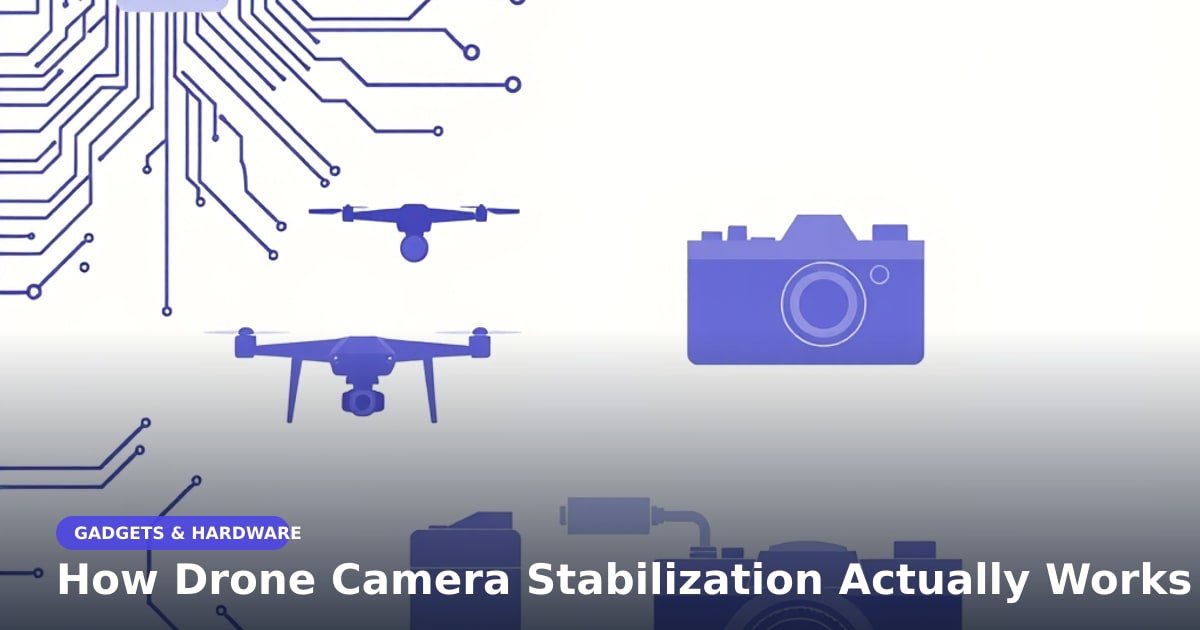
TL;DR: Drone camera stabilization works because a motorised cradle (a gimbal) holds the camera still while the drone shakes around it. A tiny motion sensor tells three small motors how to correct, thousands of times a second. I built one to test this, and the mounting mattered far more than the parts.
You film your street from 50 metres up. It looks perfect on the phone screen. Then you open the file on a laptop and the horizon is bouncing like a car stereo. That was my first flight, and it sent me to a workbench.
A gimbal is a camera on a floating shelf
A gimbal is a frame with three joints, each driven by its own brushless motor (a motor with no brushes rubbing inside, so it turns smoothly and quietly). Each joint handles one kind of movement:
- Pitch: the nose dipping up and down.
- Roll: the drone leaning left or right.
- Yaw: the whole aircraft turning.
Hold a cup of coffee on a moving bus and your wrist does the correcting. The gimbal is that wrist, minus the spill.
The sensor that feels every bump
At the centre sits an IMU (inertial measurement unit), a chip with a gyroscope and an accelerometer inside. The gyroscope reports how fast the drone is rotating. The accelerometer reports which way gravity is pulling.
The controller compares where the camera should point with where it's actually pointing, then fires the motors. Good ones repeat this thousands of times a second. That speed is what kills the jitter. The delay between a bump and the correction, called latency, has to be a few thousandths of a second.
Where drone camera stabilization usually fails
Here's what the spec sheets skip. On my bench rig the camera was rock-steady. Bolted to the drone, it produced a shimmering wobble called the jello effect (named after the dessert, because the image ripples).
The gimbal was fine. The propellers weren't. Spinning props send high-frequency vibration up the arms, and the motors chase that instead of the wind. Four fixes, in order of impact:
- Balance the props. A cheap balancer pays for itself.
- Mount the gimbal on soft silicone or rubber dampers, not solid metal.
- Keep the wires loose. Stiff cables pass vibration straight through.
- Move the battery so the drone hangs level without the gimbal straining.
Once I softened the mounts, my footage went from unusable to something I'd actually post.
What this means for you
If you just want smooth aerial video, buy a drone with a mechanical 3-axis gimbal. Electronic stabilization (software that shifts the frame to hide shake) is a decent backup. But it crops your picture, softens fine detail and falls apart in low light.
Watch out for drones that advertise "4K stabilization" with no gimbal at all. That's software only. Starter camera drones with a real gimbal have dropped a long way in price, so this is no longer a pro-only feature.
And if you're building one instead of buying one: budget your time for tuning, not shopping. The parts arrive in a week. The setup takes a month.
Key Takeaways
- A gimbal is three small motors holding the camera still while the drone moves.
- A motion sensor plus fast corrections, thousands per second, stops the shake.
- Propeller vibration ruins more footage than wind does, so soften the mounts.
- Buy a drone with a mechanical gimbal; software-only stabilization crops your video.
Frequently Asked Questions
Do I need a gimbal if my drone has electronic stabilization?
Yes, if picture quality matters to you. Electronic stabilization crops the edges and can make footage look soft, while a gimbal keeps the full frame sharp.
Why is my drone footage still shaky with a gimbal?
Usually vibration or a loose mount. Check propeller balance first, then soften the gimbal mount with rubber dampers.
Can you add a gimbal to a cheap drone?
Sometimes. Small add-on gimbals exist for action cameras, but they add weight and need power, so check your drone's payload limit first.
How did this story feel?
Be the first to react
Recommended gear
Related picks for this guide

Sony WH-1000XM5
Over-ear ANC · 30h battery
Best headphonesView on Amazon →
Anker 737 Power Bank
24,000mAh · 140W USB-C
Best travel pickView on Amazon →
Nintendo Switch 2
7.9" 1080p · 4K docked · 256GB
NewView on Amazon →Affiliate links: we may earn a commission at no extra cost to you.
Written by
TechPulse Team
The TechPulse editorial team publishes clear, practical technology guides. Every article is original and written to be understood — not just skimmed.
Comments (0)
No comments yet — start the conversation!
Keep reading

Picnic Gadgets: What's Worth Packing (and What Isn't)
A trending list of picnic gadgets promises a perfect park day. Most of it won't help you. Here's what's worth the bag space.

Kindle Colorsoft Review: A Calmer Way to Read
Amazon's first color Kindle is calm, focused and pricey. Here's who should buy the Colorsoft and who should stick with a cheaper Paperwhite.
SSD vs HDD: What Actually Changes in Daily Use
An SSD turns four-minute boot times into fifteen seconds. An HDD still wins on price. Here's what actually changes in daily use, without the hype.