
How Phone Camera Processing Works: Inside a Real Camera App
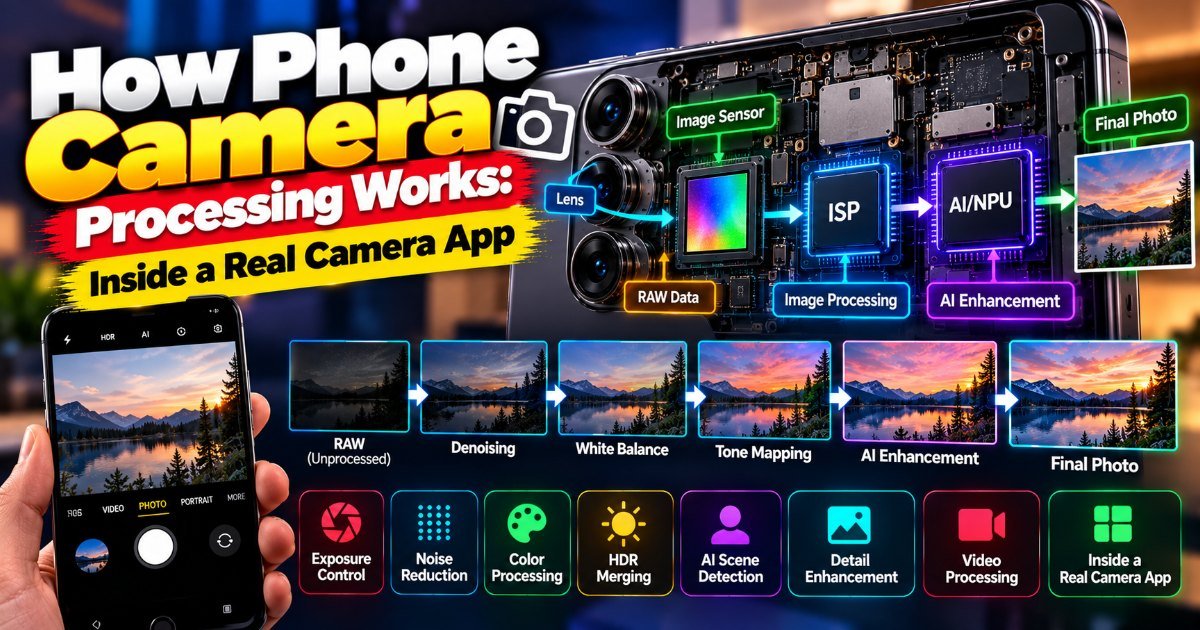
You're at a concert. The stage lights are a mess — deep blues, harsh reds, and the singer's face lost in shadow. You raise your phone, and the screen shows something that looks professionally lit. How did that happen?
The short answer: your phone didn't take one photo. It took dozens, in a fraction of a second, and then it merged the best parts into the picture you see. That's phone camera processing, and it's the quiet engineering miracle sitting in your pocket.
What phone camera processing actually does
Here's the thing most people don't realize. The tiny sensor in your phone captures a lot of data, but it's messy. Every pixel gets a jolt of light that may or may not be accurate. In low light, that means grain — the dreaded noise that makes night shots look like static.
Professional cameras solve this by shooting in RAW and doing the work in Lightroom. Your phone solves it differently. It never shows you the raw mess. Instead, Google's approach — the one that basically defined modern phone camera processing — is called HDR+.
HDR+ takes a rapid burst of underexposed frames (usually 10 to 15), aligns them pixel by pixel, and averages them. Averaging cancels out the random noise. Underexposed frames keep the bright highlights from blowing out. Merge them, and you get a clean, well-balanced image. (It's genuinely one of the more elegant tricks in all of consumer tech.)
What the Pixel actually does when you press the shutter
Let's get concrete, because the Google Pixel camera app is the best case study we have. It's not marketing fluff — it's a real, shipped product, and its pipeline shows up in every flagship today.
When you tap the shutter on a Pixel, here's what runs:
- HDR+ bracketing. The camera fires a quick sequence of short exposures and stacks them.
- Motion deblur. If your hand moved, the app finds the sharpest frame and uses it as an anchor.
- Night Sight. In near-darkness, it shoots longer exposures and hand-holds the alignment using the gyroscope.
- Super Res Zoom. Instead of pure digital zoom, it exploits tiny hand tremors to sample slightly different pixels and reconstruct a sharper crop.
The result: a Pixel in a dim restaurant produces a photo that, ten years ago, would have needed a full-frame camera, a tripod, and a skilled operator. That's not hype. It's just what the math does.
Where the AI comes in
The second half of the pipeline is where things get a little fuzzy — in a good way. Google added a neural net called the White Balance Net that predicts color temperature per scene, and later, the Tensor chip's image signal processor started doing real-time semantic segmentation.
Translation: the phone looks at the image and asks, "Is that sky? Skin? Food?" Then it tunes each region differently. Sky gets a bit more blue. Skin tones stay natural — and this last part matters, because it's where many competitors overcorrect into orange.
My honest take: the AI isn't replacing good photography. It's handling the tedious bits — white balance, exposure, noise — so you don't have to. If you want manual control, get a phone with a Pro mode. But for 95% of shots, letting the pipeline do its job is the right call.
Should you care which phone you buy on this basis?
A fair question. The short version: yes, but with caveats.
Every major flagship — iPhone, Galaxy, Pixel — now does multi-frame noise reduction and computational HDR. The differences are in the details, and the details are getting smaller every year. What
How did this story feel?
Be the first to react
Written by
TechPulse Team
The TechPulse editorial team publishes clear, practical technology guides. Every article is original and written to be understood — not just skimmed.
Comments (0)
No comments yet — start the conversation!
Keep reading

Phones Without Chargers: What You Actually Lose (and Gain)
You unbox a new phone, peel the plastic, and reach for the charger. It's not there. Again. This is the reality of phones without chargers in 2026 — it's been…
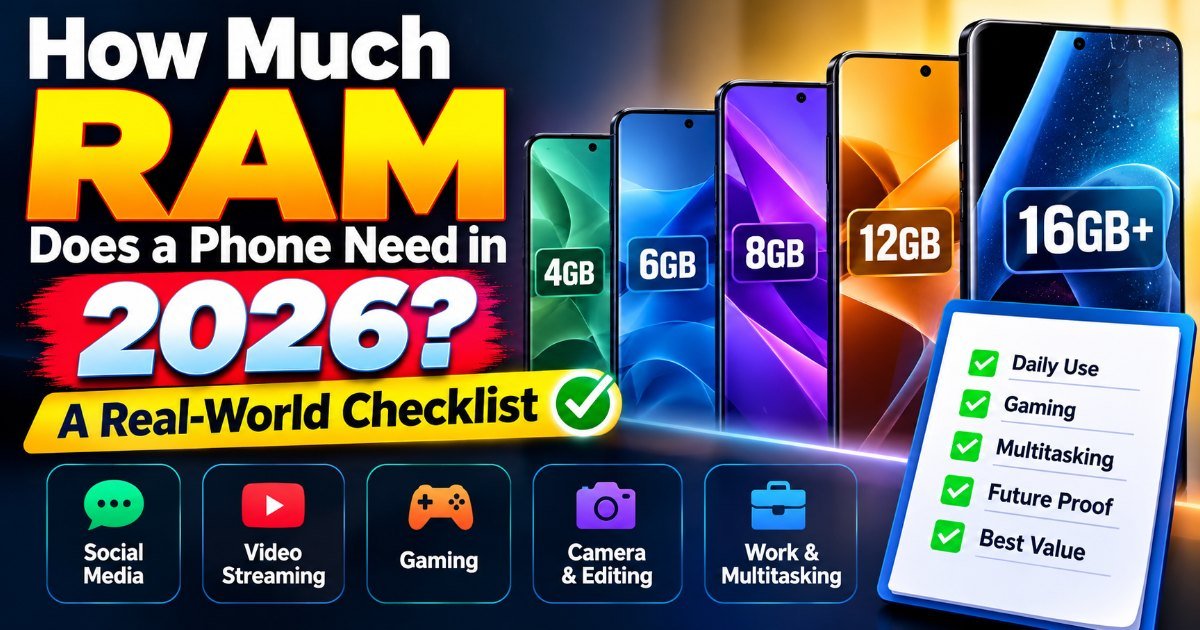
How Much RAM Does a Phone Really Need?
You're on the 7:15 train, juggling three apps at once — Slack pings, your calendar reminder pops, and you're drafting an email. Your phone stutters. Again. So…
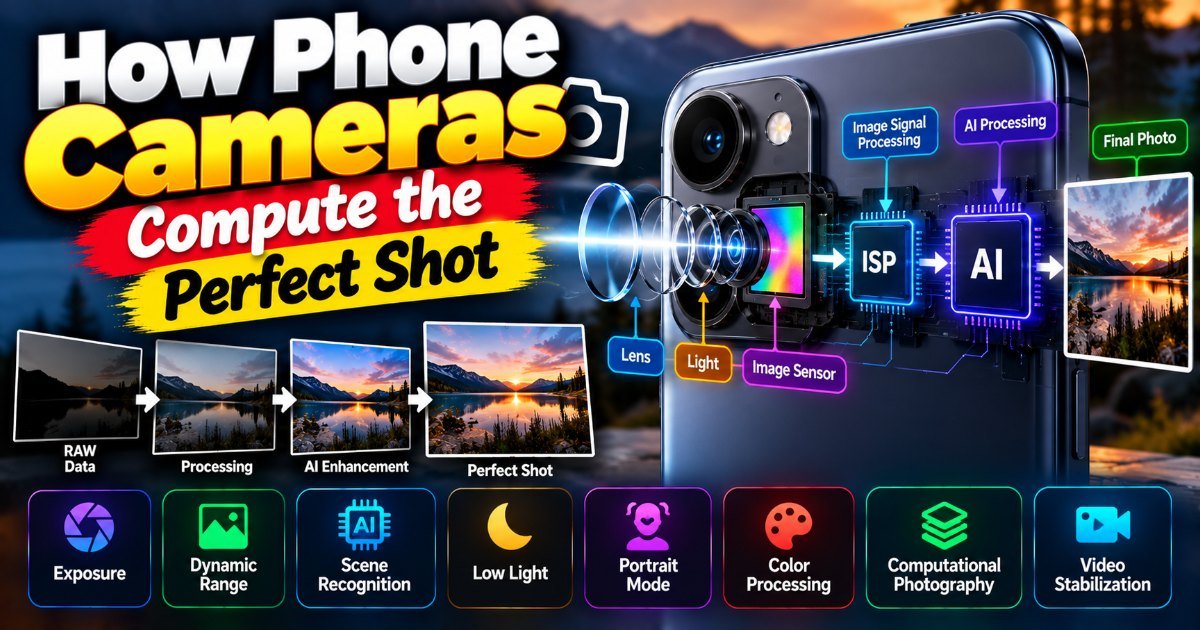
How Phone Cameras Compute the Perfect Shot
Ever wonder how your phone camera captures those perfect shots? We break down the computational photography behind night mode, portrait mode, and HDR.