How VPNs Work and When You Actually Need One
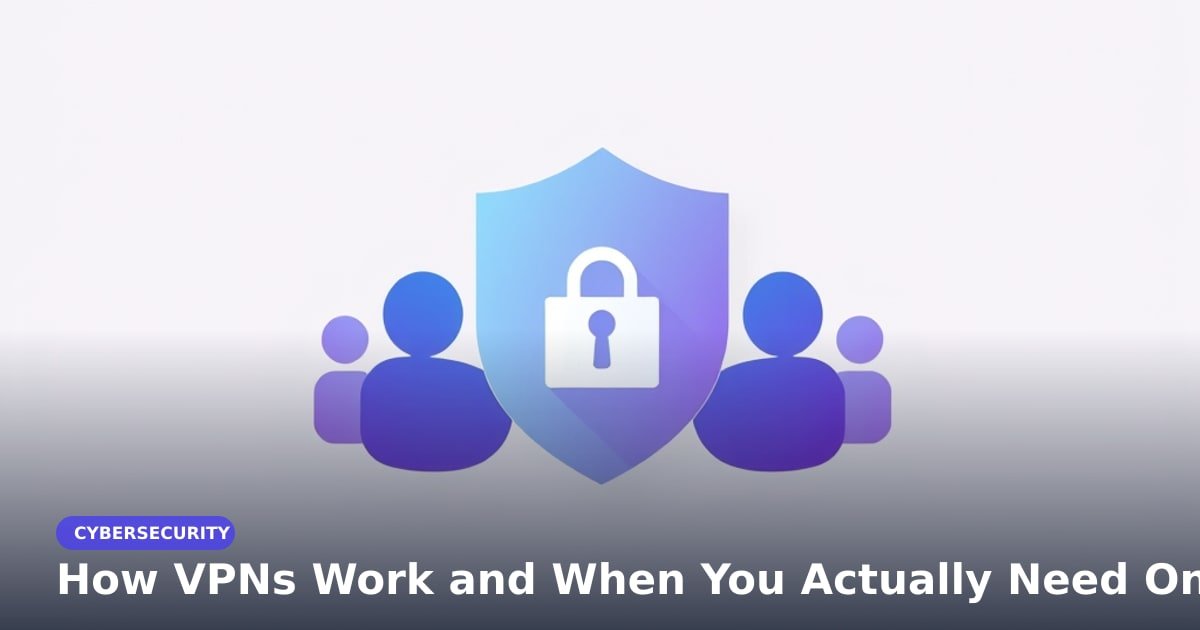
TL;DR: A VPN (virtual private network) creates a private tunnel between your device and a server, so the café Wi-Fi or your internet provider can't easily see which sites you visit. You need one most on untrusted Wi-Fi, while traveling, or when a network blocks sites you trust. You don't need one every hour, and a bad free VPN can be worse than none.
You're at a hotel, the Wi-Fi login page says "free," and you need to check your bank balance before dinner. The Wi-Fi works. But who else can see what your phone is doing?
How VPNs work: the 30-second version
When you turn on a VPN, your phone or laptop creates an encrypted tunnel to a VPN server (a computer that passes your traffic along). Encryption scrambles your data, so anyone watching the local network sees gibberish instead of the pages you open.
That's the trick. Websites see the VPN server's IP address (your device's number on the internet), not yours. Your internet provider can see that you're using a VPN, but not which sites you visit.
Think of it as a mail-forwarding service for your internet traffic. The post office knows you sent a package to the forwarder, but not what's inside or where it goes next.
When you need a VPN (and when you don't)
Use one here:
- Hotel, airport or café Wi-Fi. You don't control that network. HTTPS (the lock icon in your browser) protects many sites already, but a VPN wraps all your traffic in one private tunnel.
- Travel and restricted networks. If a network blocks a site you trust, a VPN can route around it. Check local laws first; some countries restrict VPNs.
- Home browsing you want private from your ISP. It stops your internet provider from seeing which sites you visit. It also moves your trust to the VPN company, so pick a good one.
Skip it for fast games. A VPN usually adds latency (the lag between your action and the response), which hurts shooters and video calls. At home on your own Wi-Fi, your bank app and most websites already encrypt traffic. A VPN is optional there, not a daily must.
VPN privacy: what it can and can't hide
A VPN hides your traffic from the local network and your ISP. It does not make you anonymous. If you log into Google, Facebook or your bank, those sites still know it's you.
It won't stop malware, phishing emails or bad downloads. It also won't stop your employer seeing your activity on a work laptop they manage. Be picky about free VPNs. Many make money by logging your activity or showing ads. A random free app can be worse than no VPN at all.
What this means for you: pick the right VPN
For most people, one reputable paid VPN is enough. Expect roughly $3 to $12 a month on a yearly plan; monthly plans cost more. Look for a clear no-logs policy, an independent audit (an outside firm checks the privacy claims), a kill switch (it cuts your internet if the VPN drops), and apps for your phone and laptop.
Use it on public Wi-Fi and while traveling. At home, turn it on when you want to keep your browsing private from your ISP, not because a website told you to. Avoid lifetime deals and unknown free apps. You're paying for trust, and trust is hard to run on ads.
Key Takeaways
- A VPN puts your internet traffic in an encrypted tunnel to a server.
- Use one on hotel, airport and café Wi-Fi, and while traveling.
- It hides your traffic from the local network, not from sites you log into.
- Pick a paid VPN with a no-logs policy, an outside audit and a kill switch.
Frequently Asked Questions
Do I need a VPN on public Wi-Fi?
Yes, if you're doing anything private. HTTPS protects many sites already, but a VPN covers all your traffic from a network you don't control.
Are free VPNs safe?
Some are, most aren't. Random free apps can log your data or show ads; choose a known provider's limited free tier or pay a few dollars.
Can a VPN hide my browsing from my employer?
Only on your own device and network. It won't help on a work laptop managed by your employer, because they can monitor the device itself.
How did this story feel?
Be the first to react
Recommended gear
Popular tech picks
Samsung Galaxy S25 Ultra
6.9" AMOLED · 200MP · 5000mAh
Editor's pickView on Amazon →
Apple MacBook Air 13-inch (M4)
M4 · 16GB · 13.6" Liquid Retina
Editor's pickView on Amazon →
Sony WH-1000XM5
Over-ear ANC · 30h battery
Best headphonesView on Amazon →Affiliate links: we may earn a commission at no extra cost to you.
More on #vpn
Weekly tech brief
The tech stories worth your time, every Sunday.
One short email with the most useful guides and gadget picks from the week. No spam, unsubscribe anytime.
Written by
TechPulse TeamThe TechPulse editorial team publishes clear, practical technology guides. Every article is original and written to be understood — not just skimmed. Read our editorial policy.
Comments (0)
No comments yet — start the conversation!
Keep reading
How VPNs Work and When You Actually Need One
A VPN is a sealed envelope for your internet traffic. Here's what it hides, what it can't, and the two situations where it's genuinely worth paying for.
Smartphone Remote-Control Fraud: What the Arrests Mean
Two arrests in Japan highlight smartphone remote-control fraud. Learn how malicious apps can take over your screen and what to check.
Why Public Key Encryption Keeps Breaking
A vague Hacker News post about public key tricks is trending. The real story is why shared encryption code keeps failing and what you can do about it.