Why Fewer Galaxy Watch Notifications Beat More Features
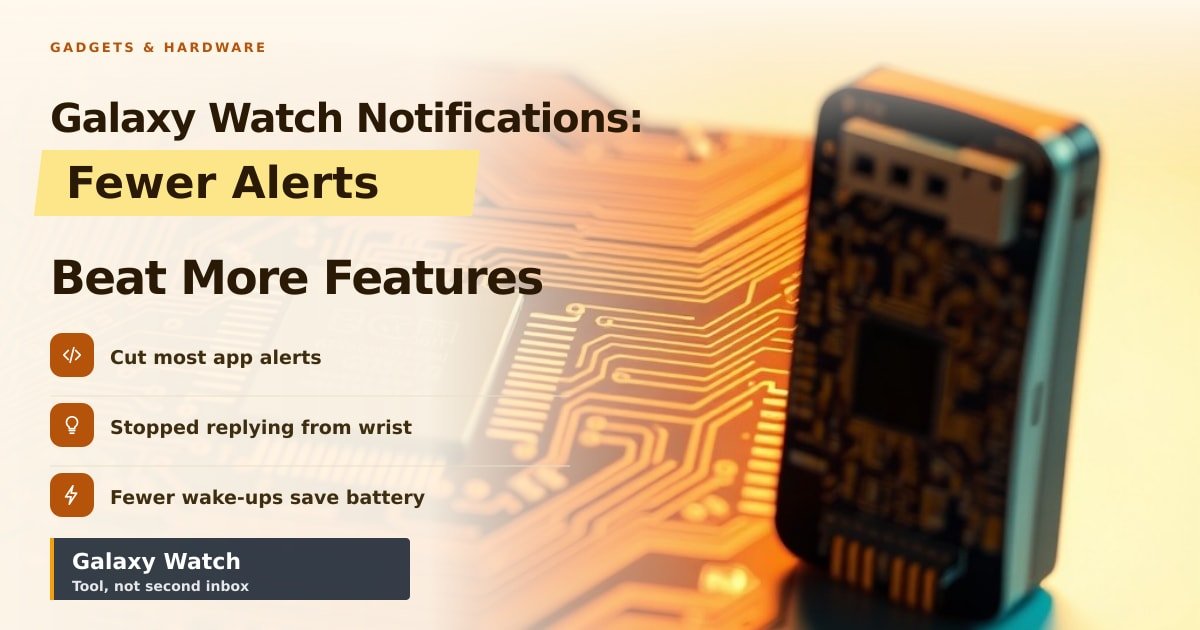
TL;DR: A writer at Android Police stopped treating their Galaxy Watch like a phone, cutting most alerts and wrist replies, and says daily life got calmer. The lesson isn't that smartwatches are bad. It's that default settings turn a handy tool into a second inbox, and you can fix that in about five minutes.
Your wrist buzzes at 7:42 a.m. It's a 20% off email. You haven't had coffee yet, but your watch has already handed you a small chore. Multiply that by dozens of pings a day and you can see why one reviewer decided the watch was the problem, not the phone.
What changed when Galaxy Watch notifications went quiet
The writer didn't dump the watch in a drawer. They turned off most app alerts, stopped replying to texts from the wrist, and let the watch do watch things: tell the time, track workouts, and tap for calls from actual humans.
Fewer things lit up the screen, and that matters twice over. Every buzz pulls your eyes down for a few seconds, and those seconds add up across a day. The screen is also the biggest battery drain on any smartwatch, so fewer wake-ups usually mean you're less likely to hit 10% before dinner.
Why fewer alerts matter more than more features
Watch makers keep adding things you can do from your wrist: reply to messages, check stocks, scroll social feeds, even take calls. Each sounds handy in a demo. Together, they turn a device meant to stop you reaching for your phone into one more screen asking for attention.
There's a privacy angle too. Notification previews on a watch are readable by anyone standing next to you on a train, and most people never check which apps are allowed to show them.
Here's the honest part: the Galaxy Watch isn't the villain. A fresh setup ships with every app you own asking to ping you, and almost nobody opens that list. Five minutes in the Galaxy Wearable app (Settings, then Notifications) is enough to cut it down to calls, texts from favorite contacts, and your alarm.
The bigger picture: we built a second phone for our wrists
This is the same fight we had with phone notifications a decade ago, just moved down your arm. Both Wear OS and watchOS now include focus modes and per-app alert controls, which tells you the companies know the defaults are too loud.
What to watch next is whether Samsung and Google make that cleanup a first-run step instead of a scavenger hunt. Until then, treat your watch as a tool you configure, not a service you accept.
Key Takeaways
- The Android Police writer cut wrist alerts and says focus and battery life improved.
- Default settings let nearly every app ping your watch, so trim the list yourself.
- Fewer screen wake-ups usually mean longer battery life between charges.
- A smartwatch works best as a filter for important alerts, not a copy of your phone.
Frequently Asked Questions
How do I turn off notifications on my Galaxy Watch?
Open the Galaxy Wearable app on your phone, go to Watch settings, then Notifications, and switch off the apps you don't need.
Does turning off notifications save battery?
Usually yes. Every alert lights the screen, and the display is the largest power draw on a watch.
Is the Galaxy Watch still worth buying?
If you want fitness tracking, contactless payments and quick call screening, yes. Just set aside five minutes to tame the alerts.
Sources
How did this story feel?
Be the first to react
AI assistance. This article was researched and drafted with AI tools and reviewed by our editorial team before publication. We link to sources at the end of every article so you can verify the claims. If you spot an error, please let us know.
Recommended gear
Related picks for this guide
Sony WH-1000XM5
Over-ear ANC · 30h battery
Best headphonesView on Amazon →
Anker 737 Power Bank
24,000mAh · 140W USB-C
Best travel pickView on Amazon →
Nintendo Switch 2
7.9" 1080p · 4K docked · 256GB
NewView on Amazon →Affiliate links: we may earn a commission at no extra cost to you.
Weekly tech brief
The tech stories worth your time, every Sunday.
One short email with the most useful guides and gadget picks from the week. No spam, unsubscribe anytime.
Written by
TechPulse TeamThe TechPulse editorial team publishes clear, practical technology guides. Every article is original and written to be understood — not just skimmed. Read our editorial policy.
Comments (0)
No comments yet — start the conversation!
Keep reading

Cobalt Prices Sink as Memory Chip Costs Hit Gadget Demand
Cobalt's outlook is darkening as memory chip costs push gadget prices up and demand down. Here's how it reaches your wallet.

Bass Pro Shops Gadgets: Why Mini Gear Sells
SlashGear's roundup of nine mini gadgets at Bass Pro Shops says less about the list and more about why small, cheap gear keeps selling.
Charging Gadgets With Displays: Useful Or Just Shiny?
Tiny screens on chargers and power banks show live wattage, heat and battery level. Here's when that's genuinely useful and when it's just a light show.