
How Package Managers Solve Dependency Hell
TL;DR: A package manager installs the libraries your code needs and picks versions that work together. It saves those picks in a lockfile, so your laptop, your teammate's machine, and your server run the same setup.
You clone a project, run npm install, and get a red wall of version conflict errors. You haven't written a line of code yet. That's dependency hell, and package managers exist to get you out of it.
What dependency hell actually looks like
A library (also called a package) is code someone else wrote: a date picker, a login helper, a testing tool. That library is a dependency, which just means another package your code needs. The trouble starts when libraries depend on each other.
Say your app needs library-a. It needs library-b version 2. Another package you use needs library-b version 3. Install both and one may break. Upgrade one and the other may stop working. That's the hell part: a tangle of version conflicts, not one broken file.
How package managers solve dependency hell
A package manager is a tool that downloads, installs, updates, and removes libraries for you. npm handles JavaScript, pip handles Python, and apt handles Linux software. The steps are similar.
- Read your manifest. Your project lists what it wants in a file like
package.jsonorrequirements.txt. You say "I need Express 4," not "I need these 47 sub-packages." - Build a dependency graph. The package manager reads each package's own requirements and maps who needs what. Think of a family tree for software.
- Pick compatible versions. It solves the version puzzle: choose one set of versions that satisfies as many packages as possible. Modern tools often do this in seconds.
- Download from a registry. A registry is an online catalog, like an app store for code. npm uses the npm registry; Python uses PyPI.
- Write a lockfile. It records the exact versions it installed. That file is how you repeat the same setup later.
Why lockfiles are the seatbelt
Without a lockfile, two installs can produce different results. Your laptop gets library-b 2.4.1, your teammate gets 2.6.0, and production gets something else. The classic bug report appears: "It works on my machine."
A lockfile (package-lock.json, poetry.lock, Pipfile.lock) pins the exact versions and download fingerprints. Commit it to your project. Then use the command that respects it: npm ci instead of npm install, or pip install -r requirements.txt with exact versions pinned. That won't fix every conflict, but it makes "same code, same result" normal instead of lucky.
What this means for you
Here's how to use this without memorizing every command.
- Commit your lockfile. Treat it like source code, not a temp file. Deleting it to "fix" an error can quietly upgrade half your project.
- Use the lockfile command on servers and build scripts. For npm,
npm ciis faster and stricter thannpm installbecause it follows the lockfile exactly. - Don't chase "latest" on a deadline. Update one dependency at a time, run your tests, and read the release notes when the package manager warns you.
- Pick one package manager per project. Mixing npm and yarn, or pip and poetry, is how small version problems become big ones.
Key Takeaways
- A package manager installs libraries and resolves their version needs for you.
- Dependency hell is a version conflict between packages, not a personal failure.
- Lockfiles make installs repeatable across laptops, servers, and teammates.
- Commit the lockfile, and use the install command that respects it.
Frequently Asked Questions
What is dependency hell in simple terms?
It's when your software needs libraries that need different versions of the same thing. Installing one can break another, so you spend hours fixing versions instead of writing code.
Do I need a package manager for small projects?
Yes, even a tiny project benefits. It saves you from downloading libraries by hand and gives you a lockfile when you need to rebuild the project later.
What should I do when two packages need different versions?
First, update the packages to newer releases that support the same version. If that fails, pick versions that overlap, or ask the package maintainers. Don't delete the lockfile and hope.
How did this story feel?
Be the first to react
Recommended gear
Popular tech picks

Samsung Galaxy S25 Ultra
6.9" AMOLED · 200MP · 5000mAh
Editor's pickView on Amazon →
Apple MacBook Air 13-inch (M4)
M4 · 16GB · 13.6" Liquid Retina
Editor's pickView on Amazon →
Sony WH-1000XM5
Over-ear ANC · 30h battery
Best headphonesView on Amazon →Affiliate links: we may earn a commission at no extra cost to you.
Written by
TechPulse Team
The TechPulse editorial team publishes clear, practical technology guides. Every article is original and written to be understood — not just skimmed.
Comments (0)
No comments yet — start the conversation!
Keep reading

OOP vs Functional Programming: When Each Wins
Two developers, one ticket: one builds a class, the other writes three functions. How to choose between OOP and functional thinking — without the dogma.

Technical Debt: What It Is and How It Grows
Technical debt is future work you owe for a faster choice today. Here's how it builds up, when it's smart, and how to pay it down.
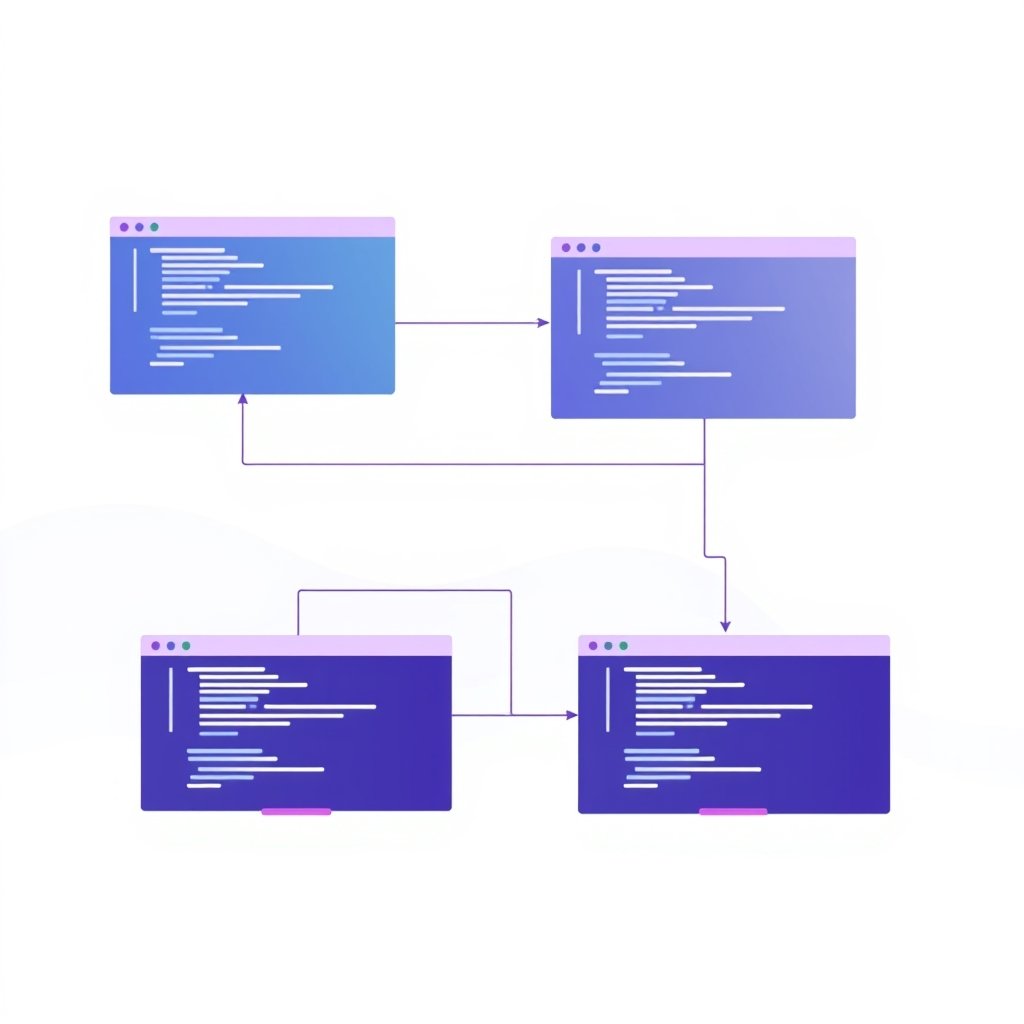
How Regex Works Under the Hood
A practical look at how regex engines parse, compile, and match patterns — plus real examples and the backtracking trap that can hang production.