How VPNs Work (and When You Actually Need One)
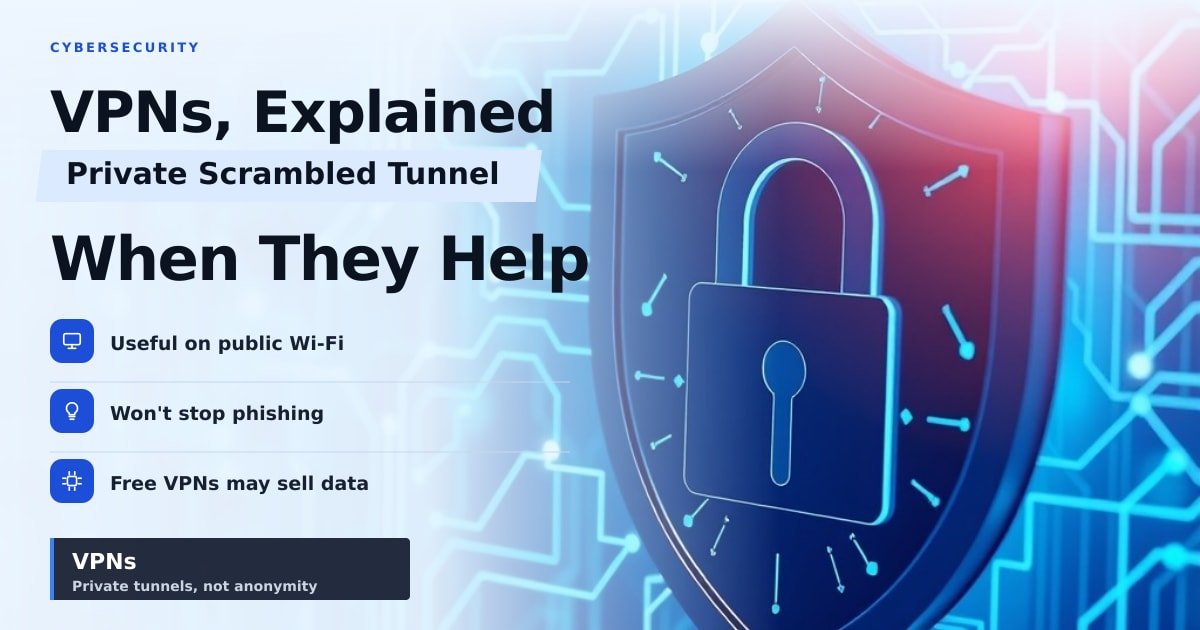
TL;DR: A VPN is a private, scrambled tunnel between your phone or laptop and the internet. It's worth using on public Wi-Fi, on hotel and airport networks, and when you don't want your internet provider logging your browsing. It won't make you anonymous, and a free VPN from a company you've never heard of can be worse than nothing.
The airport Wi-Fi is called Free_WiFi_5G, it asks for nothing but your email, and you've got your banking app open. That's the moment most people start wondering about a VPN. Here's what one actually does, in plain words.
How a VPN works, in one paragraph
A VPN (virtual private network) puts a private tunnel between your device and a server run by the VPN company. Everything you send travels through that tunnel, scrambled so only the two ends can read it. Websites see the VPN server's address instead of yours, and your internet provider sees that you're using a VPN but not which sites you visit.
Think of it like asking a friend to post a letter for you. The recipient only sees your friend's return address. But that friend handles the envelope, so who runs the VPN matters more than any feature list.
When you actually need a VPN
Here's where one earns its $4–13 a month:
- Public Wi-Fi at cafés, airports and hotels. The risk is smaller than those 2015 security ads suggested, because most sites now use HTTPS (the padlock in your address bar). A VPN still covers the older apps and login pages that don't. If you check email on café Wi-Fi every week, get one.
- You don't want your internet provider watching. In many countries your provider can log which sites you visit. A VPN moves that trust to the VPN company — so pick one that publishes independent audits of its no-logs promise.
- You're travelling and want your home streaming library. A VPN can put you back in your home country's version of Netflix or BBC iPlayer. Expect a fight: most big streaming services actively block known VPN servers.
- You're on a shared or rental network. Hotel, hostel, Airbnb. A VPN keeps your traffic out of reach of whoever runs that router.
- You're in a country that blocks sites. VPNs help, but local laws still apply to you. Check the rules where you're travelling.
When a VPN won't save you
This is the part the ads skip.
- It doesn't stop phishing or malware. A fake bank login page looks identical through a tunnel.
- It doesn't make you anonymous. Log into Gmail and Google knows exactly who you are, VPN or not.
- It doesn't hide you on a work laptop. If your employer installed monitoring software, that software reports back regardless.
- Free VPNs are usually not free. Many sell your browsing data or inject ads, and a few have been caught doing it. Pay a few dollars a month or skip it.
What this means for you
If you use public Wi-Fi most weeks, buy a paid VPN from a company that publishes third-party audits. Proton VPN, Mullvad and IVPN are commonly recommended; NordVPN and ExpressVPN are the big consumer names. Test the speed in your first week — expect 10–30% slower downloads, and more on distant servers.
If you mostly browse at home on sites with a padlock, you can safely save your money. Spend it on a password manager instead. That fixes a far bigger hole.
Key Takeaways
- A VPN hides your address and scrambles your traffic between you and its server.
- It's genuinely useful on public Wi-Fi, hotel networks and while travelling.
- It does not stop phishing, malware or tracking once you log in somewhere.
- Free VPNs often pay for themselves by selling your data — pay or don't bother.
Frequently Asked Questions
Do I need a VPN at home?
Usually no. On your own private connection, HTTPS already protects most of what you do. A VPN helps if you don't trust your internet provider or want to appear in another country.
Does a VPN slow down my internet?
Yes, a little. Your data takes a detour through the VPN server, so expect 10–30% slower speeds. Nearby servers cost you less than far-away ones.
Can I use a free VPN?
You can, but read who owns it first. Reputable free tiers from paid providers (like Proton VPN's) are fine. Random free apps from unknown developers are a privacy risk, not a fix.
Sources
How did this story feel?
Be the first to react
AI assistance. This article was researched and drafted with AI tools and reviewed by our editorial team before publication. We link to sources at the end of every article so you can verify the claims. If you spot an error, please let us know.
Recommended gear
Related picks for this guide

Cloudflare One (Free tier)
DNS filtering · WARP · 1.5GB/s
Free & powerfulView offer →1Password Extended Access Plan
Unlimited devices · passkeys · SSO
Best password managerView offer →Affiliate links: we may earn a commission at no extra cost to you.
More on #vpn
Weekly tech brief
The tech stories worth your time, every Sunday.
One short email with the most useful guides and gadget picks from the week. No spam, unsubscribe anytime.
Written by
TechPulse TeamThe TechPulse editorial team publishes clear, practical technology guides. Every article is original and written to be understood — not just skimmed. Read our editorial policy.
Comments (0)
No comments yet — start the conversation!
Keep reading
Optimizely Malware Attack: What You Need to Know
Optimizely's code was reportedly altered to serve malware on sites like Zoom and GitLab. Here's what it means for you and what to do next.
Coding Agent Security: Stop Handing Over Your Keys
A trending Hacker News post shows how to run AI coding agents without giving them your real keys. Here's why that setup matters to anyone using AI tools.
How VPNs Work and When You Actually Need One
A VPN hides your address and scrambles your traffic. Here's what that's worth in 2026, and why your browser may already do half of it.