
Local LLMs on a Smartphone Now Beat Your Desktop PC — Here's Why
Your phone has probably been running local LLMs on its own for a while without you noticing. What's new is that it's doing it well — well enough to give many desktop PCs a run for their money. (And no, this isn't the same as those cloud-backed chatbots that need an internet connection and a monthly subscription.)
The shift is real and it's accelerating. Newer flagship phones ship with dedicated AI accelerators — Apple's Neural Engine, Qualcomm's Hexagon NPU, MediaTek's APU — that are quietly turning handsets into mini workstations for on-device language models. Meanwhile, your three-year-old gaming laptop is still waiting for a GPU driver update and a prayer.
What's actually happening
For years, running a serious language model locally meant a beefy desktop with a high-end graphics card, a noisy fan, and electricity bills that made your accountant sigh. Models like Llama, Mistral, and Phi were the domain of enthusiasts who could afford a premium GPU and didn't mind the heat.
That's changing fast. Two things collided. First, the models got smaller and smarter — quantized versions of open-weight LLMs now run comfortably in a few gigabytes of RAM. Second, the silicon caught up. Modern smartphone SoCs pack neural processing units rated in tens of trillions of operations per second, engineered specifically for exactly this kind of matrix math.
The result? Independent testers report recent flagships running 7-billion-parameter models at speeds that match or beat mid-range desktop setups. Your $400 midrange phone can now do something your $1,500 laptop from 2021 simply can't — not because the laptop is broken, but because it was built before this silicon generation existed.
Why local LLMs on a smartphone matter to you
This isn't a benchmark score to brag about. It touches three things you care about.
Privacy. When the model runs on your device, your prompts never leave it. No server logs, no third-party data pipelines, no terms-of-service fine print about how your queries might train someone else's product. For anything sensitive — health questions, legal drafts, private correspondence — that's a genuine advantage over cloud chatbots.
Money. A local model costs nothing after the hardware you already own. No $20-a-month subscription, no usage tiers, no "you've hit your limit" screens. If you've already paid for a phone, the AI is effectively free.
Daily habits. Offline access means your notes app can summarize a meeting transcript on a flight, your writing tool can rephrase a paragraph without a signal bar, and none of it depends on a service staying up. Reliability compounds over months of daily use.
The honest comparison
Let's be clear about what's overhyped. Phones are competitive, not universally superior. They still win on efficiency and integration, but a high-end desktop with a recent GPU will run larger models faster and with better quality. The headline is really about the midrange: a $500 phone punching above its weight against a $1,000 prebuilt PC.
Also, phones have constraints. Thermal throttling is real — sustained inference heats the device and slows it down. You won't be fine-tuning a 13-billion-parameter model on your handset during a summer afternoon. And the software experience is still fragmented: some phones ship polished AI features, others expose the NPU only to developers with a C++ compiler and a headache.
Desktops, by contrast, have mature tooling. llama.cpp, Ollama, and a dozen GUIs make it easy to swap models, tweak parameters, and run several at once. That ecosystem is years ahead of what you'll find on Android or iOS, where you're often locked into whatever the manufacturer shipped.
What to watch next
Three things are worth tracking.
- On-device fine-tuning. Phones are starting to handle LoRA-style adaptation, which means personalizing a model to your voice, your writing, or your data — all locally. That's where the real value lives.
- The chip race. Every major SoC vendor is treating NPU performance as a flagship selling point. Expect the gap between phone and PC to keep narrowing, not widening.
- Software catching up. Hardware is ahead of software right now. The killer phone-AI app hasn't arrived yet. When it does — something that feels as natural as voice search — the conversation shifts from "can it run it" to "why would you use anything else."
The bottom line
If you want to tinker with local language models today and you own a recent flagship phone, you may already have the best AI workstation in your pocket. If you need raw power, batch processing, or a mature software ecosystem, the desktop still wins. But the center of gravity is shifting, and it's moving toward the device you already carry.
Don't buy a new PC because of this. But do stop assuming your phone is too weak to matter — it isn't.
Key Takeaways
- Modern smartphones now run 7B-parameter local LLMs at speeds that match or beat midrange desktop PCs.
- On-device AI offers real privacy and cost benefits — your prompts stay on the phone, and there's no subscription.
- Phones still lose to high-end desktops on raw power, thermal headroom, and software ecosystem maturity.
- The biggest open question isn't hardware — it's which app will make phone-based local AI feel indispensable.
- If you own a recent flagship, you may already have a capable local AI machine in your pocket.
Frequently Asked Questions
Can my phone really run a full language model without the internet? Yes, if it's a recent flagship with a modern processor. Quantized versions of open models like Llama and Mistral run entirely on-device, though performance varies by phone and how long you use it before it heats up.
Is local AI on a phone actually better than a desktop PC? For everyday, single-query tasks and efficiency, often yes — especially versus older or midrange PCs. For heavy workloads, large models, or extended sessions, a desktop with a powerful GPU still has the edge.
Do I need to pay for anything to use local LLMs on my phone? Generally no. Open-weight models are free to download and run, though some manufacturers bundle paid "AI" features. You'll just use storage space and battery.
How did this story feel?
Be the first to react
Written by
TechPulse Team
The TechPulse editorial team publishes clear, practical technology guides. Every article is original and written to be understood — not just skimmed.
Comments (0)
No comments yet — start the conversation!
Keep reading

North Korea Drones: Kim Pushes AI and Autonomous Warfare
Kim Jong Un wants North Korea to dominate the skies with drones and AI. Here's why it matters beyond the peninsula.
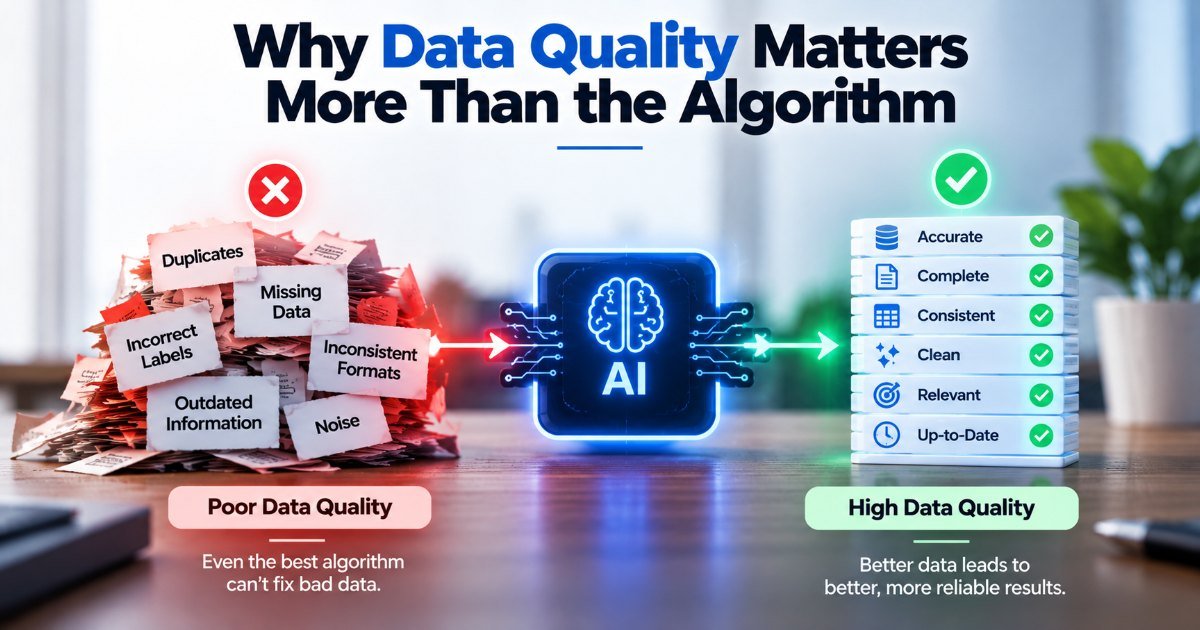
Why Data Quality Matters More Than the Algorithm
Your model passed every test. The data didn't. Why data quality matters more than the algorithm, with real examples from Tay to retail and healthcare models.
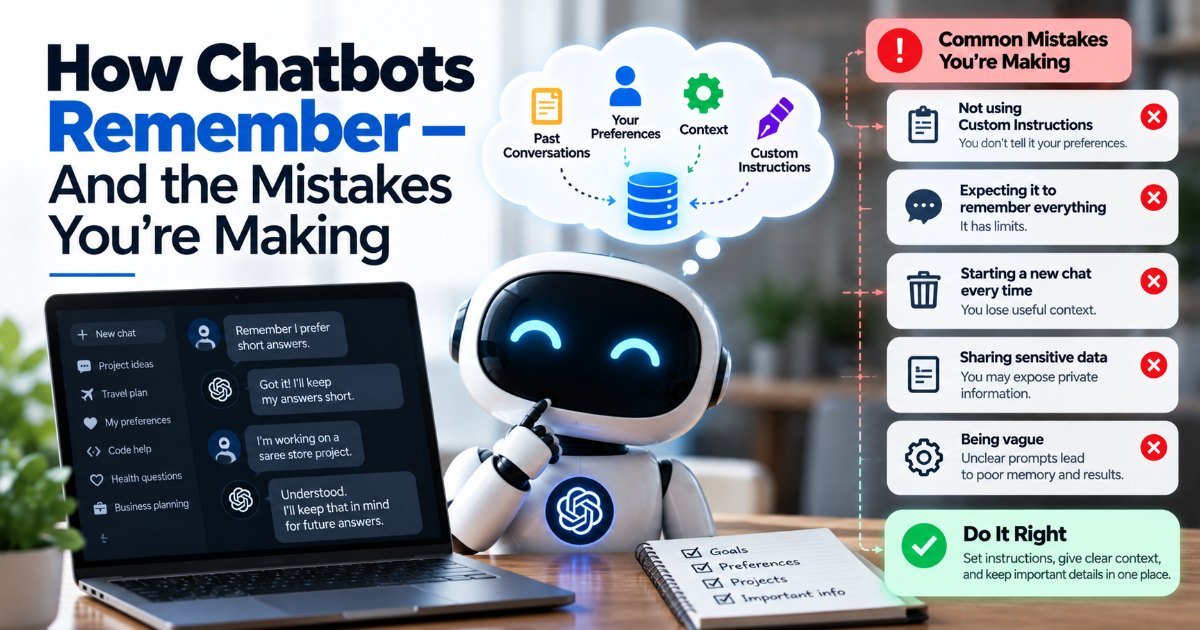
How Chatbots Remember — And the Mistakes You're Making
You're three messages into a chat with an AI assistant. You tell it your dog's name, your goto coffee order, and the deadline for that big project. You close…