
Multimodal AI Explained: How It Sees, Hears, and Reads
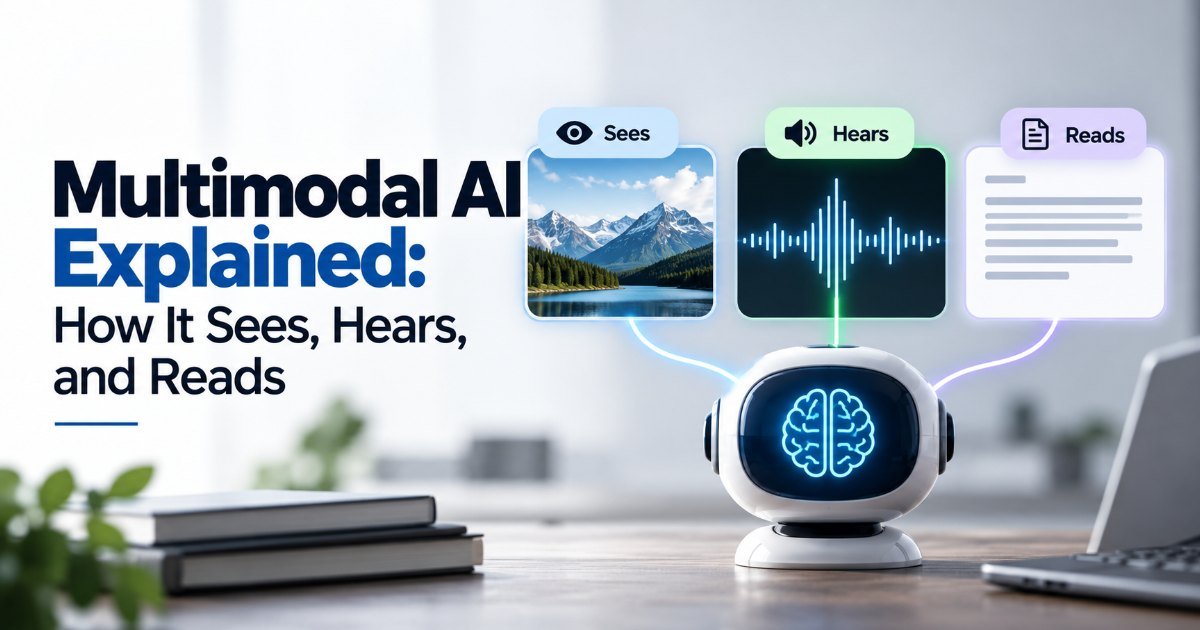
Picture this. You take a photo of a lopsided homemade cake and text it to your AI assistant with one line: "How do I fix this?" Within seconds it spots the burnt edges, the underbaked center, and sends back a revised recipe with a shorter bake time and a lower temperature. No copy-pasting, no separate app — it just understood.
That's multimodal AI. And if the name sounds technical, it isn't — it's simply AI that can work with more than one type of input at a time. Most chatbots you've used are text-only. They read your words and reply with words. Multimodal models add images, audio, video, and even documents into the mix. They can look at a screenshot and explain the error. They can listen to a voice note and summarize it. They can watch a clip of someone playing guitar and critique the chord transitions. (I'm not making this up — GPT-4o does the last one.)
How does multimodal AI work?
Here's the short version. Traditional AI takes one kind of input and produces one kind of output. A text model reads text, writes text. A vision model looks at pictures and describes them. Multimodal AI combines these abilities into a single model, so it can hold a conversation that moves fluidly between modes.
The trick is in how the model learns. During training it sees pairs — or triples, or whole sequences — of different inputs and learns the relationships between them. A picture of a golden retriever next to the word "dog." A sound file of a siren next to the caption "emergency vehicle." Over millions of examples, the model builds an internal map where images, sounds, and text all live in the same conceptual space. When you ask it something new, it doesn't switch apps — it just reasons across that shared space.
That shared space is the whole point. It's why a multimodal model can look at a chart, read the labels, and answer "which quarter grew fastest" without you having to describe the chart in words first. The model bridges the gap itself.
Real multimodal AI examples you can try today
You've probably already used one without realizing it. Here are the ones worth knowing:
- Google Lens. Point your camera at a plant, a dish, or a foreign-language sign and it tells you what it is. Pure vision, but it's the ancestor of everything multimodal.
- ChatGPT with vision. Upload a photo of your receipts and ask it to total them. Upload a whiteboard full of scribbled equations and ask it to clean them up into LaTeX. It works better than you'd expect, and worse than you'd hope on handwriting.
- Gemini. Google's answer to the same problem. It handles images, video, and audio natively in a single turn, which matters when you're asking about a 30-second clip rather than a single frame.
- Claude. Anthropic's model handles images and PDFs well, and I'd argue it's the strongest of the bunch at reasoning about documents — think a 40-page contract where you want to find the liability clauses.
- GPT-4o. The "o" stands for "omni." It's notable because it processes text, image, and audio in one model with genuinely low latency, which is what makes real-time voice mode feel like talking to a person instead of a phone tree.
If you want to test the difference yourself, try this: ask a text-only model to describe a meme. It can't. Upload the same meme to a multimodal model and it'll explain the joke, the cultural reference, and why it's funny. That gap is the whole story here.
Is multimodal AI worth it in 2026?
Short answer: yes, if you work with anything that isn't plain text. The longer answer has a few caveats.
Where it earns its keep:
- Visual troubleshooting. A photo of a weird engine part, a screenshot of a confusing error message, a diagram of a plumbing setup. Multimodal models handle these far better than any amount of careful prompting ever could.
- Document analysis. Tables, forms, handwritten notes, mixed layouts. These are genuinely bad for text-only models and genuinely good for multimodal ones.
- Accessibility. Describing a photo to someone who can't see it, or transcribing a voice note on the fly. The quality here has gotten good enough to be genuinely useful, not just a party trick.
Where it's still disappointing:
- Fine visual detail. Don't ask it to count the number of screws in a photo, or read tiny serial numbers. It guesses, and it guesses confidently. Always double-check anything safety-critical.
- Video. Most models sample a handful of frames. If the important action happens between frames, you'll miss it. Full video understanding is still a research problem, not a solved one.
- Cost and latency. Multimodal tokens are more expensive than text tokens. If you're building an app and your whole pipeline is image uploads, your bill will reflect that.
My honest take: if your use case involves photos, PDFs, or voice, multimodal is no longer a nice-to-have. It's the baseline. The question isn't whether to use it anymore — it's which provider.
What can multimodal AI actually do?
The honest scope is narrower than the marketing suggests, but still wider than most people realize. It can:
- See. Describe images, read text in images (OCR), identify objects, faces, scenes.
- Hear. Transcribe audio, translate speech, identify speakers, detect emotion in tone.
- Read documents. Parse PDFs, tables, and forms while preserving structure.
- Reason across modes. Answer questions that require combining what it saw with what it heard or read.
What it can't do (yet):
- Watch a full-length movie and summarize the plot accurately. Frame sampling isn't the same as understanding.
- Reliably read handwriting on a napkin. It'll try. It'll often be wrong.
- Remember a conversation across a week. Context windows are long, but they're not memory.
Multimodal AI vs single-mode AI: what's the difference?
Single-mode AI is the old model — and I mean that literally. You train a model on one type of data and it stays in that lane. Text in, text out. Image in, description out. These are cheaper, faster, and often more accurate for their narrow job. If you're building a spam filter, you don't need vision. If you're building a face recognition system, you don't need language.
Multimodal AI is what happens when you stop optimizing for one lane. It's slower and pricier, but it handles the messiness of real life — where a question comes with a screenshot attached, or a voice note that trails off, or a diagram you drew badly on a napkin.
The tradeoff is real, and I'd put it this way: single-mode wins on cost and precision. Multimodal wins on usefulness, because most human problems don't come neatly labeled "text only."
Key Takeaways
- Multimodal AI works with text, images, audio, and video in a single model — no switching apps.
- The model learns relationships between different input types during training, building a shared conceptual space.
- You can try it today in ChatGPT, Gemini, Claude, and Google Lens — most people have already used it.
- It's strongest at visual troubleshooting, document analysis, and accessibility; weakest at fine detail and full video understanding.
- If your work involves anything visual or audio, multimodal is worth adopting now — just budget for the higher token cost.
Frequently Asked Questions
What is multimodal AI in plain language? It's AI that can understand more than one type of input at once — text, images, audio, and video — instead of being limited to a single mode like most older chatbots. Think of it as AI that can see, hear, and read in the same conversation.
Is multimodal AI worth it in 2026? Yes, if your work involves photos, PDFs, voice notes, or screenshots. It handles visual troubleshooting and document analysis far better than text-only models. The tradeoff is cost — multimodal tokens are more expensive — and it still struggles with fine visual detail and full video understanding.
What can multimodal AI actually do? It can describe images, read text inside pictures (OCR), transcribe and translate speech, parse documents and forms, and answer questions that combine what it saw with what it heard. It can't reliably read handwriting, count tiny details in photos, or understand full-length videos yet.
How does multimodal AI work step by step? During training the model sees pairs of different inputs — like a picture of a dog next to the word "dog" — and learns the relationships between them. Over millions of examples it builds a shared conceptual space where images, sounds, and text all connect. When you ask it something, it reasons across that shared space instead of switching between separate tools.
What's the difference between multimodal AI and single-mode AI? Single-mode AI handles one type of input — text only, or images only. It's cheaper, faster, and more accurate for its narrow job. Multimodal AI combines multiple input types in one model, so it handles messy real-world problems that mix text, images, and sound, at the cost of higher latency and token usage.
How did this story feel?
Be the first to react
Written by
TechPulse Team
The TechPulse editorial team publishes clear, practical technology guides. Every article is original and written to be understood — not just skimmed.
Comments (0)
No comments yet — start the conversation!
Keep reading

Why Data Quality Matters More Than the Algorithm
Your model passed every test. The data didn't. Why data quality matters more than the algorithm, with real examples from Tay to retail and healthcare models.

How Chatbots Remember — And the Mistakes You're Making
You're three messages into a chat with an AI assistant. You tell it your dog's name, your goto coffee order, and the deadline for that big project. You close…

Machine Learning Basics Without the Math Panic
You don't need advanced math to understand machine learning. Here are the mistakes most beginners make — and what to focus on instead.