Phone GPS Accuracy: Why It Drifts and How to Fix It
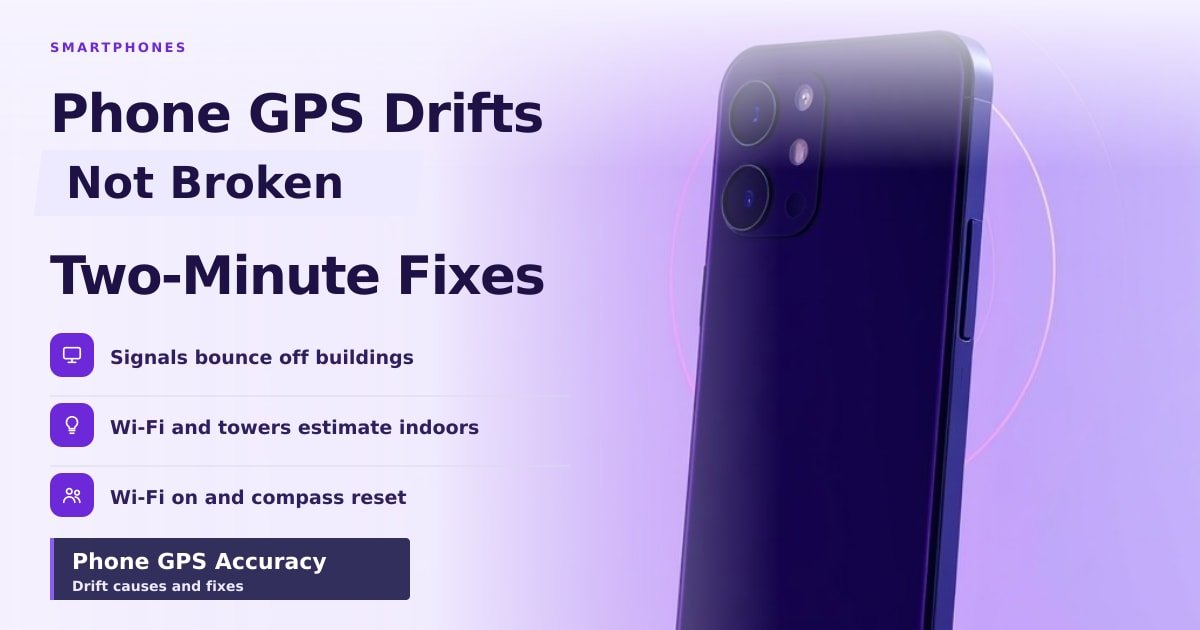
TL;DR: Your phone's GPS drifts because satellite signals bounce off buildings, get blocked indoors, and force your phone to guess using Wi-Fi and cell towers instead. Turning Wi-Fi on, resetting the radio and recalibrating the compass fixes most cases in about two minutes.
Your blue dot slides off the road, cuts through a shop and parks itself in a park two streets away. You haven't moved. Nothing is broken — you're just seeing how location actually works.
Why phone GPS accuracy drops
GPS is a group of about 30 satellites circling 20,000 km above you, each broadcasting a timestamp. Your phone times how long those signals take to arrive (roughly a fifteenth of a second) and calculates where it must be standing. Four satellites is the minimum for a fix.
The catch is distance. After 20,000 km the signal is extremely faint, and glass, concrete, tree cover and even your hand weaken it more. In a city, signals bounce off buildings before they reach you, so they arrive a sliver late. Your phone reads that delay as distance, and you get GPS drift — often tens of metres off.
Indoors and underground, satellites are invisible. Your phone then falls back on the unique IDs of nearby Wi-Fi routers and cell towers. That's decent, maybe 10 to 30 metres in a mall, but it explains the hopping.
How to improve GPS signal on your phone
Most drift is fixable in under two minutes. Work through these in order.
- Turn Wi-Fi on and leave it on. Even with no network to join, the list of nearby routers acts as a map. Both Android and iPhone use it.
- Reset the radio. Airplane mode on for 10 seconds, then off. This forces a fresh satellite search.
- Recalibrate the compass. The compass is a tiny magnetic sensor that tells your phone which way you're facing, and it drifts. On iPhone, open Compass and follow the tilt prompt. On Android, open Google Maps, tap the blue dot and choose Calibrate.
- Remove the magnet. Magnetic car mounts and cases with magnetic clasps confuse that sensor badly. Take the phone off the mount when you need a clean fix.
- Stand still and look up. A first fix can take 10 to 30 seconds. Step out from under the underpass before you blame the phone.
- Allow precise location. Android 12 and iOS 14 onwards let apps use an approximate location only. Maps needs the precise setting.
- Download offline maps for areas with patchy data, so navigation keeps working when the signal dies.
What this means for you
Don't buy a new phone to fix drifting. Nine times out of ten it's a setting, a magnet or a building.
If you ride deliveries, run, or drive for a living, dual-band GPS is the one upgrade worth paying for. Most flagships from the last few years (iPhones since the 12, recent Galaxy S and Pixel models) also listen to a newer satellite signal called L5. Reflections bother it far less, which is exactly the city problem.
One habit to drop: trusting the dot inside tunnels and parking garages. There's no sky, so your phone estimates your movement from motion sensors and drifts quietly. Follow the signs, not the screen.
Key Takeaways
- GPS drift is normal physics, not a broken phone.
- Wi-Fi on plus a compass recalibration fixes most cases.
- Magnetic mounts and metal cases quietly wreck your accuracy.
- Dual-band GPS is genuinely better in dense cities, and only worth upgrading for if you navigate daily.
Frequently Asked Questions
Why does my phone show me in the wrong place?
Usually because satellites are blocked and your phone is estimating from Wi-Fi and cell towers. Step outside, turn Wi-Fi on, and give it 30 seconds.
Does a phone case affect GPS?
A plain plastic or silicone case won't. A case with magnets or a metal plate will, because it interferes with the compass your phone uses for direction.
Is phone GPS accurate enough for driving?
Yes, in open areas it's typically within a few metres. Expect trouble in tunnels, parking garages and streets lined with tall buildings.
Sources
How did this story feel?
Be the first to react
AI assistance. This article was researched and drafted with AI tools and reviewed by our editorial team before publication. We link to sources at the end of every article so you can verify the claims. If you spot an error, please let us know.
Recommended gear
Related picks for this guide

Samsung Galaxy S25 Ultra
6.9" AMOLED · 200MP · 5000mAh
Editor's pickView on Amazon →
Google Pixel 9a
6.3" OLED · Tensor G4 · 7-year updates
Best valueView on Amazon →Affiliate links: we may earn a commission at no extra cost to you.
Weekly tech brief
The tech stories worth your time, every Sunday.
One short email with the most useful guides and gadget picks from the week. No spam, unsubscribe anytime.
Written by
TechPulse TeamThe TechPulse editorial team publishes clear, practical technology guides. Every article is original and written to be understood — not just skimmed. Read our editorial policy.
Comments (0)
No comments yet — start the conversation!
Keep reading
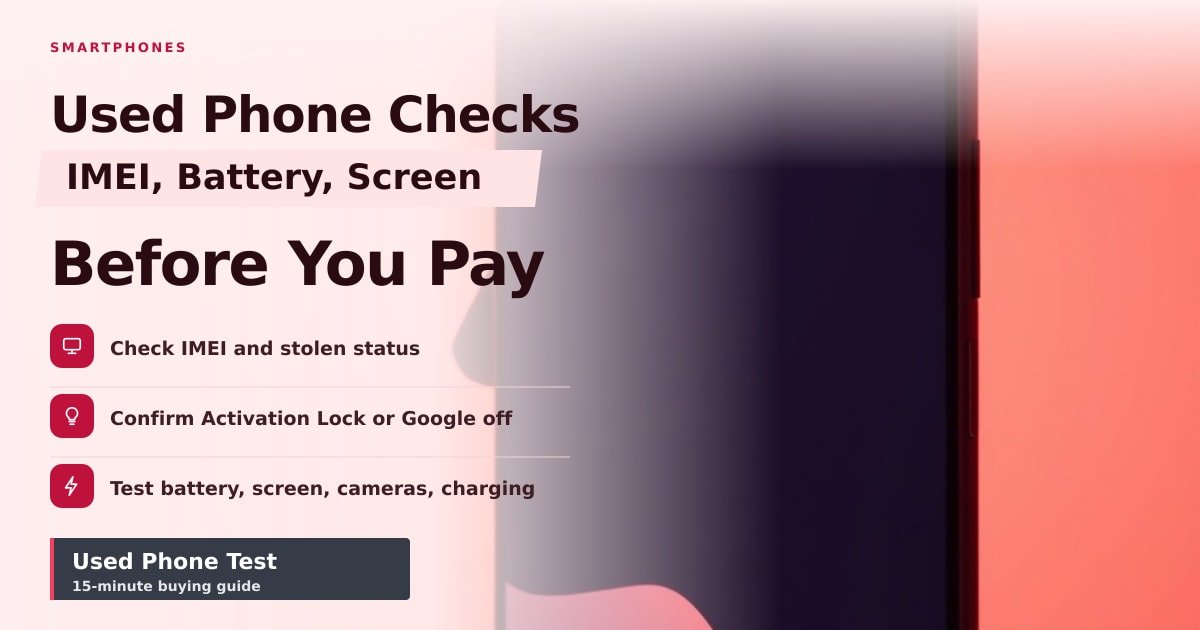
How to Test a Used Phone Before You Pay for It
A used phone can look perfect and still be a money pit. Here's the 15-minute test — IMEI, battery, screen and cameras — that saves you the repair bill.
Apple iPhone Duo: What That Review Really Tells You
A review titled Apple iPhone Duo is doing the rounds, but Apple has never announced that phone. Here's what you can trust and what to ignore.
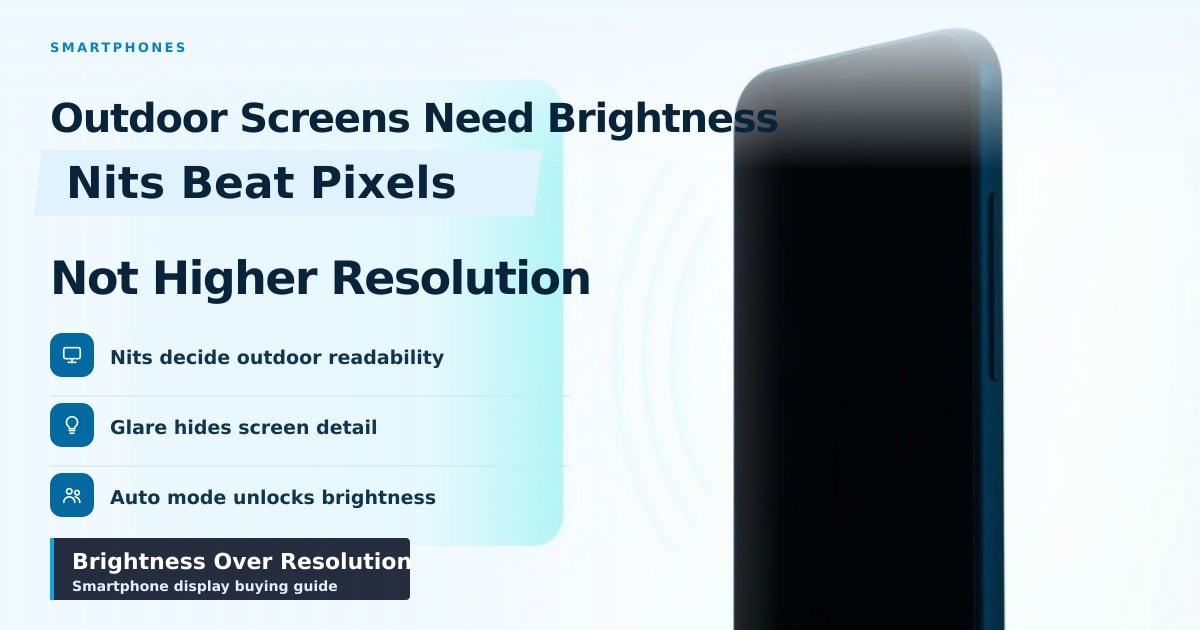
Why Screen Brightness Outdoors Beats Resolution
Two phones on a sunny café table: only the brighter one is readable. Here's why nits beat pixels, and what to look for before you buy.