
Satellite Messaging on Phones: The Complete Checklist for 2026
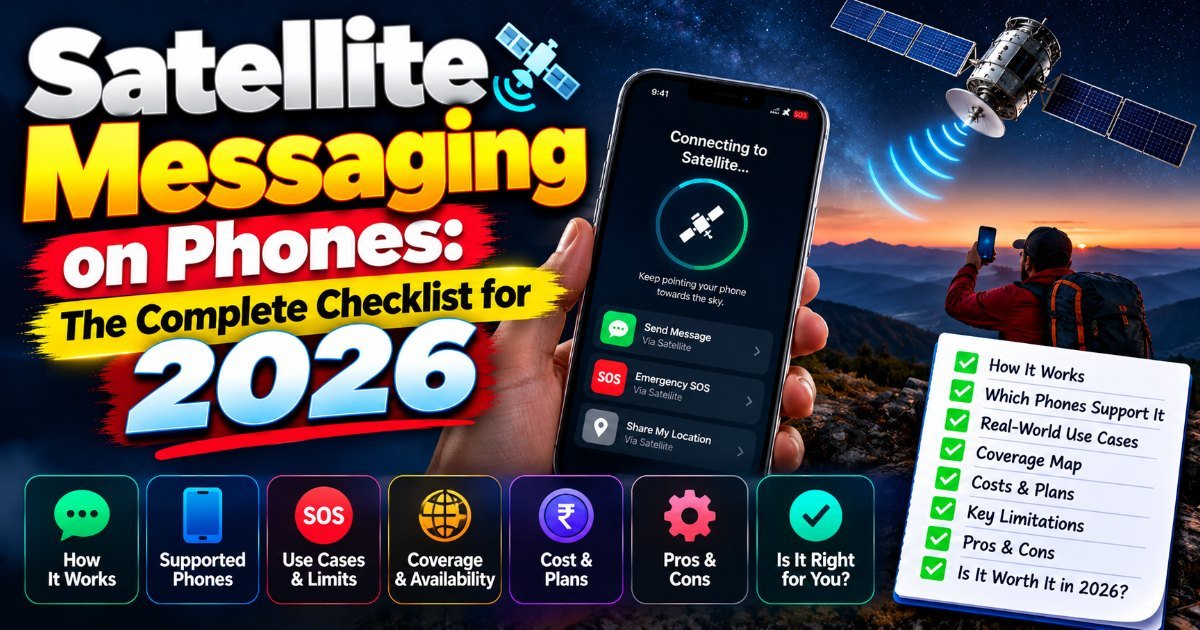
You're standing at the top of a ridge at dusk, well past where the last cell tower gave up. Your phone buzzes. A message gets through — not from a tower, but from a satellite overhead. Until recently that would've made headlines. Today it's a feature quietly shipping on a handful of flagship phones.
This is the quiet rise of satellite messaging on phones. It's worth knowing whether your next device should carry it.
What satellite messaging on phones actually does
Here's the short version: it lets your phone talk to satellites in low Earth orbit, so you can send and receive texts when there's no cell signal anywhere in reach.
The catch — and there's always a catch with this stuff — it's not a full replacement for your regular messaging app. You're getting SMS-style text, mostly limited two-way, and it depends on having clear sky above you. Stand in a canyon or under dense trees and the magic fades fast.
Apple calls its version Emergency SOS via satellite. It's baked into the Messages app on recent iPhones, and it's genuinely good at what it does: if you're in trouble, it walks you through pointing your phone at the sky and sending an emergency message to first responders. Google announced satellite-based SOS texting for the Pixel 9 family, partnering with T-Mobile and SpaceX's Starlink network, with availability expanding through 2025. Samsung has signaled plans to bring emergency satellite messaging to its Galaxy S25 line. The feature is spreading.
Which phones support satellite texting
Right now, the list is short. That's the honest answer.
- iPhones: iPhone 14, iPhone 15, and iPhone 16 lines all carry Apple's satellite emergency features (US, Canada, UK, and several other countries).
- Pixels: Google's Pixel 9 series added satellite SOS texting, with availability expanding through 2025 and beyond.
- Android more broadly: Samsung's Galaxy S25 line is bringing emergency satellite messaging to more Android users.
If you're checking your own pocket, the quickest test is this: open your phone's settings, search "satellite," and see if an option greets you. If it doesn't, your phone doesn't have it. (This is one of those features where the badge on the box is more reliable than digging through menus.)
How satellite SMS works (and what it can't do)
Think of it as a second radio inside your phone — one that speaks to satellites instead of cell towers. When you type a message, the phone compresses it, points skyward for a brief window, and beams it up. A ground station catches it and routes it to the normal phone network. The reverse works the same way.
That round trip is why these messages take longer than your usual text. It's also why they're small. We're talking short, plain-text messages — think emergency alerts and brief check-ins, not photo threads or group chats.
Here's what it can't do, stated plainly so nobody gets burned:
- No voice calls over satellite
How did this story feel?
Be the first to react
Written by
TechPulse Team
The TechPulse editorial team publishes clear, practical technology guides. Every article is original and written to be understood — not just skimmed.
Comments (0)
No comments yet — start the conversation!
Keep reading
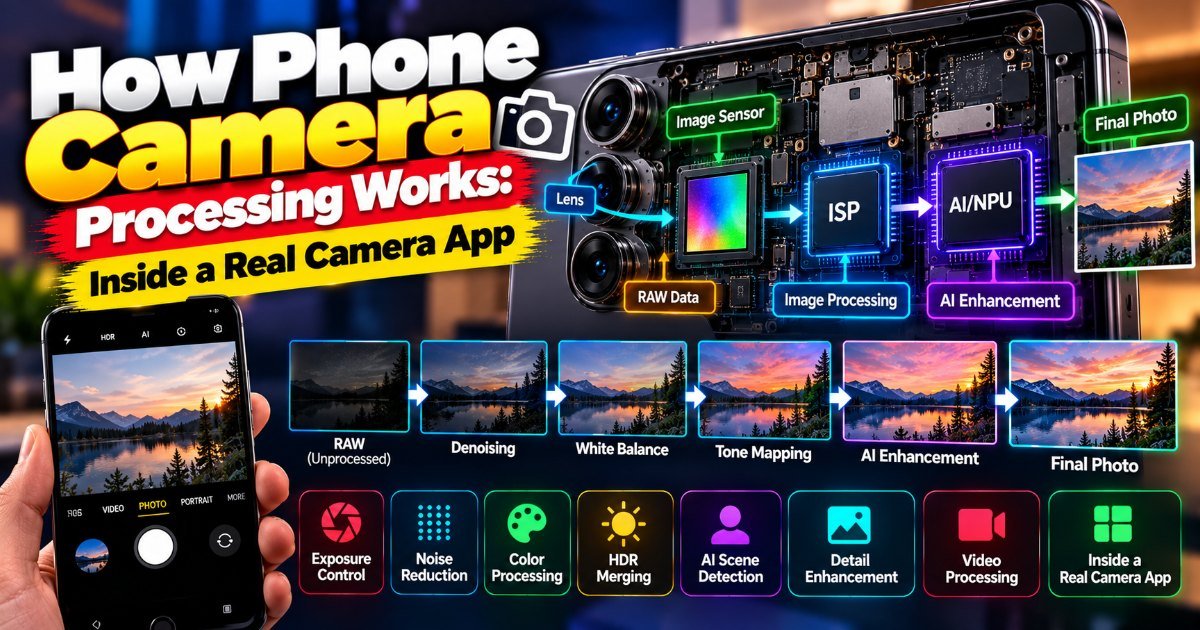
How Phone Camera Processing Works: Inside a Real Camera App
You're at a concert. The stage lights are a mess — deep blues, harsh reds, and the singer's face lost in shadow. You raise your phone, and the screen shows…
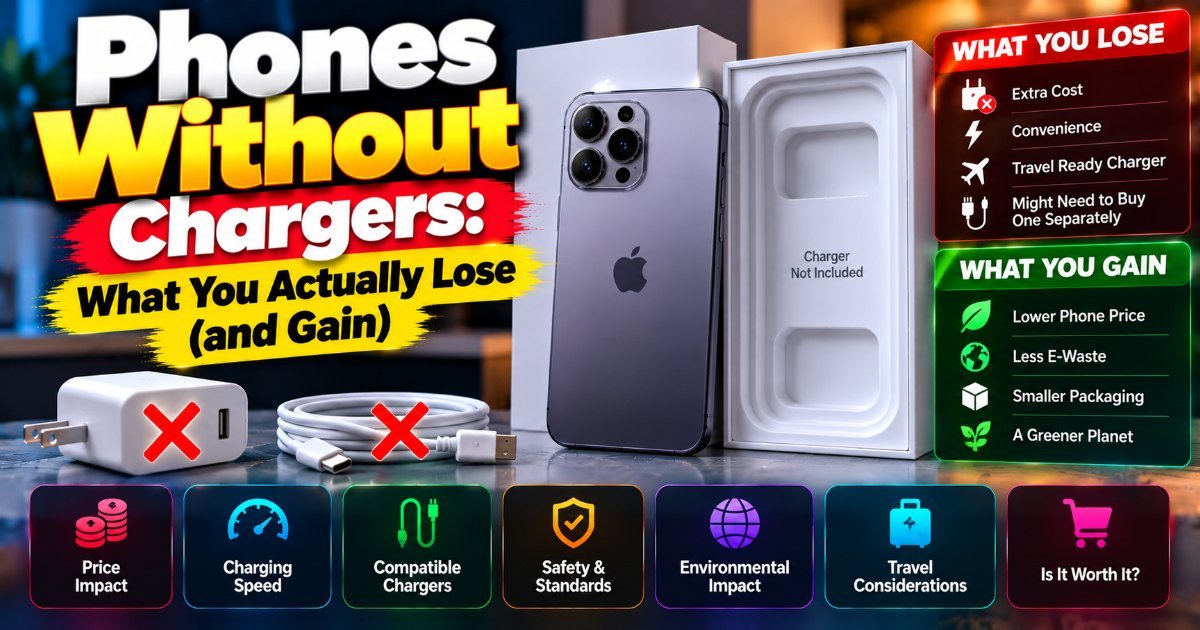
Phones Without Chargers: What You Actually Lose (and Gain)
You unbox a new phone, peel the plastic, and reach for the charger. It's not there. Again. This is the reality of phones without chargers in 2026 — it's been…
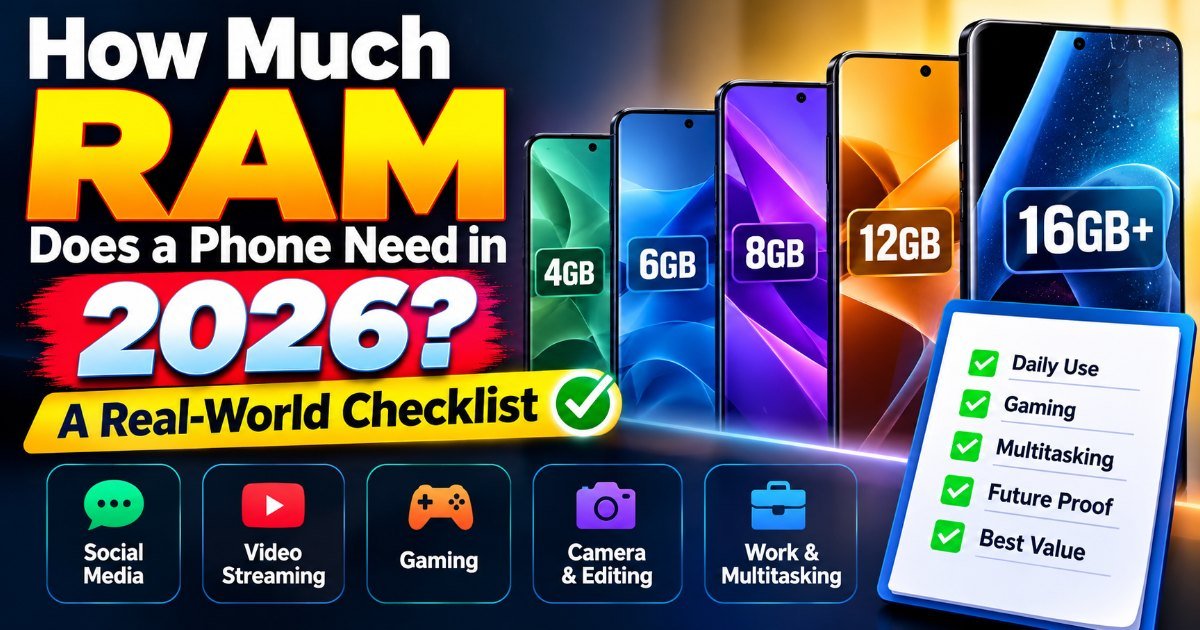
How Much RAM Does a Phone Really Need?
You're on the 7:15 train, juggling three apps at once — Slack pings, your calendar reminder pops, and you're drafting an email. Your phone stutters. Again. So…