Smartphone haptics in 2026: why some taps feel better
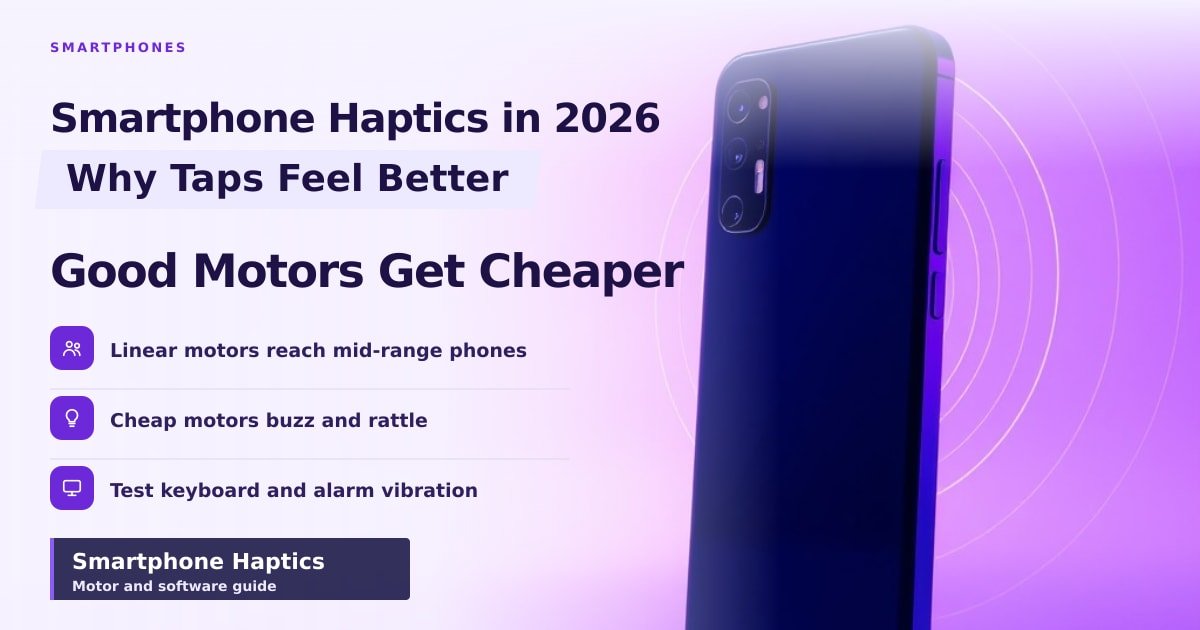
TL;DR: Smartphone haptics is the buzz you feel when you type, tap or get an alert. Good haptics feel like a tiny, crisp tap; bad haptics feel like a bee stuck in a jar. In 2026, better motors reached cheaper phones — so you no longer need a flagship to get a good one.
Turn on keyboard haptics and type three words on a good phone. You get three small, dry ticks, so quick you barely catch them. Do the same on a cheap handset and the whole back panel rattles like someone knocking on a door.
That gap is what smartphone haptics is about: the motor and software that make a phone feel like it's answering you. This year, that gap got noticeably narrower.
What haptics actually are
Every phone has a vibration motor inside. The cheap kind is an ERM (eccentric rotating mass) — a tiny weight on a spinning shaft. Picture a coin taped to a motor. It has to spin up before you feel anything, and it buzzes rather than taps.
The good kind is an LRA, a linear resonant actuator. Think of a tiny speaker cone that you feel instead of hear. It pushes back and forth in one direction, so it can start and stop in milliseconds (thousandths of a second). Apple's version has the best-known name: the Taptic Engine.
That speed is the whole trick. Your fingertip notices a delay of roughly 20 to 30 milliseconds. Anything slower and the tap feels mushy, like pressing a button through a winter glove.
Why the best ones feel like real buttons
Three things separate a great motor from an average one: speed, control and range. Speed is how fast the tap lands. Control is how fast it stops, and that's where the crispness comes from. Range is how much it can vary strength and pitch, from a soft tick to a deep thud.
Software matters as much as the part. Apple's Core Haptics, added in iOS 13, and Android's VibrationEffect.Composition, added in Android 12, both let app makers build patterns from small pieces: a click here, a low thud there. That's how a phone fakes a camera shutter or a dial click.
What changed this year
The honest answer: the good parts got cheaper, and more phones ship with them.
- X-axis linear motors, once flagship-only, now turn up on mid-range phones in the £250–£350 band.
- Buttonless designs need haptics to feel like anything at all. The Camera Control button on the iPhone 16 range presses back with a small motor, not a real switch.
- Keyboards, games and camera apps now ship their own feedback patterns, so the motor works harder than it did three years ago.
- More brands tune ringtones and alerts to match the vibration rhythm, instead of buzzing in one flat burst.
What this means for you when you buy
You don't need to spend flagship money for good haptics in 2026. You still can't take it for granted, though.
- Scan the spec sheet for "linear motor", "x-axis" or "X-axis linear vibration motor". If haptics aren't mentioned at all, assume a cheap spinning motor.
- Test it in the shop for 30 seconds. Type a message with keyboard haptics switched on, then set an alarm and let it ring.
- Turn haptics off if battery life matters more than feel. Strong vibrations do cost a little power.
One more thing: louder isn't better. A well-tuned motor sounds quieter and feels sharper, so judge it with your fingers, not your ears.
Key Takeaways
- Haptics is the buzz, tap or thud your phone makes when it wants your attention.
- Cheap phones use spinning motors that buzz; better phones use linear motors that tap.
- In 2026, good linear motors reached mid-range phones, not just £1,000 flagships.
- Test keyboard and alarm vibration in the shop before you commit.
Frequently Asked Questions
Do all smartphones have haptic feedback?
Yes, every phone vibrates. The motor inside decides whether it feels like a sharp tap or a loose rattle.
Why does my phone's vibration sound so loud?
A spinning motor shakes the whole frame, so the case amplifies the buzz. A linear motor moves one small part, so it's quieter and feels sharper.
Can I turn haptics off to save battery?
You can, in Settings under Sound and vibration. The saving is small, but it's real if you type a lot.
Sources
How did this story feel?
Be the first to react
AI assistance. This article was researched and drafted with AI tools and reviewed by our editorial team before publication. We link to sources at the end of every article so you can verify the claims. If you spot an error, please let us know.
Recommended gear
Related picks for this guide
Samsung Galaxy S25 Ultra
6.9" AMOLED · 200MP · 5000mAh
Editor's pickView on Amazon →
Google Pixel 9a
6.3" OLED · Tensor G4 · 7-year updates
Best valueView on Amazon →Affiliate links: we may earn a commission at no extra cost to you.
Weekly tech brief
The tech stories worth your time, every Sunday.
One short email with the most useful guides and gadget picks from the week. No spam, unsubscribe anytime.
Written by
TechPulse TeamThe TechPulse editorial team publishes clear, practical technology guides. Every article is original and written to be understood — not just skimmed. Read our editorial policy.
Comments (0)
No comments yet — start the conversation!
Keep reading
Xiaomi 18 Pro Review: What We Actually Know
A Xiaomi 18 Pro review is circulating without a single confirmed spec or price. Here's what's real, what's missing, and what to wait for.
Why Phone Speakers Are Getting Worse in 2026
Thinner phones and bigger batteries squeezed the air out of speaker boxes this year. Here's why your next phone sounds flat, and what to check before buying.
Phone Accessibility Settings That Make Life Easier
A 20-minute setup in your phone's accessibility menu fixes small text, missed taps and muffled sound. Here's exactly which settings to change first.