
The Battery Habits That Actually Add Years to Your Phone
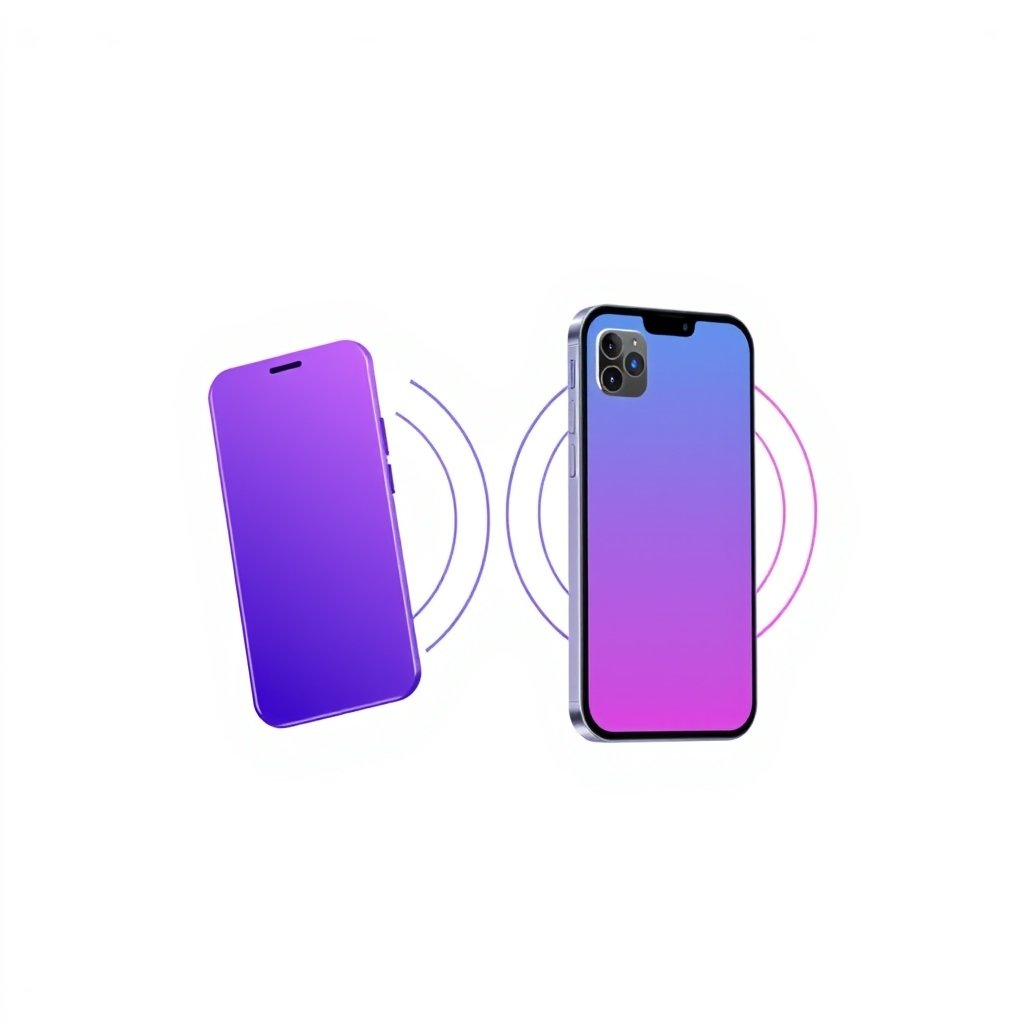
Your phone from three years ago — remember it? The one you swore would be dead by now? It's probably still in a drawer somewhere with 87% battery health, and you're mildly shocked every time you check. Here's the thing: most battery advice online is either fearmongering or outright wrong. The lithium-ion battery in your pocket isn't as fragile as the forums want you to believe, but it also isn't immortal. A few genuinely good battery habits can stretch its useful life by years — the kind of battery health tips that actually pay off, not the scary stuff. If you've ever wondered how to make your phone battery last longer, really last longer, the answer lives in a handful of boring habits.
The battery habits that actually move the needle
The single most useful thing you can do: keep your battery between roughly 20% and 80%. Lithium-ion cells degrade fastest at the extremes — sitting at 0% for any length of time, or parked at 100% while your charger hums beside your bed.
This isn't some marketing claim. Battery University (yes, it's still the best free resource on this) has measured the chemistry for decades: a cell stored at 100% loses capacity roughly twice as fast as one kept at 60%. And deep discharges to 0% cause irreversible damage to the electrodes.
So what does that look like in real life? Don't panic when your phone hits 15%. Plug it in around then. And when it hits 85 or 90 in the morning, you don't have to keep it on the cable until lunch.
(I know, I know — that's annoying advice for anyone who forgets chargers. Fair. Aim for the middle third of the day and call it good enough.)
Use the built-in battery protection, if your phone has it
Both Google and Apple added smart charging features in the last few years, and most people never turned them on.
iPhone calls it Optimized Battery Charging. It learns your daily routine and holds the charge at 80% until it thinks you're about to wake up, then tops it off. Pixel and most Android phones have something similar under "Protect battery" or "Adaptive charging."
Turn these on. They're not gimmicks — they're the 20-to-80 rule running on autopilot, and they're better at it than you are because they actually know when you sleep.
Fast charging is fine. Daily fast charging is not.
Here's where I'll probably lose some of you. Wireless charging pads? They're convenient. They're also the worst thing for long-term battery health, because the physics of inductive charging dump a lot of heat straight into the cell. Heat is the second biggest killer after time.
Same deal with wired fast charging. A 30W or 65W charger won't kill your battery in a week. But if you fast-charge from 10% to 100% every single day, you're pairing high current with high heat, day after day, and that accelerates the aging curve. The cell doesn't care that it only took 25 minutes.
| Charging method | Heat impact | Best for |
|---|---|---|
| 5W wired | Low | Overnight, daily use |
| 20–30W wired | Moderate | When you actually need it |
| 65W+ wired | High | Rare, urgent top-ups |
| Wireless pad | High | Convenience, not daily |
My honest take: fast charging for the days you need it, slower charging for the nights you don't. If you're the type who leaves a MagSafe on your phone overnight, consider rotating to a basic cable once or twice a week. Your battery will thank you in year two, not week two.
Temperature is the quiet killer
You've probably heard "don't leave your phone in the hot car." The version nobody says out loud is scarier: lithium-ion cells start losing capacity measurably above roughly 35°C (95°F), and sustained heat above 45°C can permanently damage the separator inside the cell.
That means your phone baking on a dashboard in summer, or running GPS navigation in a hot car with the screen blasting brightness, is genuinely worse for the battery than any charging habit we've talked about. A phone left in a 40°C environment for an afternoon can lose more health than a month of perfect charging discipline.
Keep it out of direct sun when you can. If it's hot enough that you'd take a jacket off, your phone probably wants one too.
The myth of the "first charge"
You don't need to calibrate your new phone. You don't need to run it to 0% before charging it the first time. That advice belongs to old nickel-cadmium batteries from the '90s, and it's been recycled online so many times it's now treated as gospel by people who should know better.
Modern lithium-ion cells ship partially charged for storage reasons, and the battery management system in your phone handles calibration automatically. Just use it. That's the entire instruction.
What you can't change
Here's the part that's hard to hear: every lithium-ion battery has a finite number of charge cycles. Roughly 500 full cycles before you'll notice meaningful degradation, sometimes more, sometimes less depending on temperature and charging habits. After that, your phone still works — it just doesn't last the day anymore.
That's not a defect. That's chemistry. The habits above don't stop the clock; they slow it down. A phone treated well might still hit 80% health at 800 cycles instead of 400. That's the difference between replacing your battery at year two and replacing it at year four.
Key Takeaways
- Keep your battery between roughly 20% and 80% — the extremes do the most damage.
- Turn on Optimized Battery Charging (iOS) or Protect battery (Android); it's the 20-to-80 rule on autopilot.
- Fast charging is fine occasionally, but daily fast charging plus overnight wireless charging accelerates heat buildup.
- Heat above ~35°C degrades cells faster than any charging habit — avoid hot cars and direct sun.
- You don't need to "calibrate" a new phone's battery; that advice is from the nickel-cad era.
- Batteries age on a cycle count (~500) — good habits stretch that timeline, they don't stop it.
Frequently Asked Questions
Is it better to keep my phone at 50% if I won't use it for a while? Yes. If you're putting a phone in a drawer for weeks or months, charge or discharge it to around 50% and power it off. That's the ideal storage level for lithium-ion, and it prevents the cell from sitting at an extreme that accelerates aging while stored.
Does charging my phone overnight damage the battery? Not directly — modern phones stop drawing current at 100%. The problem is the heat that comes from staying at full charge combined with the trickle charging that happens as it dips to 99% and back. If your phone has optimized charging enabled, this is largely a non-issue. If it doesn't, or if your case traps heat, it's worth plugging in an hour before bed instead.
At what battery health percentage should I consider replacing the battery? Most people notice the difference around 80% health, which is also where Apple and others consider the battery "significantly degraded." If your phone is throttling to prevent shutdowns, or you're hunting for outlets by mid-afternoon, that's the time to look at a replacement. It's usually far cheaper than a new phone — and it makes your current phone feel new again.
META block:
How did this story feel?
Be the first to react
Written by
TechPulse Team
The TechPulse editorial team publishes clear, practical technology guides. Every article is original and written to be understood — not just skimmed.
Comments (0)
No comments yet — start the conversation!
Keep reading

How Phone Camera Processing Works: Inside a Real Camera App
You're at a concert. The stage lights are a mess — deep blues, harsh reds, and the singer's face lost in shadow. You raise your phone, and the screen shows…
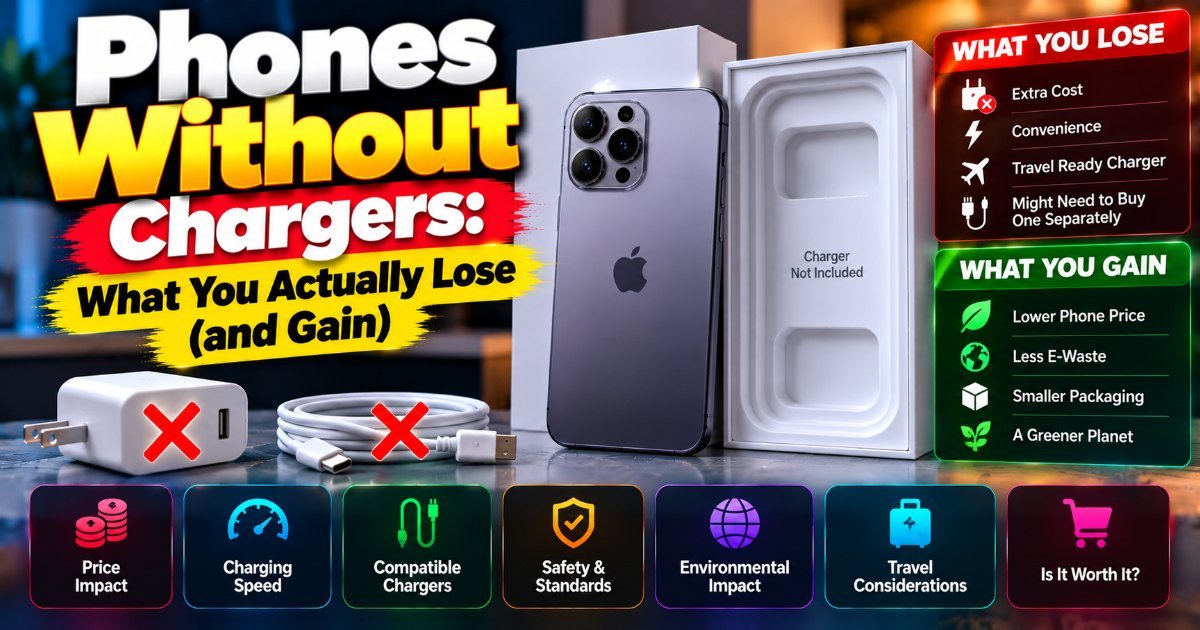
Phones Without Chargers: What You Actually Lose (and Gain)
You unbox a new phone, peel the plastic, and reach for the charger. It's not there. Again. This is the reality of phones without chargers in 2026 — it's been…
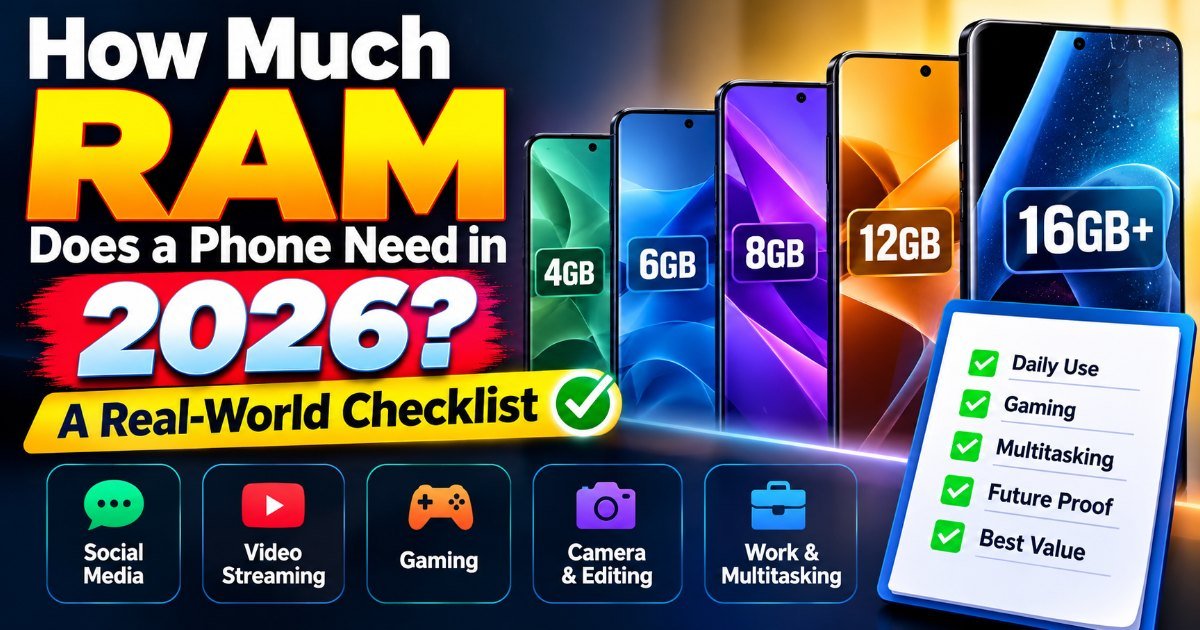
How Much RAM Does a Phone Really Need?
You're on the 7:15 train, juggling three apps at once — Slack pings, your calendar reminder pops, and you're drafting an email. Your phone stutters. Again. So…