What Is End-to-End Encryption? A Simple Guide
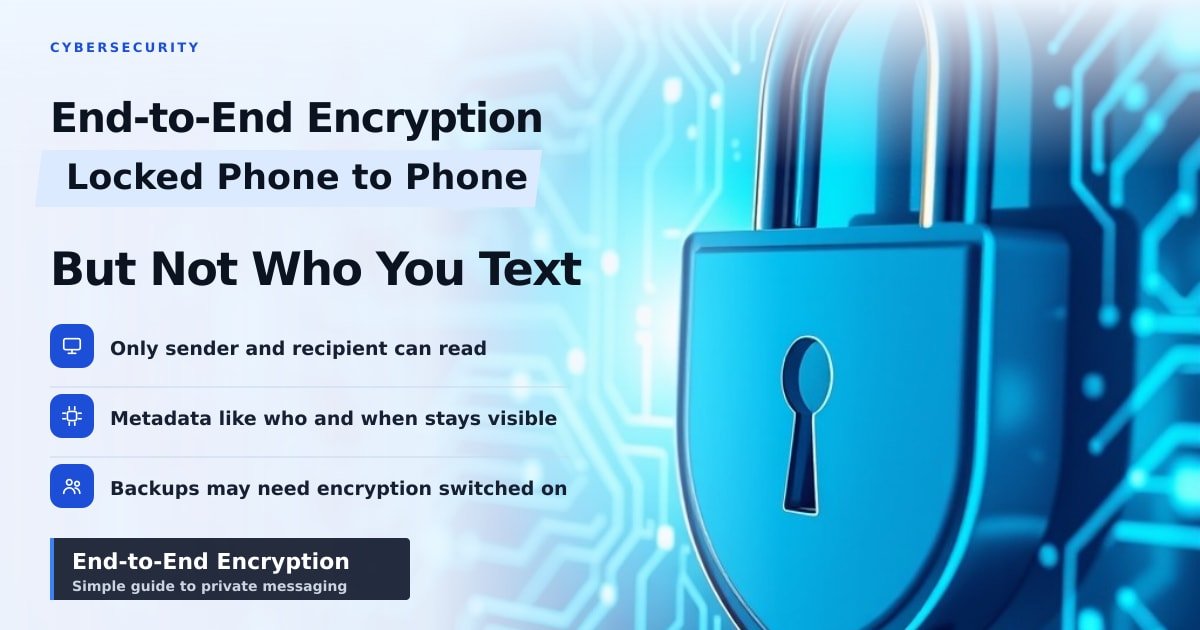
TL;DR: End-to-end encryption locks a message on your phone and unlocks it only on the recipient's phone. WhatsApp can't read it, your internet provider can't read it, and neither can anyone who intercepts it along the way. It protects what you say — but not who you talk to, or the screenshot your friend takes.
Your landlord asks for a photo of your passport over WhatsApp. You send it, see two blue ticks, and get on with your evening. In those two seconds, that chat did something most security software never manages: it made the message unreadable to everyone except the person you sent it to.
How end-to-end encryption works, in plain words
Most apps encrypt messages in transit. Think of a postcard — it travels fine, but anyone handling it along the way can read the front. That's better than shouting, though not by much.
End-to-end encryption is the locked box version. You seal your message with a key only the recipient holds. The company carrying the box can store it, move it, even hand it to a court — but it can't open it. It stays locked from your phone to theirs, with no readable copy in between.
The keys are long strings of numbers your phone generates. They never leave your device. Your app uses public key cryptography here — a padlock anyone can snap shut, but only the person with the matching key can open.
Where you'll actually meet it
Not every app that says "encrypted" means end-to-end. Here's the honest picture:
- WhatsApp — on by default for every personal chat and call since 2016, built on the Signal Protocol.
- Signal — everything is encrypted, always, and the code is public for anyone to check.
- iMessage — end-to-end between Apple devices, but turn on Advanced Data Protection in iCloud settings or your backups aren't.
- Google Messages — RCS chats are encrypted, but only when both people use Google Messages.
- Telegram — only "Secret Chats" are encrypted this way. Normal chats and groups are not.
- Zoom, FaceTime, Facebook Messenger — encrypted, but often as an option you have to switch on.
What it protects — and what it doesn't
It protects the content: your texts, photos, voice notes, videos and usually your calls. If someone intercepts the data, all they get is scrambled noise.
It does not protect metadata — who you message, when, how often, and your rough location. The courier can't open the box, but they can still read the address and the date on it. That pattern is often more revealing than the message itself.
It also stops at the edges:
- Backups. A chat backed up unencrypted to Google Drive or iCloud is readable there. WhatsApp added end-to-end encrypted backups in 2021 — switch it on.
- The other phone. Screenshots, forwarding, someone reading over a shoulder. Encryption can't fix people.
- A hacked device. If spyware is on your phone, it reads the message after it's decrypted, sitting next to you.
What this means for you
Don't assume "encrypted" means private. Check the app, then check the backup setting.
For anything genuinely sensitive — medical details, legal documents, a source's phone number — use Signal and turn on disappearing messages. For everyday chats, WhatsApp is fine as long as your backup is encrypted too. That's about 30 seconds of work: Settings → Chats → Chat backup → End-to-end encrypted backup.
Plain old encryption protects your message from strangers on the Wi-Fi. End-to-end encryption protects it from the company too. For a passport photo, that difference matters.
Key Takeaways
- End-to-end encryption means only you and the recipient can read a message — not even the app maker can.
- WhatsApp, Signal and iMessage have it on by default; Telegram only offers it in Secret Chats.
- Your chat backups may not be encrypted, so turn on encrypted backup in your app settings.
- It hides what you say, not who you're talking to or when.
Frequently Asked Questions
Is WhatsApp end-to-end encrypted?
Yes, for personal messages and calls, by default. Group chats are too. The weak spot is your Google Drive or iCloud backup, which needs the encrypted backup option switched on.
Does end-to-end encryption hide who I'm talking to?
No. Metadata like contact names, timestamps and message frequency usually stays visible to the service. Encryption protects content, not the trail around it.
What's the difference between encryption and end-to-end encryption?
Regular encryption scrambles data in transit, but the company holds a key and can read it. End-to-end encryption removes the company from the loop entirely — only the two phones hold keys.
Sources
How did this story feel?
Be the first to react
AI assistance. This article was researched and drafted with AI tools and reviewed by our editorial team before publication. We link to sources at the end of every article so you can verify the claims. If you spot an error, please let us know.
Recommended gear
Related picks for this guide

1Password Extended Access Plan
Unlimited devices · passkeys · SSO
Best password managerView offer →Cloudflare One (Free tier)
DNS filtering · WARP · 1.5GB/s
Free & powerfulView offer →Affiliate links: we may earn a commission at no extra cost to you.
More on #encryption
Weekly tech brief
The tech stories worth your time, every Sunday.
One short email with the most useful guides and gadget picks from the week. No spam, unsubscribe anytime.
Written by
TechPulse TeamThe TechPulse editorial team publishes clear, practical technology guides. Every article is original and written to be understood — not just skimmed. Read our editorial policy.
Comments (0)
No comments yet — start the conversation!
Keep reading
Bank Account Fraud: What to Do in the First Hour
Two debit texts, ten panicked minutes, one account. Here's the exact order to freeze, call and report so the money loss stays at zero.
What Real Spy Tech Says About James Bond Gadgets
A former CIA gadget chief has shared what he wants from the next Bond film. The real story is how far spy tech has drifted from the movies.
Cybersecurity Alert: The Update You Keep Skipping
Hackers are exploiting known flaws in phones and computers. The fix is boring but real: update your devices and turn on two-factor authentication.