Cybersecurity Alert: The Update You Keep Skipping
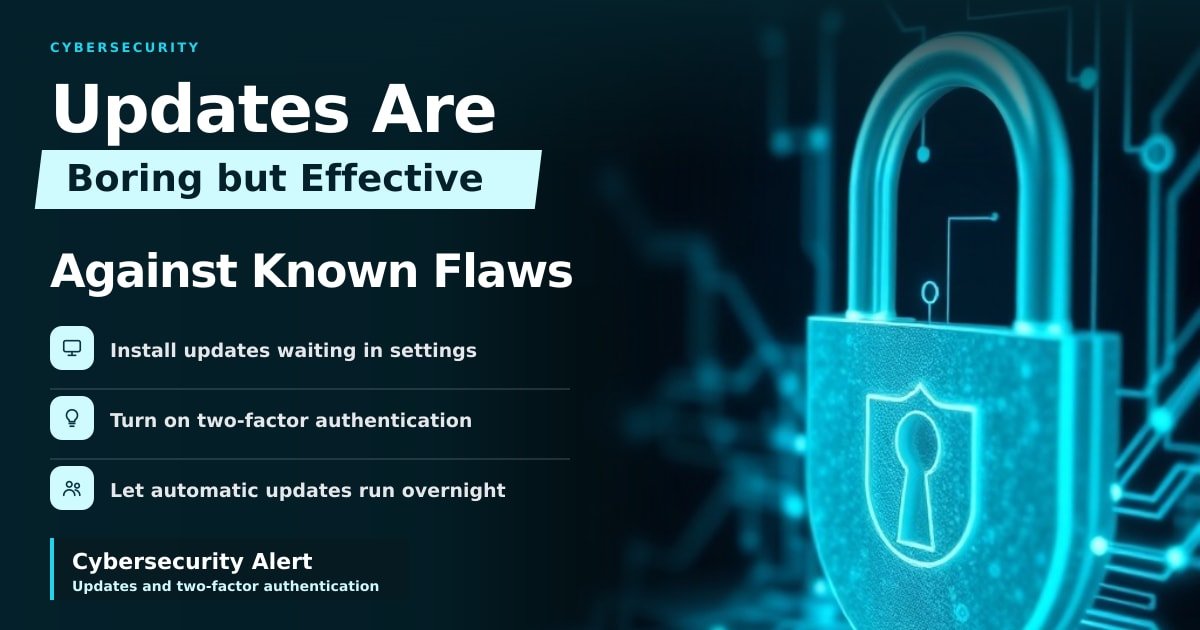
TL;DR: A new cybersecurity alert warns that hackers are using known flaws in computers and phones to break into them. The fix is unglamorous but effective: install the updates your devices keep nagging you about, and switch on two-factor authentication. You don't need to be a tech expert to close this door.
Your phone asked to restart for an update last night. You tapped "Later," because you were in the middle of a conversation. That single tap is basically what this story is about: a known hole, a fix that already exists, and a user in a hurry.
What is actually happening
The alert comes from a regional business publication, and it's thin on details. No brand, no model, no version number, no named flaw. That vagueness is frustrating — you can't check whether your specific laptop or handset is on the list.
Here's the plain-English version. A vulnerability is a mistake in software code. It's a gap that lets someone slip past the lock. Hackers "exploit" it by walking through that gap to run their own programs, read your files, or take over the device.
When a fix exists and you haven't installed it, you're carrying a door with a known broken lock. Attackers like that because it's cheap and quiet.
Why it matters for your money and privacy
Your phone is now the most valuable computer you own. It holds your email, which resets the passwords to everything else. It holds your banking app, your photos, and years of messages.
A break-in doesn't always look dramatic. Often it's spyware, a small program that sits quietly and reports back. Or a stolen login file that lets someone skip your password entirely, because your device was already signed in.
Four habits cut most of the risk:
- Turn on automatic updates for your phone and laptop, then let them run overnight.
- Install the update waiting in your settings app today, not next week.
- Switch on two-factor authentication, a second code (usually from an app) on top of your password.
- Check which apps can see your photos, microphone and location, and remove the ones that don't need it.
The bigger picture: phones are the soft target
Windows and macOS mostly update themselves without fuss. Phones are messier. Google writes Android, but Samsung, Xiaomi and others modify it, so a fix can take months to reach your model. Apple builds both the hardware and the software, so iPhone fixes usually land the same day.
That gap is a business opportunity for criminals. An exploit that works on an unpatched Android phone can keep earning for months.
The other hole is you, and it's cheaper to attack. Phishing, a fake email or text that looks like your bank, skips the software entirely. That's why updates and wariness travel together.
What to watch next
Watch for a vendor naming the flaw. Researchers give each one a CVE number, a public ID you can search. Once a company confirms it, an emergency patch usually follows within days.
Until then, two rules hold. Update everything that asks. And don't install apps from random download links, because the official stores do screen for known malware before you ever tap install.
Key Takeaways
- The alert names no specific device, so treat it as a general warning, not a list.
- Most break-ins use flaws that already have a fix you didn't install.
- Turn on automatic updates and two-factor authentication tonight.
- Phones need more attention than laptops because Android fixes arrive slowly.
Frequently Asked Questions
How do I know if my phone has been hacked?
Sudden battery drain, apps you didn't install, and endless pop-ups are common signs. None of them prove a break-in, so check your app list and run a scan from a security brand you recognise.
Are security updates really that important?
Yes. Most successful attacks use flaws that already have a fix available. Updating is the cheapest protection you have, and it takes a couple of minutes.
Do I need antivirus on my phone?
Android phones benefit from a reputable security app. iPhones need it far less, because Apple tightly controls what apps can do. Either way, updates matter more than any single app.
Sources
- CISA Known Exploited Vulnerabilities Catalog — https://www.cisa.gov/known-exploited-vulnerabilities-catalog
- NIST National Vulnerability Database — https://nvd.nist.gov/
- CISA: Update Your Software — https://www.cisa.gov/secure-our-world/update-your-software
How did this story feel?
Be the first to react
AI assistance. This article was researched and drafted with AI tools and reviewed by our editorial team before publication. We link to sources at the end of every article so you can verify the claims. If you spot an error, please let us know.
Recommended gear
Related picks for this guide

1Password Extended Access Plan
Unlimited devices · passkeys · SSO
Best password managerView offer →Cloudflare One (Free tier)
DNS filtering · WARP · 1.5GB/s
Free & powerfulView offer →Affiliate links: we may earn a commission at no extra cost to you.
Weekly tech brief
The tech stories worth your time, every Sunday.
One short email with the most useful guides and gadget picks from the week. No spam, unsubscribe anytime.
Written by
TechPulse TeamThe TechPulse editorial team publishes clear, practical technology guides. Every article is original and written to be understood — not just skimmed. Read our editorial policy.
Comments (0)
No comments yet — start the conversation!
Keep reading

How VPNs Work (and When You Actually Need One)
A VPN is a scrambled tunnel between you and the internet. Here's when it's worth paying for — and the times it does nothing at all.
Optimizely Malware Attack: What You Need to Know
Optimizely's code was reportedly altered to serve malware on sites like Zoom and GitLab. Here's what it means for you and what to do next.

Coding Agent Security: Stop Handing Over Your Keys
A trending Hacker News post shows how to run AI coding agents without giving them your real keys. Here's why that setup matters to anyone using AI tools.