AI Phone Features: What's Actually Useful?
TL;DR: An AI phone is a normal smartphone with a chip built to run AI tasks on the device, not just in the cloud. The features worth caring about are photo clean-up, call screening, live translation and turning long recordings into short notes. Fancy wallpapers and chatbot buttons are mostly noise.
A friend sent me a photo from a family wedding last month. She tapped one button and a stranger standing behind the bride disappeared. Five years ago that took me twenty minutes in Photoshop on a laptop. Now it's two seconds on a phone.
That's the honest test of an AI phone. Not the marketing slide — whether the AI phone features actually save you real time.
What "AI phone" actually means
Every phone sold as an AI phone is still a normal phone. It makes calls, runs WhatsApp and takes photos. What changed is a small part of the processor called an NPU, or neural processing unit. Think of it as a maths specialist sitting next to the main chip, built to handle AI jobs fast.
The other half of the story is where those jobs happen. Cloud AI sends your request to a server and back — that's how ChatGPT works. On-device AI runs on the phone itself. It works on a plane, answers faster, and your photos stay on your phone.
That difference matters when you're deciding what to buy. A phone that handles AI offline is more useful than one that needs full signal to do anything.
AI phone features that are worth paying for
Not everything with an AI label earns its place. These do.
- Photo clean-up. Google calls it Magic Eraser, Samsung calls it Object Eraser, Apple's is Clean Up. They remove photobombers, cables and reflections in glass. Anyone who posts photos will use this weekly.
- Call screening. Pixel phones answer unknown numbers for you and show a live transcript on screen. You read it, then decide whether to pick up. If you're drowning in spam calls, this is the best AI feature on the market right now.
- Live translation. Samsung's Interpreter mode on the Galaxy S24 splits the screen so two people can talk face to face in different languages. Google's Pixel Buds do something similar in your ear. Genuinely useful for travel and for families across countries.
- Recording summaries. A 40-minute lecture or meeting turns into six bullet points you can skim. Students and journalists get the most from this.
- Circle to Search. Draw a circle around anything on screen and search it without switching apps. Small thing, used constantly.
The AI features that are mostly marketing
Tap through the ads and you'll find a lot of filler. AI wallpaper generators are fun for one evening. AI stickers get old by week two. And "ask your phone's assistant" rarely beats typing.
Two warnings worth knowing. First, notification summaries get things wrong — check the actual message before you act on one. Second, some features may not stay free. Samsung said Galaxy AI tools on its phones are free until the end of 2025, with paid tiers possible after that. Ask before you buy.
And don't replace a working phone just for AI. Jumping from a four-year-old handset to a new one gets you better photos and longer battery anyway. That's the bigger win.
What this means for you
If your phone is three or more years old, an upgrade now gives you better cameras, longer battery and these AI tools as a bonus. Fair deal.
If your phone is newer, wait. Put the money towards a 256GB model instead — AI edits, recordings and saved translations eat storage fast.
Be sceptical of cheap phones with "AI camera" badges. On a ₹25,000 handset, that badge usually means slightly punchier colours, not real AI processing. Ask which features work offline, and check which ones stay subscription-free.
Key Takeaways
- An AI phone is a normal phone with extra hardware for AI tasks, plus software that uses it.
- The useful features are photo clean-up, call screening, live translation and recording summaries.
- On-device AI means faster answers, offline use and more privacy for your photos.
- Check whether AI features stay free — some may need a paid plan later.
Frequently Asked Questions
Is an AI phone worth it?
Only if you'll use the features. Photo clean-up, call screening and recording summaries earn their keep. Wallpaper generators don't.
Do AI phone features work without internet?
Some do, some don't. Photo editing and voice recording usually run on the phone itself. Chatbots and live translation often need a connection.
Will I have to pay for AI features later?
Possibly. Samsung has said Galaxy AI features are free until the end of 2025 and hasn't ruled out paid tiers after that. Check the fine print for the model you're considering.
Sources
- Apple Intelligence overview — https://www.apple.com/apple-intelligence/
- Google Gemini and Pixel announcements — https://blog.google/products/gemini/
- Samsung Galaxy AI — https://www.samsung.com/global/galaxy/galaxy-ai/
How did this story feel?
Be the first to react
AI assistance. This article was researched and drafted with AI tools and reviewed by our editorial team before publication. We link to sources at the end of every article so you can verify the claims. If you spot an error, please let us know.
Recommended gear
Related picks for this guide
Samsung Galaxy S25 Ultra
6.9" AMOLED · 200MP · 5000mAh
Editor's pickView on Amazon →
Google Pixel 9a
6.3" OLED · Tensor G4 · 7-year updates
Best valueView on Amazon →Affiliate links: we may earn a commission at no extra cost to you.
More on #ai phones
Weekly tech brief
The tech stories worth your time, every Sunday.
One short email with the most useful guides and gadget picks from the week. No spam, unsubscribe anytime.
Written by
TechPulse TeamThe TechPulse editorial team publishes clear, practical technology guides. Every article is original and written to be understood — not just skimmed. Read our editorial policy.
Comments (0)
No comments yet — start the conversation!
Keep reading
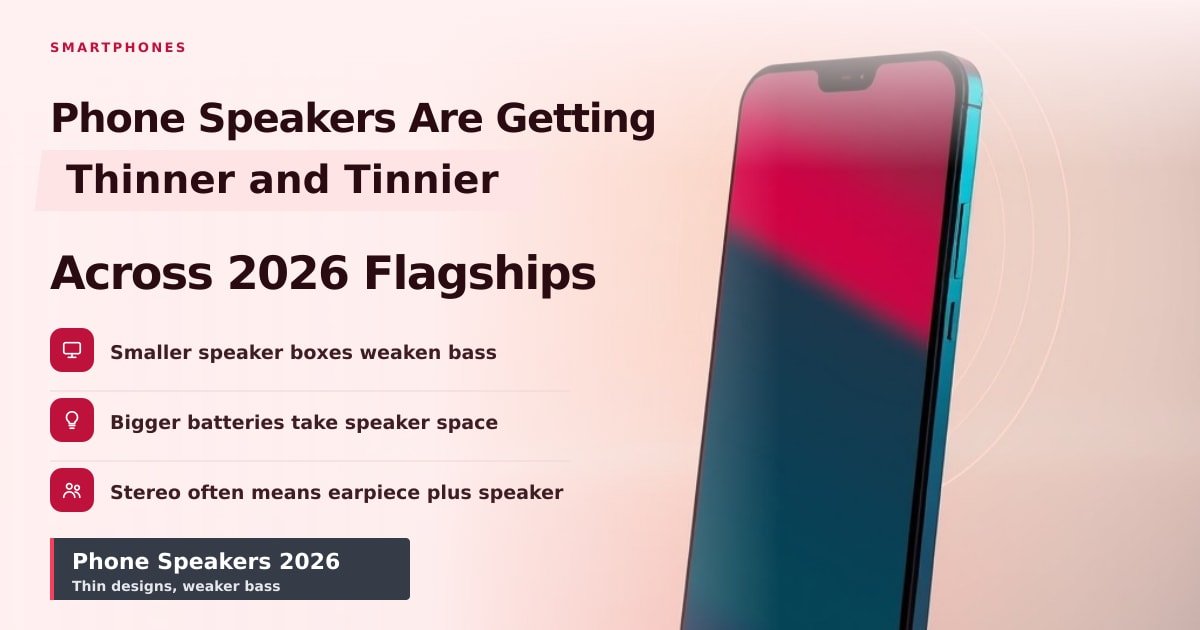
Why Phone Speakers Are Getting Worse in 2026
Thinner phones and bigger batteries squeezed the air out of speaker boxes this year. Here's why your next phone sounds flat, and what to check before buying.
Phone Accessibility Settings That Make Life Easier
A 20-minute setup in your phone's accessibility menu fixes small text, missed taps and muffled sound. Here's exactly which settings to change first.
Smartphone haptics in 2026: why some taps feel better
Good haptics feel like a crisp tap; bad ones feel like a bee in a jar. Here's what changed in 2026 — and how to test a phone in 30 seconds.