AI Transcription Accuracy With Accents and Noise
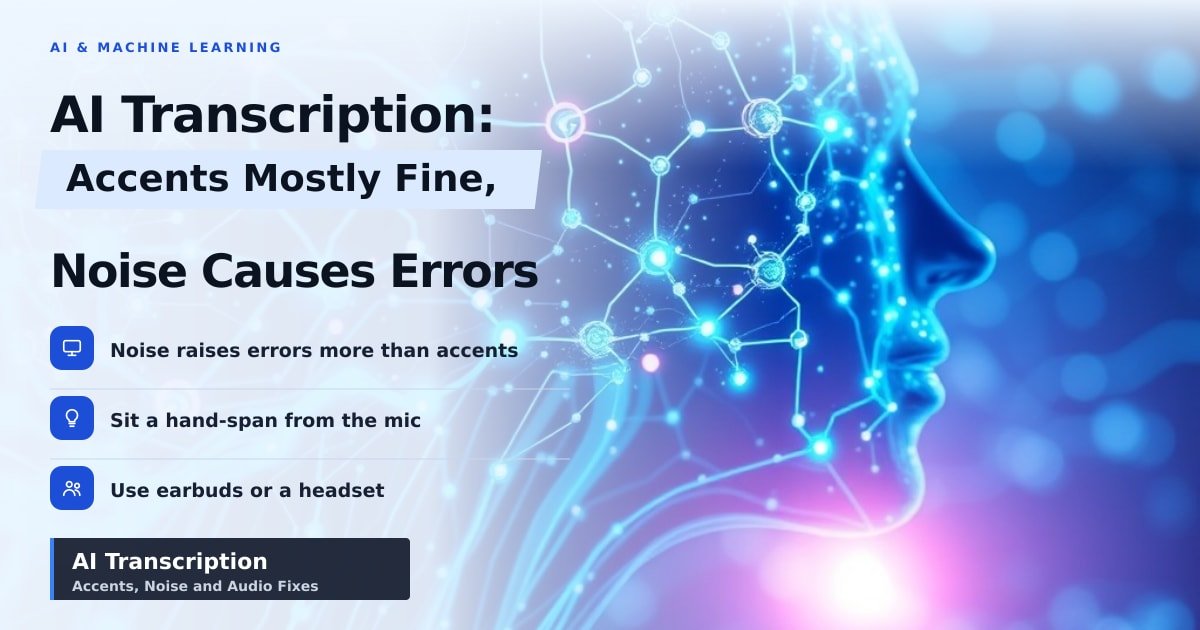
TL;DR: AI transcription handles most accents well in a quiet room. The mistakes you see in your notes usually come from background noise, distance from the mic, or unusual names, not from how you speak. A cheap headset and a 10-second habit will fix more errors than switching apps will.
Your 45-minute team call ends, you hit transcribe, and the notes come back asking about the "new klaxon policy." Your manager said "cloud sync policy." Everyone on the call heard it fine. The software didn't.
That gap is what AI transcription accuracy really comes down to. It's rarely about whether the AI "understands" your accent. It's about how much clean voice it gets compared with everything else in the room.
How the software hears your voice
When you press record, the app chops your speech into tiny slices, often 20 to 30 milliseconds long. A model guesses which sounds each slice holds, then a second pass turns those sounds into words using context. That's why it can usually sort out "their" from "there" on its own.
Accents work because these models train on thousands of hours of speech from many countries. The system doesn't have an "Indian English mode" or a "Scottish mode" — it builds a pattern map of how sounds follow each other. Less familiar accents do cost you a few extra words, which researchers track using word error rate (the share of words that come out wrong compared with a human-typed transcript).
Background noise does more damage than accents
Accents raise the error rate a little. Noise raises it a lot. A fan, a café hum, or a second person talking nearby forces the model to separate your voice from everything else, and that's the part it's worst at. Human ears do this effortlessly. Microphones don't.
Two people talking at once is the worst case, especially in a bare room where sound bounces off the walls. Once the echo blends in, the app starts guessing — and the guesses look confident, which is worse than an obvious blank.
The good news: you don't need better AI, you need better audio. Earbuds with a mic, or a laptop sat closer to you, beat any app upgrade. Apple's Voice Isolation on iPhone, plus the noise suppression built into Zoom, Teams and Meet, filters out anything that isn't a voice.
What the newer features actually change for you
- On-device transcription. iPhone Notes and Voice Memos, and Google's Pixel Recorder, can transcribe with no internet. Your audio never leaves the phone, which matters for medical or legal calls. The trade-off is slightly lower accuracy than the biggest cloud models.
- Custom word lists. Otter, Teams and Google Docs voice typing let you add names, product names and jargon. Do it once per project and the obvious errors vanish.
- Speaker labels and AI summaries. Handy, but they inherit every mistake upstream. Fix the audio first.
What to do before your next recording
- Sit a hand-span from the mic, not across the room.
- Record with earbuds or a headset, not speakerphone.
- Pick a room with curtains, a rug or a sofa. Soft things eat echo.
- Add people's names and acronyms to the app's custom vocabulary.
- Speak at your normal pace. Slowing down or over-pronouncing sounds unnatural, and models train on natural speech.
Key Takeaways
- Accents cause small errors; noise, echo and mic distance cause big ones.
- Word error rate is just the percentage of words the software gets wrong.
- A ₹1,500 headset improves results more than a new subscription.
- On-device transcription is private and offline, with a small accuracy cost.
Frequently Asked Questions
Does AI transcription struggle with Indian accents?
Mostly no. Everyday Indian English transcribes well. Errors cluster around names, place names and sentences that switch into Hindi mid-sentence, because those are the parts with the least training data. Adding custom words fixes a good chunk of it.
Is background noise worse than an accent?
Yes, usually. A strong accent in a quiet room beats a neutral accent next to a noisy coffee machine. Record where it's quiet and you'll notice the difference immediately.
Can I transcribe without uploading my audio?
Yes. iPhone Voice Memos, Notes and Pixel Recorder all run transcription on the phone itself. Nothing is sent anywhere, though very long recordings take longer to process.
Sources
How did this story feel?
Be the first to react
AI assistance. This article was researched and drafted with AI tools and reviewed by our editorial team before publication. We link to sources at the end of every article so you can verify the claims. If you spot an error, please let us know.
Recommended gear
Related picks for this guide

ChatGPT Pro (2026)
GPT-5 · 1M token · canvas mode
Our pickView offer →GitHub Copilot Workspaces
GPT-4o · VS Code · PR review
Must‑haveView offer →Midjourney Web (turbo tier)
Turbo · 4K · 60 fps gen
Fastest renderView offer →Affiliate links: we may earn a commission at no extra cost to you.
More on #ai
Weekly tech brief
The tech stories worth your time, every Sunday.
One short email with the most useful guides and gadget picks from the week. No spam, unsubscribe anytime.
Written by
TechPulse TeamThe TechPulse editorial team publishes clear, practical technology guides. Every article is original and written to be understood — not just skimmed. Read our editorial policy.
Comments (0)
No comments yet — start the conversation!
Keep reading
AI Mosquito Surveillance Now Fits in a Phone Camera
A new AI tool counts mosquito eggs from smartphone photos, turning a slow microscope task into a quick snap — and possibly faster dengue warnings.

OpenCode Browse: What a Web-Savvy AI Coder Means for You
A free AI coding tool just got the ability to check the web instead of guessing. Here's what changes — and what it costs you in privacy.
AI Replacing Smartphones? Qualcomm's CEO Says Not Yet
Qualcomm's CEO says AI won't replace your phone soon. Here's why that's good for your wallet and privacy — and what to watch before your next upgrade.