
Battery Habits That Actually Extend Phone Lifespan
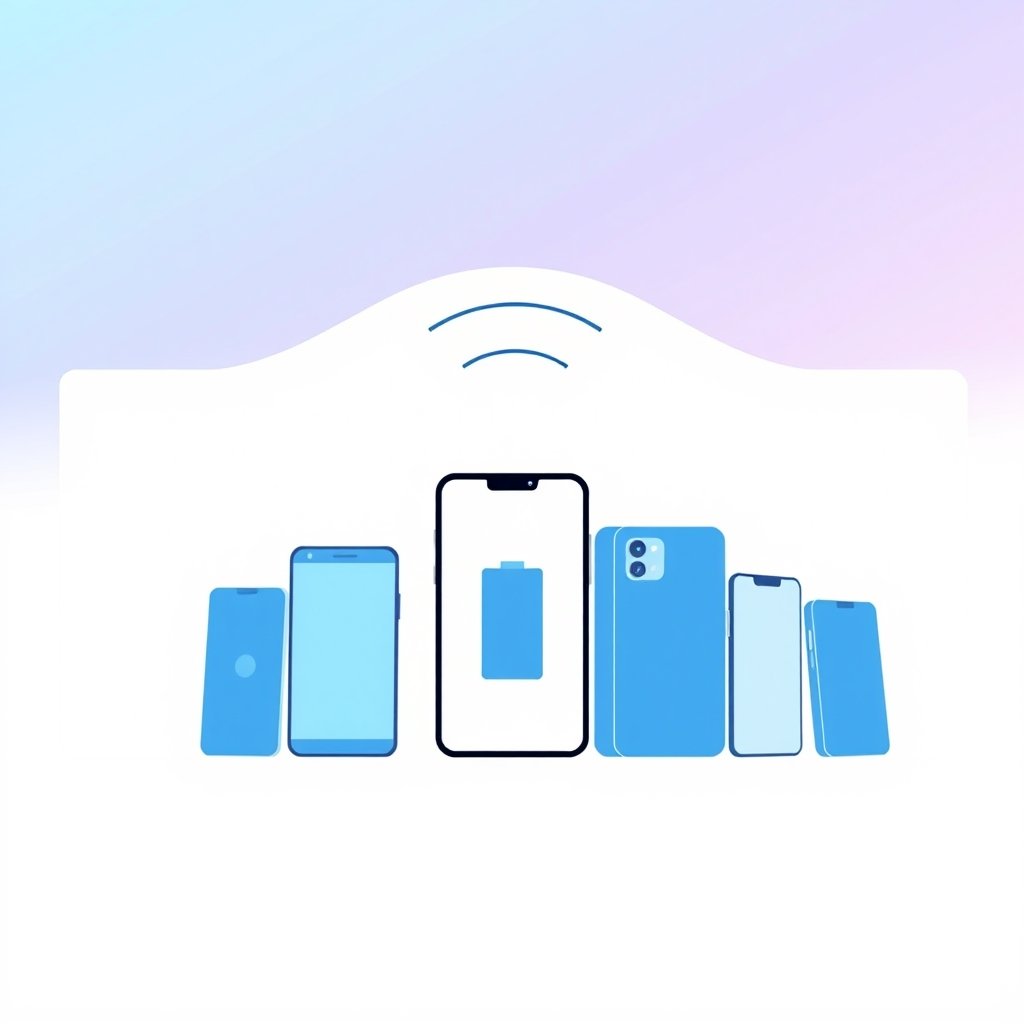
Your phone's battery doesn't have to degrade after two years. The real culprits might surprise you.
Here's what most people get wrong about phone batteries. It's not about keeping them at 100% or draining them to zero. Modern lithium-ion batteries actually prefer a different charging routine entirely.
Why Partial Charging Wins
The sweet spot for lithium-ion batteries sits between 20% and 80%. Staying in this range reduces chemical stress on the battery cells. You don't need to be perfect about it though.
Apple and Google both acknowledge this in their battery health documentation. Keeping your phone between these levels consistently will slow capacity loss significantly compared to frequent full discharges.
Heat Is the Silent Killer
You've probably noticed your phone gets warm during wireless charging or while running demanding apps. That heat accelerates battery degradation faster than almost anything else.
Avoid charging in direct sunlight or leaving your phone on a car dashboard. Even 10-15 minutes in extreme heat can cause measurable damage over time.
Charging Speeds: Fast vs. Gentle
Modern fast charging (like 30W or higher) works fine for daily use. However, consistently charging at maximum speed does generate more heat and stress.
For overnight charging, use a slower charger or enable adaptive charging features. Your phone can handle the occasional fast charge when you're in a hurry.
Battery Calibration Myths
You've likely heard you should drain your battery to 0% monthly to "calibrate" it. This advice comes from older battery technologies.
Modern lithium-ion batteries don't benefit from full discharge cycles. In fact, regularly hitting 0% forces your phone into protective shutdown mode, which stresses the battery unnecessarily.
Software Optimization Settings
Both iOS and Android now offer built-in battery health management:
- iOS 13+: Optimized Battery Charging learns your routine
- Android 9+: Adaptive Battery limits background activity
- Samsung: Device Care includes battery monitoring
Enable these features. They're actually helpful, unlike some "optimization" apps you'll find online.
When to Replace Your Battery
Most phone batteries retain 80% capacity after 500-1000 charge cycles. If your phone feels significantly slower or dies much faster than before, replacement might be cheaper than a new device.
Apple charges $69-99 for battery replacements depending on model. Third-party options exist but carry risks with newer phones' security systems.
The 80% Rule Reality Check
Aiming for perfect 20-80% charging every day isn't realistic. Missing the mark occasionally won't ruin your battery. Consistency over months matters more than perfection.
Use common sense: keep your phone cool, avoid extreme charges when possible, and don't stress about hitting exact percentages.
Charging Accessories Matter
Cheap knockoff chargers can damage your phone's charging circuit over time. Stick with reputable brands like Anker, Belkin, or your phone manufacturer's official accessories.
USB-C PD chargers work safely with most modern phones. Just make sure they support proper voltage regulation.
Battery Health Monitoring
iOS shows battery health in Settings > Battery > Battery Health. Android varies by manufacturer but often includes similar tools.
Pay attention to the maximum capacity percentage. Below 80% typically indicates significant degradation requiring replacement consideration.
Long-Term Storage Tips
If storing a phone long-term, charge it to around 50% first. Storing completely drained batteries damages them permanently.
Keep stored phones in cool, dry places away from direct light. Check them every few months and recharge if they drop below 20%.
Frequently Asked Questions
Should I keep my phone plugged in overnight? Modern phones stop charging automatically, but heat buildup remains a concern. Use adaptive charging features or lower-powered chargers for overnight sessions.
Is wireless charging bad for batteries? Wireless charging generates more heat than wired charging, so use it sparingly. Occasional wireless charging is fine, but it's not ideal for daily use.
How often should I restart my phone? Restarting weekly helps clear memory and can improve battery performance slightly. It's more about software health than battery longevity, though the benefits compound over time.
Does using my phone while charging hurt the battery? Heavy usage while charging increases heat production. Light activities like texting are fine, but gaming or video streaming during charging creates unnecessary stress.
Can I leave my phone at 100% for extended periods? Modern phones switch to trickle charging to prevent overcharging, but keeping a phone at full charge generates heat internally. Try to unplug once it reaches 100% if possible.
How did this story feel?
Be the first to react
Written by
TechPulse Team
The TechPulse editorial team publishes clear, practical technology guides. Every article is original and written to be understood — not just skimmed.
Comments (0)
No comments yet — start the conversation!
Keep reading
Fast Charging Battery Wear in 2026: What Changed This Year
The old rules about fast charging killing your battery are mostly dead. Here's what changed in 2026 — and what still actually matters.
Repairability Score: What It Is and Why It Matters
Your phone breaks and the repair quote shocks you. A repairability score could have warned you. Learn what these ratings mean before you buy.
iPhone vs Android Updates: The Honest Comparison
iPhone vs Android updates compared honestly — support lengths, patch track records, and what experts actually check before buying a phone.