Budget E-Reader Eye Comfort: What Actually Matters
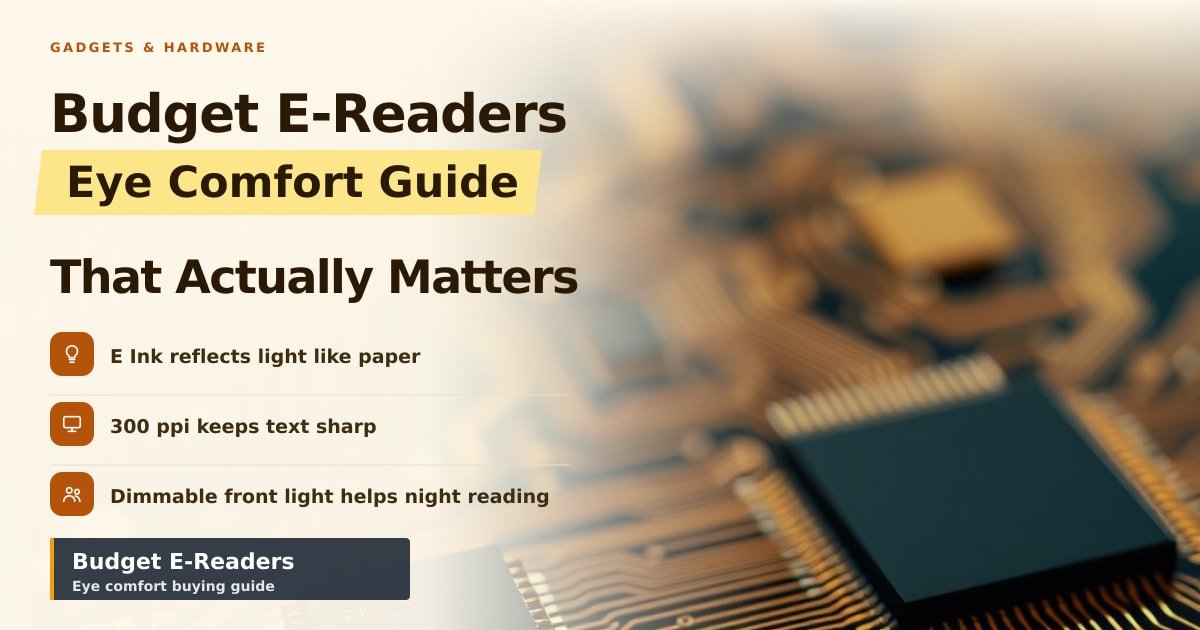
TL;DR: Budget e-readers are easy on the eyes because of how the screen works, not what it costs. E Ink bounces room light back at you like paper instead of shining a lamp into your face. Spend on sharp text and a light you can dim, and skip everything else.
My eyes gave me a clear verdict after five nights. Ninety minutes of phone reading in a dark bedroom left them scratchy and slow to focus the next morning. Switching to a ₹9,000 e-reader for the same habit fixed it — even though that device is slower, heavier and far less clever than the phone it replaced.
Why E Ink is kinder to your eyes than a phone
Almost every e-reader sold today uses E Ink. That's a screen made of millions of tiny capsules filled with black and white particles floating in fluid. A small electric charge pushes the black ones to the surface to form letters, then the charge stops and the image just stays there.
That's the opposite of your phone. A phone screen fires light straight into your eyes. An E Ink screen has no glow of its own — it sits still like a printed page and waits for a lamp. The surface is matte, so a ceiling bulb or window doesn't bounce back as glare.
There's a quieter benefit too. Phone screens often flicker when you turn brightness down, which some people's eyes and heads notice by evening. E Ink doesn't flicker at all. Reading on it feels less like staring at a torch and more like holding a book, which is why e-reader eye strain complaints usually come from phone converts, not paper readers.
The two e-reader specs worth paying for
Sharpness (ppi). Ppi means pixels per inch: how many dots the screen squeezes into a square inch. At 300 ppi, letters have smooth edges like a well-printed novel. Older budget models sit at 167 ppi and look faintly fuzzy, especially with small fonts or if you wear reading glasses. If you only check one number, check this one.
A front light you can dim low. E Ink is unreadable in the dark, so e-readers add LEDs around the screen's edge that wash light across the surface. It's a lamp over a page, not a torch aimed at your face. Look for one that goes genuinely dim, and if your budget stretches, a warm-light option that shifts from blue-white to amber.
Warm light is nice to have, not a dealbreaker. A cool glow at 1am mimics daylight, which nudges your brain to stay awake. Amber is easier to fall asleep after.
Where a budget e-reader saves money, and where it shouldn't
Fine to skip: waterproofing (a ₹600 sleeve covers the spills), colour screens (dimmer, pricier, and mostly pointless for text), pen support, metal bodies, and anything bigger than 7 inches.
Don't compromise on a light that only dims to "bright enough for a tent", or a 167 ppi panel if you read small text. Watch for uncoated plastic screens too, since scratches scatter light and make every word look washed out.
Refurbished is the smart shortcut here. A two-year-old Kindle Paperwhite or Kobo Clara with 300 ppi and warm light often costs less than a new entry-level model. Eye comfort doesn't really age.
What to buy, and what to skip
- Budget roughly ₹8,000–10,000 for the sweet spot: 300 ppi, a dimmable front light, and weeks of battery.
- Choose sharpness over size. A crisp 6-inch screen beats a fuzzy 7-inch one for long sessions.
- Test the light in a dark room on day one, while the return window is still open.
- Keep the phone as backup, not default. The habit change matters as much as the hardware.
Key Takeaways
- E Ink reflects light instead of shining it at you, so it feels like paper.
- 300 ppi is the one spec worth stretching your budget for.
- A front light that dims very low matters most for night reading.
- Skip waterproofing and colour; put the savings into a sharper screen.
Frequently Asked Questions
Is a cheap e-reader actually better for your eyes than a phone?
Yes, for long reading sessions. The screen doesn't shine light at you and doesn't flicker when dimmed, so your eyes work more like they do with a paperback. It won't cure tired eyes on its own — take breaks and keep brightness moderate.
Do e-readers have a backlight?
Not in the way phones do. Light comes from LEDs at the screen's edge and bounces off the surface toward you, like a reading lamp over a page. You can switch it off completely and read by room light.
What should I look for in a budget e-reader?
300 ppi, a front light that dims very low, and a 6-inch matte screen. Warm light is a bonus. Everything else is optional.
Sources
- E Ink — official technology overview: https://www.eink.com/
- E Ink display explainer: https://en.wikipedia.org/wiki/E_Ink
- American Academy of Ophthalmology — digital eye strain: https://www.aao.org/eye-health/tips-prevention/computer-usage
How did this story feel?
Be the first to react
AI assistance. This article was researched and drafted with AI tools and reviewed by our editorial team before publication. We link to sources at the end of every article so you can verify the claims. If you spot an error, please let us know.
Recommended gear
Related picks for this guide
Sony WH-1000XM5
Over-ear ANC · 30h battery
Best headphonesView on Amazon →
Anker 737 Power Bank
24,000mAh · 140W USB-C
Best travel pickView on Amazon →
Nintendo Switch 2
7.9" 1080p · 4K docked · 256GB
NewView on Amazon →Affiliate links: we may earn a commission at no extra cost to you.
More on #kindle
Weekly tech brief
The tech stories worth your time, every Sunday.
One short email with the most useful guides and gadget picks from the week. No spam, unsubscribe anytime.
Written by
TechPulse TeamThe TechPulse editorial team publishes clear, practical technology guides. Every article is original and written to be understood — not just skimmed. Read our editorial policy.
Comments (0)
No comments yet — start the conversation!
Keep reading
Used Gadgets: 5 You Should Never Buy Secondhand
Some secondhand gadgets are cheap because they're hard to test, locked to an old account, or worn out. Here's what to check before you buy.
Best Gifts for Engineers: What They'll Actually Use
Hackster.io's 2026 roundup is a useful shortlist, not a plan. Here's how to pick engineering gifts that actually get used.
Six AI Home Office Gadgets: Do You Actually Need Them?
A new roundup of six AI home office gadgets is making the rounds. The useful ones solve one clear problem; the rest are subscriptions in a box.