Six AI Home Office Gadgets: Do You Actually Need Them?
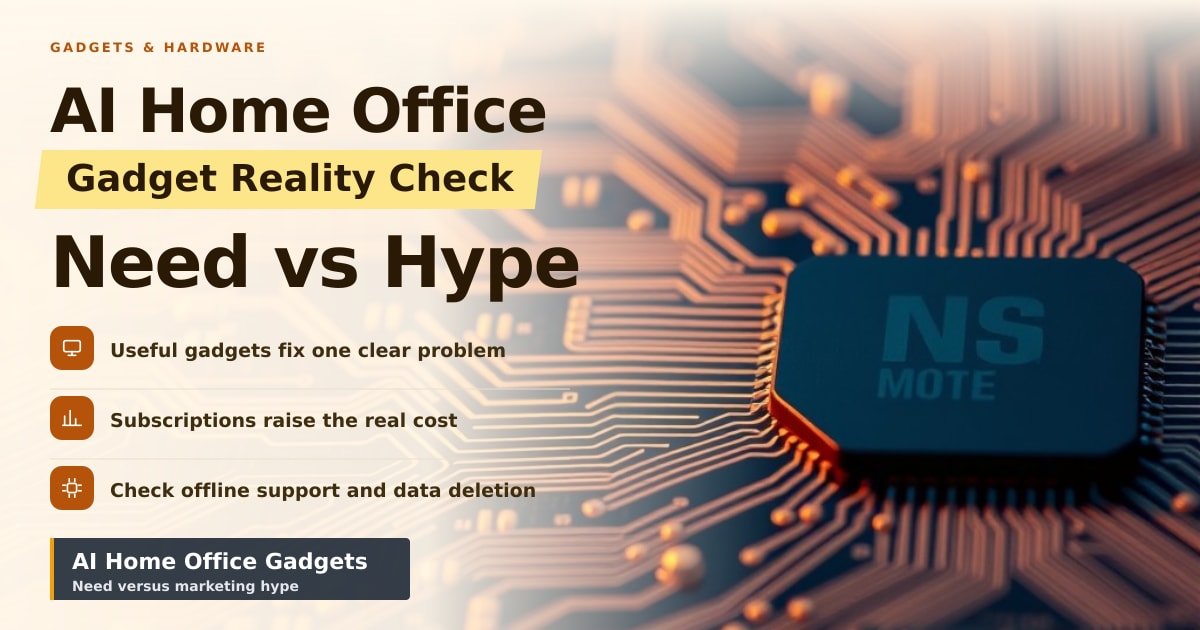
TL;DR: TechCrunch has rounded up six AI-powered gadgets aimed at the home office. The ones worth buying fix one clear annoyance, like muffled call audio or meetings you never write up. The rest just add an app and a subscription and call it AI. Judge each by the problem it solves, not the label on the box.
A 9 a.m. call starts the usual way: your laptop fan spins up, the dog barks at the postman, and you promise yourself you'll read the meeting notes later. That small pile of daily friction is exactly what this roundup of AI home office gadgets is selling relief from. Whether it delivers is a different question.
What AI Home Office Gadgets Actually Do
Strip away the branding and most of these devices fall into a handful of jobs. Desk microphones and speakers that clean up call audio. Webcams that follow you as you move. Standalone recorders that turn a meeting into a written summary. Lights and screens that adjust themselves. A router or keyboard with an "AI" button added.
Here's the plain version of the tech. "AI" usually means software trained on huge piles of examples so it can spot patterns, like picking your voice out of background noise or turning speech into text. It's a tool for one task, not a brain in a box.
TechCrunch's list matters less as a shopping guide than as a signal. Big brands now put AI in the name of almost anything with a plug.
Why Your Wallet and Your Privacy Are the Real Story
The price tag is rarely the full price. Plenty of these gadgets cost $100–200 up front and then ask for a monthly plan to keep the smart features working. A $149 desk mic with a $10 monthly plan costs $269 in year one. Ask what still works when you stop paying.
Then there's the microphone question. A gadget that listens for meeting audio is a gadget that can hear everything else in the room. Before you buy, check one thing: does it process audio on the device itself, or send it to a company server?
If the answer is a server, you're trusting that company with your work calls. Look for an offline mode and a clear deletion policy. If either is missing from the product page, treat that as your answer.
What's Genuinely Useful and What's Just Decoration
Some of this earns its place. Noise removal on calls is the clearest win, because everyone on the other end benefits. A camera that keeps you in frame makes video calls less awkward. Automatic meeting notes save real time if you'd otherwise type them yourself.
Other features are harder to justify. Smart lighting that "learns your habits" rarely beats a $15 lamp timer. An AI button on a keyboard is only useful if you already use that assistant daily.
- Worth it: call audio cleanup, auto-framing cameras, transcription you'll actually read.
- Skip for now: anything whose main feature is a chat window, or gear that needs a subscription to do its one job.
- Check first: offline support, data deletion, and whether the app works on your phone.
What to Watch Next
The home office has become the testing ground for these features before they reach bigger products. That makes the next year or two revealing. Watch whether the useful features survive after a company gets bought, or after a subscription tier gets quietly cut.
Also watch the marketing rules. Regulators in the US and Europe have started pushing back on vague AI claims, which should make product pages more honest about what's actually automated.
Until then, the safe play is boring: buy the gadget for the annoyance it removes today, not the intelligence it promises tomorrow.
Key Takeaways
- "AI-powered" describes a marketing choice more than a feature set.
- Add up the subscription before you compare prices.
- Best bets right now: call audio cleanup, auto-framing cameras, meeting transcription.
- Ask whether audio is processed on the device or sent to a server.
Frequently Asked Questions
What counts as an AI-powered gadget?
Usually a device with software that recognises patterns, like speech, faces or background noise. It handles one narrow job well rather than thinking like a person.
Are AI home office gadgets worth buying?
Only if they fix something you hit every week, such as bad call sound or unwritten meeting notes. If you can't name the annoyance, you probably don't need the gadget.
Do these gadgets record my conversations?
Many do, at least temporarily, to turn speech into text. Check the privacy page for where that audio goes and how long it's kept before you place an order.
Sources
How did this story feel?
Be the first to react
AI assistance. This article was researched and drafted with AI tools and reviewed by our editorial team before publication. We link to sources at the end of every article so you can verify the claims. If you spot an error, please let us know.
Recommended gear
Related picks for this guide

Sony WH-1000XM5
Over-ear ANC · 30h battery
Best headphonesView on Amazon →
Anker 737 Power Bank
24,000mAh · 140W USB-C
Best travel pickView on Amazon →
Nintendo Switch 2
7.9" 1080p · 4K docked · 256GB
NewView on Amazon →Affiliate links: we may earn a commission at no extra cost to you.
More on #ai
Weekly tech brief
The tech stories worth your time, every Sunday.
One short email with the most useful guides and gadget picks from the week. No spam, unsubscribe anytime.
Written by
TechPulse TeamThe TechPulse editorial team publishes clear, practical technology guides. Every article is original and written to be understood — not just skimmed. Read our editorial policy.
Comments (0)
No comments yet — start the conversation!
Keep reading
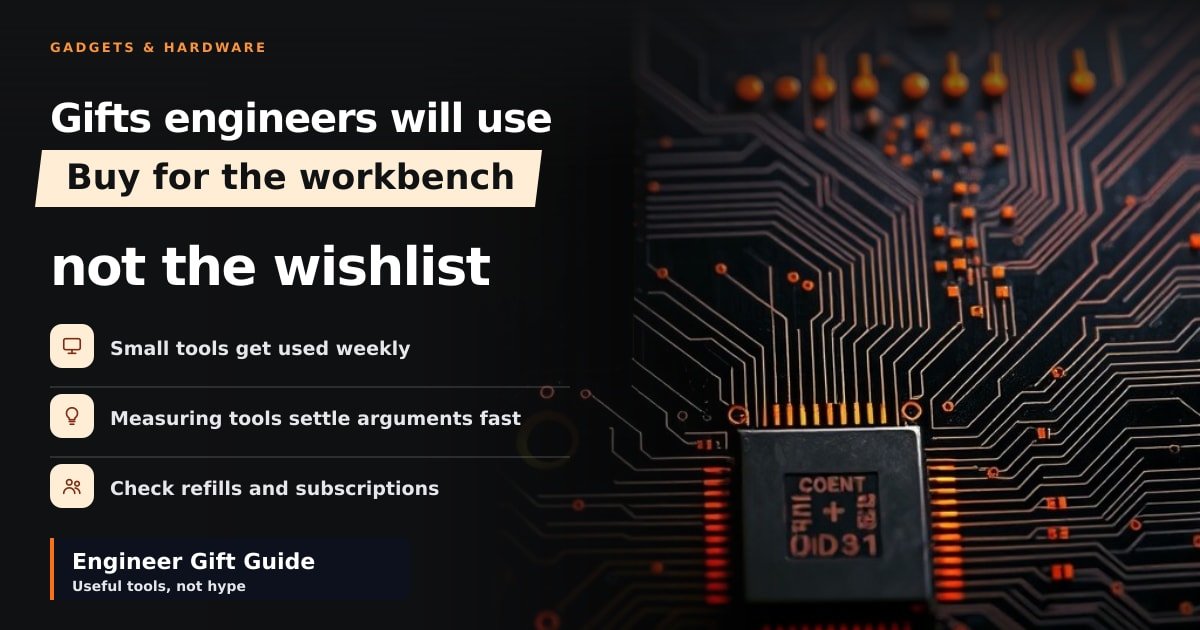
Best Gifts for Engineers: What They'll Actually Use
Hackster.io's 2026 roundup is a useful shortlist, not a plan. Here's how to pick engineering gifts that actually get used.
Why Fewer Galaxy Watch Notifications Beat More Features
One reviewer stopped using their Galaxy Watch like a phone and says life improved. Here's what changed, and the five-minute settings fix you can copy.

Cobalt Prices Sink as Memory Chip Costs Hit Gadget Demand
Cobalt's outlook is darkening as memory chip costs push gadget prices up and demand down. Here's how it reaches your wallet.