
eSIM Explained: How to Switch Phones Without the Headache
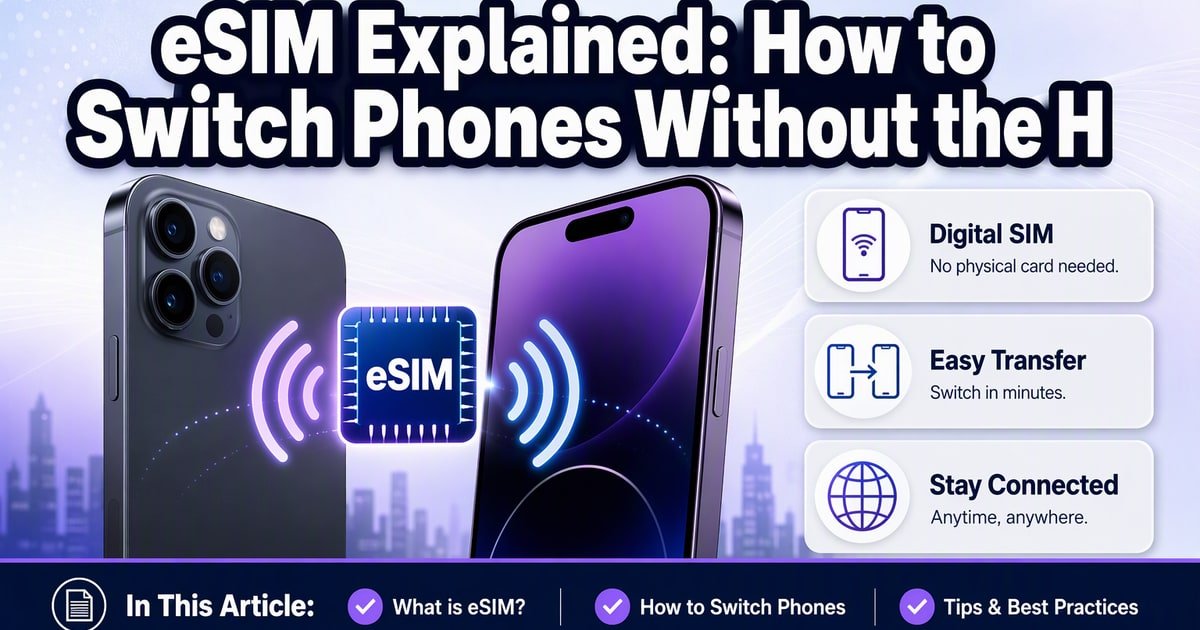
TL;DR: An eSIM is a digital SIM card built into your phone—no tiny plastic tray required. To switch phones painlessly, use your carrier's app or the built-in transfer tool in iOS or Android, and keep your old phone on Wi-Fi until the new one is active.
Last month, a friend dropped her iPhone in a lake. The phone was gone in four seconds. The panic lasted two hours—until she realized her SIM card was digital. No tiny plastic chip to fish out, no trip to the carrier store. She signed into her account, moved the number, and was back online before dinner.
That's the quiet magic of eSIM explained in practice. It's not just a spec sheet bullet point—it's the difference between a disaster and a mild inconvenience.
What Is an eSIM, Really? (The Passport Analogy)
Think of a physical SIM card as a passport you have to carry everywhere. Lose it, and you're stuck. An eSIM is like having your passport tattooed on your arm—it's part of you.
It's a chip soldered onto your phone's motherboard. Instead of swapping plastic, you download a "profile" from your carrier. Most modern phones support it: iPhone XS and later, Samsung Galaxy S20 and later, Google Pixel 3 and later. (Even the budget-friendly iPhone SE 3rd gen has it.)
The catch? Not every carrier supports eSIM transfer equally well. More on that later.
eSIM vs Physical SIM: Which Should You Use?
Here's my take: use eSIM for your main number, physical for travel.
- eSIM pros: Can't be stolen from your phone. Switch carriers over Wi-Fi. Store multiple profiles (great for international trips).
- eSIM cons: Painful to move to a non-supported phone. Some prepaid carriers still don't support it.
- Physical SIM pros: Universal compatibility. Easy to swap between phones.
- Physical SIM cons: Tiny, losable, requires a SIM tool.
If your carrier supports it, move to eSIM. The convenience wins.
How to Switch Phones Painlessly (Step by Step)
This is where how to switch phones with eSIM gets slightly messy—but manageable.
If you're moving between iPhones (iOS 16+): During setup, the new phone detects your old one nearby. Tap "Transfer Cellular Plan." Done. Keep both phones on Wi-Fi and near each other.
If you're moving between Androids: Google's transfer tool handles Pixel-to-Pixel well. For Samsung, use Smart Switch. Carrier app support varies.
If you're switching platforms (iPhone to Android or vice versa): You'll likely need to contact your carrier or use their app. T-Mobile, Verizon, and AT&T all have decent eSIM portals now.
If your old phone is broken or lost: Log into your carrier account online. Most let you generate a new QR code for the new device.
One warning: don't delete your eSIM profile from the old phone until the new one is active. I learned that the hard way (and spent 45 minutes on hold).
The One Thing Carriers Don't Tell You
eSIM transfer sounds seamless—until you switch carriers or buy a phone from a different region. Some carriers lock eSIM activation to specific device models. Check compatibility before you buy, not after.
Also, if you're on a prepaid plan from a smaller carrier (like Mint Mobile historically), verify eSIM support. It's improving, but not universal.
Key Takeaways
- eSIM is a built-in digital SIM; no plastic card needed.
- Switch iPhones via the built-in transfer tool; Android varies by carrier.
- Keep the old phone active until the new one connects.
- Check carrier eSIM compatibility before buying a phone.
Frequently Asked Questions
Can I use eSIM and a physical SIM at the same time?
Does eSIM work internationally?
What happens to my eSIM if I reset my phone?
How did this story feel?
Be the first to react
Recommended gear
Related picks for this guide

Samsung Galaxy S25 Ultra
6.9" AMOLED · 200MP · 5000mAh
Editor's pickView on Amazon →
Google Pixel 9a
6.3" OLED · Tensor G4 · 7-year updates
Best valueView on Amazon →Affiliate links: we may earn a commission at no extra cost to you.
Written by
TechPulse Team
The TechPulse editorial team publishes clear, practical technology guides. Every article is original and written to be understood — not just skimmed.
Comments (0)
No comments yet — start the conversation!
Keep reading
Q3 smartphone shipments hit 2013 low: what it means for buyers
Q3 smartphone shipments fell 20% year on year, the weakest third quarter since 2013. Here's what the slump means for your next upgrade.
iPhone Scalping: How Rare Duos Get Snagged
Reports say scalpers are snagging rare iPhone duo stock. The real issue is supply, resale premiums and the loopholes that make launch-day buying miserable.
Switching to a Dumbphone: What You Actually Give Up
Dumbphones are a real option now, but they're a trade. Here's what breaks, what works, and why most people keep their old phone nearby.