
Graphics Card Rendering: How Game Worlds Appear
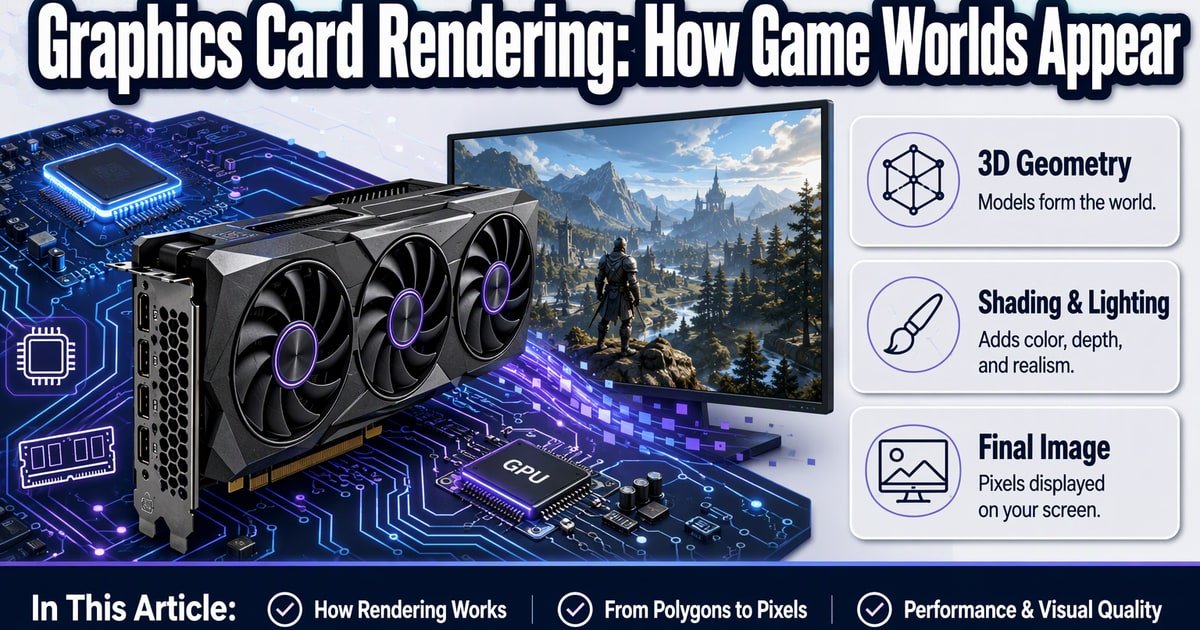
TL;DR: A graphics card renders a game world by turning 3D geometry, textures, lighting, and effects into a stream of 2D pixels your monitor can show. The GPU does this in parallel across thousands of tiny cores, then the display outputs finished frames. More GPU power usually means higher resolution, smoother frame rates, or fancier lighting—not automatically better art.
Watch a character step into a puddle in Cyberpunk 2077: ripples bend nearby neon, reflections split around footsteps, and it all happens before you press the next key. That tiny moment is a graphics card doing millions of small jobs at once. Here’s the beginner-friendly version of what’s actually happening.
What a GPU actually does in a game
So what is a GPU, really? It’s a processor built for repetition. A CPU is great at branching logic—enemy AI, physics, quest states. A GPU is great at doing the same math on huge chunks of data. That’s the GPU vs CPU for gaming split in one sentence.
The CPU tells the GPU what should exist in a scene: draw this character, these walls, that explosion. The GPU then figures out where every triangle, texture, and light lands on your screen. Your monitor gets a finished frame, then another, usually 60 or more times per second.
Graphics Card Rendering, Step by Step
Here’s how a graphics card works in plain English. The game sends a 3D scene made of triangles. Vertex shaders position those triangles in space. The rasterizer converts them into pixels. Pixel shaders color those pixels using textures, shadows, and lighting. Finally, effects like bloom, motion blur, and anti-aliasing polish the image.
Think of it as a factory line. Each stage hands off to the next, and the GPU runs many parts of that line in parallel. That’s why a stronger card can push more pixels, higher frame rates, or heavier effects without turning into a slideshow.
Ray tracing explained, minus the hype
Ray tracing simulates how light bounces around a scene. It can make reflections, shadows, and glass look more believable. It’s also expensive. That’s why cards lean on upscaling tech like DLSS, FSR, and XeSS—render at a lower resolution, then reconstruct a sharper image.
My take: on a midrange card, upscaling matters more than ray tracing. An RTX 4060 or RX 7600-class GPU can handle modern games well at 1080p, but max ray tracing at 1440p is a stretch. Don’t buy for ray tracing alone unless you’ve checked real benchmarks.
VRAM for gaming: don’t ignore it, don’t obsess
VRAM stores textures, frame buffers, and other data the GPU needs fast. Too little, and you’ll see stutters or blurry textures when you push settings. Many mainstream cards, like the RTX 4060, ship with 8GB. At 1080p that’s usually fine today; at 1440p with high textures, it can get tight.
Here’s the practical warning: if you keep cards for three or four years, 12GB or more gives more headroom. Don’t chase VRAM numbers alone, though. A well-designed 12GB card can beat a poorly designed 16GB one.
Key Takeaways
- The GPU turns 3D scene data into 2D frames, many times per second.
- CPU handles game logic; GPU handles massive parallel pixel and triangle work.
- Ray tracing looks nice but costs performance—upscaling often matters more.
- VRAM matters for textures and future-proofing, but it isn’t the whole story.
Frequently Asked Questions
Do I need a powerful graphics card to play games?
Not for every game. Esports titles and older games run fine on budget cards. Newer AAA games at high settings demand more GPU power and VRAM.
What does VRAM do in a graphics card?
VRAM holds textures, frame data, and effects so the GPU can access them quickly. Running out causes stutters, lower-quality textures, or worse.
Is ray tracing worth it for beginners?
Only if you have performance headroom or good upscaling. Otherwise, spend your budget on a faster GPU rather than max ray tracing.
How did this story feel?
Be the first to react
Recommended gear
Related picks for this guide

Sony WH-1000XM5
Over-ear ANC · 30h battery
Best headphonesView on Amazon →
Anker 737 Power Bank
24,000mAh · 140W USB-C
Best travel pickView on Amazon →
Nintendo Switch 2
7.9" 1080p · 4K docked · 256GB
NewView on Amazon →Affiliate links: we may earn a commission at no extra cost to you.
Written by
TechPulse Team
The TechPulse editorial team publishes clear, practical technology guides. Every article is original and written to be understood — not just skimmed.
Comments (0)
No comments yet — start the conversation!
Keep reading

Cheap Car Chips Are Running Your Dashboard
Your car's hidden computers are mostly cheap, tough microcontrollers. Here's what they do, where the budget stops, and why the boring chips matter most.

Refurbished Gadgets in Saudi Arabia: The Old-Tech Boom
Old gadgets are becoming the smart buy in Saudi Arabia as flagship prices climb. Here's what the shift means for buyers, sellers and your data.

Grim Philly ghost tour mixes history and gadgets
Grim Philly turns Philadelphia’s dark history into a gadget-assisted ghost tour. Here’s why it’s drawing curiosity—and where the hype ends.