How to Speed Up a Slow Laptop (Steps That Work)
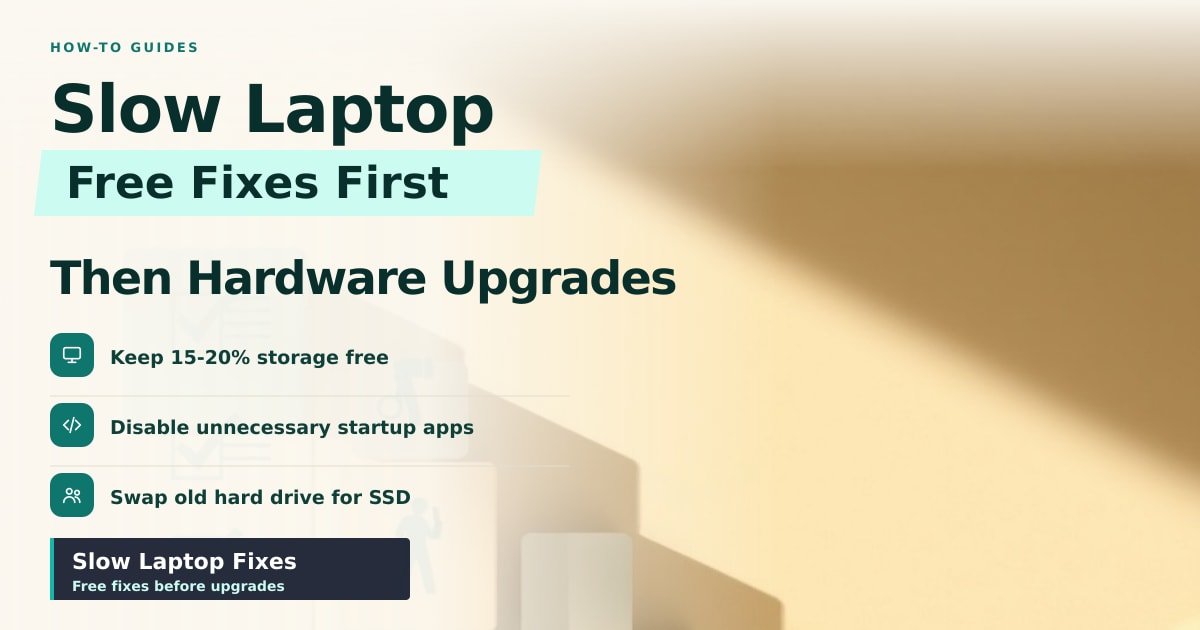
TL;DR: Most slow laptops aren't broken. They're clogged with full storage, too many apps loading at startup, or a spinning hard drive. Do the free fixes first (about 30 minutes), then add RAM or an SSD only if you still need more speed.
Your laptop took 90 seconds to reach the desktop this morning. Then it froze with three Chrome tabs and a video call open. The good news: the fix usually costs nothing, and the first two steps take about 20 minutes.
Why is my laptop slow? The three usual suspects
Three things go wrong on almost every slow laptop: the storage drive is nearly full, too many programs launch themselves at log-in, and there isn't enough working memory.
Here's the difference between storage and memory (RAM). Storage is your filing cabinet — files live there permanently. RAM is your desk — the space you actually work on. If the desk is tiny, you spend all day walking to the cabinet.
When RAM fills up, Windows borrows space from the drive instead. A full drive makes that backup slow too. Fix the drive first.
Step 1: Free up at least 15% of your storage
Windows: open Settings, then System, then Storage. Turn on Storage Sense, which clears temporary files automatically. Delete big installers in Downloads and empty the Recycle Bin.
On a Mac: Apple menu, System Settings, General, Storage. Use the recommendations there.
Aim for 15–20% of the drive free. On a 256GB laptop that's about 40GB. Below that, Windows starts crawling because it has no room to breathe. Most people find 20–30GB of junk they forgot about.
Step 2: Stop apps from starting themselves
Every program that opens at log-in steals speed before you've done anything. Your laptop spends the first two minutes launching Spotify, Steam and three updaters you never asked for.
On Windows, press Ctrl+Shift+Esc to open Task Manager, then click Startup apps. Right-click anything you don't need at boot and disable it. Nothing is deleted — you can still open the app normally.
On a Mac, go to System Settings, General, Login Items, and remove what you don't use. Turn off OneDrive or iCloud sync at startup if you don't need instant backups.
Step 3: Cut the tabs and browser extensions
Each Chrome or Edge tab is a small running program. Thirty open tabs can eat 2–4GB of RAM on their own. Close what you're not reading, or use a tab-suspender extension.
Then check your extensions. Ad blockers are worth keeping. That coupon finder you installed in 2021 is not. Remove anything you can't explain in one sentence.
How to speed up a slow laptop when the free fixes run out
If it's still sluggish, two hardware upgrades give the biggest jump per rupee or dollar.
- Add RAM. 8GB feels tight once Windows 11, a browser and Teams are running. 16GB is the comfortable amount. A laptop memory stick costs roughly $30–50 (₹2,500–4,500). Check your model first — many thin laptops have RAM soldered in and can't be upgraded.
- Swap the hard drive for an SSD. An SSD (solid-state drive) stores data on chips with no moving parts. If you hear a faint hum or clicking from your laptop, you have an old spinning drive. Moving to a 500GB SSD costs about $40–60 and cuts startup from a minute-plus to around 20 seconds.
The SSD swap is the single biggest speed change you can make on an older machine. Pay a repair shop if you're not comfortable opening the case.
What this means for you
Work in this order: free up storage, disable startup apps, clean your browser, then consider RAM or an SSD. Spend nothing until step three.
Skip paid "PC cleaner" software and registry cleaners. They rarely help and sometimes bundle junk. Windows and macOS already include the tools you need.
One warning: if your laptop is eight years old or the battery lasts 40 minutes, put the money toward a new machine instead. Upgrades can't fix a worn-out processor.
Key Takeaways
- A full drive is the most common cause of a slow laptop — keep 15–20% free.
- Disable startup apps in Task Manager; nothing gets deleted.
- RAM is the desk, storage is the filing cabinet — both need breathing room.
- On older laptops, an SSD swap beats every software trick.
Frequently Asked Questions
Why is my laptop slow with only a few tabs open?
You probably have little free RAM or a nearly full drive. Check Storage in Settings and Task Manager's Memory tab — if memory sits above 85% at rest, that's your answer.
Does deleting files actually make a laptop faster?
Yes, if the drive was over 85% full. Windows and macOS use free space as overflow when RAM runs short, so clearing 20GB can visibly speed things up.
Is it worth upgrading a six-year-old laptop?
Often yes, if it has a spinning hard drive and upgradable RAM. A $50 SSD can add two or three comfortable years to a machine that still handles browsing and documents.
Sources
How did this story feel?
Be the first to react
AI assistance. This article was researched and drafted with AI tools and reviewed by our editorial team before publication. We link to sources at the end of every article so you can verify the claims. If you spot an error, please let us know.
Recommended gear
Popular tech picks

Samsung Galaxy S25 Ultra
6.9" AMOLED · 200MP · 5000mAh
Editor's pickView on Amazon →
Apple MacBook Air 13-inch (M4)
M4 · 16GB · 13.6" Liquid Retina
Editor's pickView on Amazon →
Sony WH-1000XM5
Over-ear ANC · 30h battery
Best headphonesView on Amazon →Affiliate links: we may earn a commission at no extra cost to you.
More on #laptop tips
Weekly tech brief
The tech stories worth your time, every Sunday.
One short email with the most useful guides and gadget picks from the week. No spam, unsubscribe anytime.
Written by
TechPulse TeamThe TechPulse editorial team publishes clear, practical technology guides. Every article is original and written to be understood — not just skimmed. Read our editorial policy.
Comments (0)
No comments yet — start the conversation!
Keep reading

Teen Smartphone Use Tied to Distress in Rural India, Study Finds
A new study ties heavy teen smartphone use to distress in rural India. It's a link, not proof — but sleep and screen habits are worth a second look.

Beaver Supermoon: How to Photograph It on Your Phone
The Beaver Supermoon is a great chance to test your phone's night mode. Here's how to get a sharp moon shot without fancy gear.
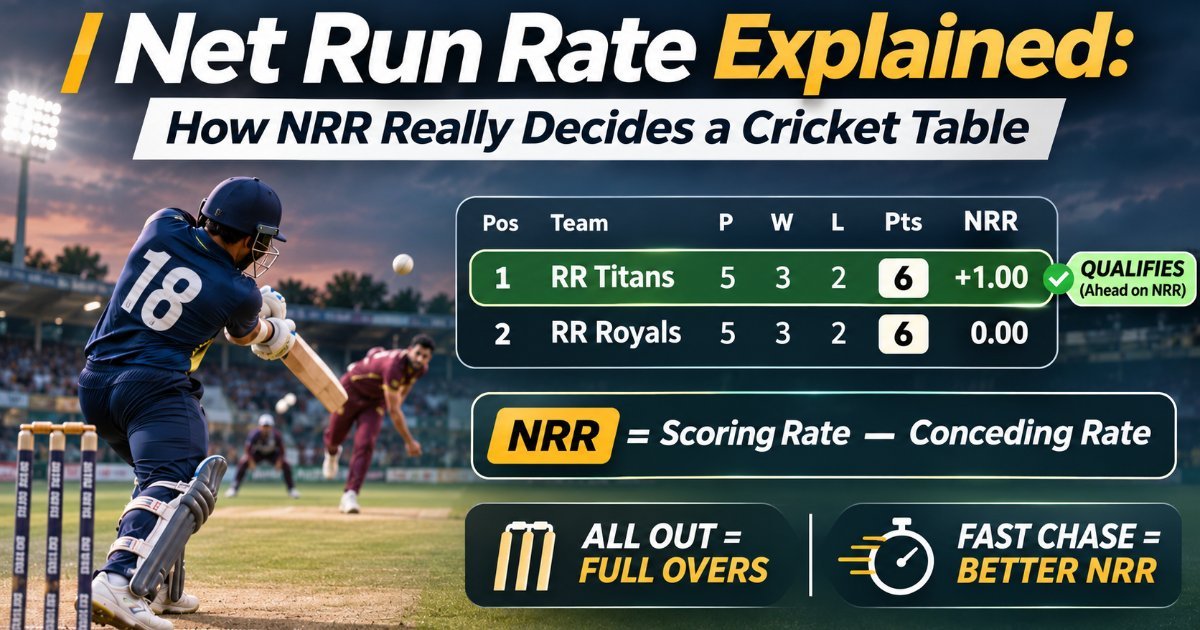
Net Run Rate Explained: How NRR Really Decides a Cricket Table
Two teams can finish on the same points and only one goes through. The difference is net run rate, and most fans only half-understand it.