
Offline-First Apps: Why They Feel So Fast
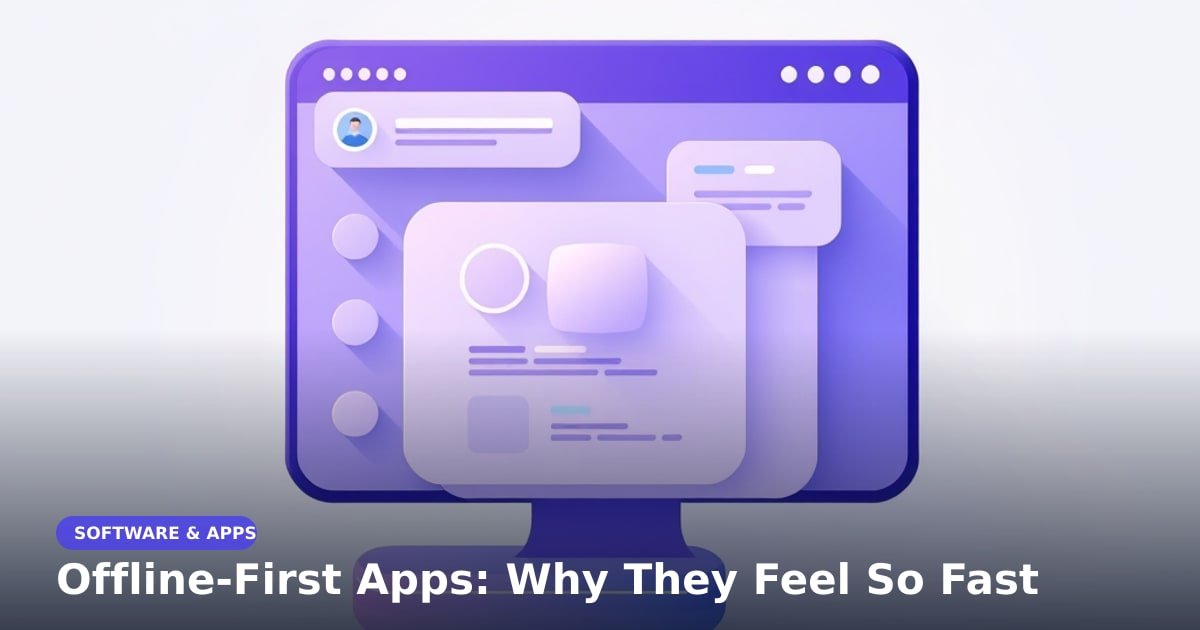
TL;DR: Offline-first apps keep a copy of your data on your phone, so they open and respond right away instead of waiting for the internet. They still sync with a server when a connection is available. That's why a notes app holding thousands of entries can feel quicker than a bank app showing one number.
You tap a note and it's just there. No spinner, no "loading". Your banking app, on the same phone and the same Wi-Fi, takes three seconds to show a balance. That gap isn't better hardware. It's a different design choice.
What "offline-first" actually means
Most apps are online-first. Every time you open one, it asks a server (a computer sitting in a data centre somewhere) for your data, and you wait for the answer to travel back.
Offline-first flips that. The app keeps your notes, tasks or messages in a small database on your phone. It shows that copy instantly, then quietly checks the server for changes in the background. Think of it as keeping your address book open on the desk instead of calling directory enquiries for every number.
The second half matters just as much. A well-built app doesn't stash stale data and forget it. It queues your edits and uploads them the moment a connection returns.
Why offline-first apps feel faster
Here, speed is mostly about waiting rather than processing power. Reading a list of notes from your phone's storage takes a few thousandths of a second. Fetching that same list from a server usually takes a tenth to a third of a second on good Wi-Fi, and a second or more on a crowded 4G signal.
On a train, that request can fail outright and leave you watching a spinner. Local data never has that problem — the file is already in your hand.
Good offline-first apps also use "optimistic updates". They assume your action worked, show the result immediately, and quietly correct it later if the server disagrees.
Where you'll notice the difference
Some everyday examples:
- Google Docs lets you edit a document with no signal, then syncs when you're back online.
- Spotify and YouTube Music downloads keep playlists playing through tunnels and flights.
- Notion has an offline mode that caches pages you've opened recently.
- Todoist, Obsidian and Apple Notes save everything on the device first.
- Google Maps can download a whole city's map — handy when roaming with no data.
Where it doesn't help: anything needing live truth, like your bank balance or a cricket score. Those can't be cached without risking a wrong number on screen.
What this means for you
When you pick an app, check its help pages for two things: an offline mode, and a sync indicator that shows when changes are pending. An app that says "offline, 2 changes waiting" is usually a well-built one.
Two practical tips. Download what you use weekly (maps, playlists, key documents) before you travel, not during. And don't edit the same shared document in two places while offline, because when both copies sync, someone's work can get overwritten or duplicated.
If you build apps yourself, this is worth the effort. Users blame the app for a slow network, not the network itself.
Key Takeaways
- Offline-first apps show data saved on your phone first, then sync in the background.
- The speed comes from skipping the round trip to a server, not from a faster chip.
- Look for "offline mode" and a visible sync status when choosing an app.
- Don't trust cached data for live things like bank balances or match scores.
Frequently Asked Questions
What does offline-first mean in an app?
It means the app saves your data on your device and reads from there first. The internet becomes a channel for syncing, not a requirement for opening the app.
Do offline apps still sync when internet comes back?
Yes. Well-made apps hold your changes in a queue and send them once you're connected, usually within seconds.
Which apps work without internet?
Notes apps, offline maps, downloaded music and many task managers. Banking and live-news apps mostly won't, because their data has to be current.
How did this story feel?
Be the first to react
Recommended gear
Popular tech picks

Samsung Galaxy S25 Ultra
6.9" AMOLED · 200MP · 5000mAh
Editor's pickView on Amazon →
Apple MacBook Air 13-inch (M4)
M4 · 16GB · 13.6" Liquid Retina
Editor's pickView on Amazon →
Sony WH-1000XM5
Over-ear ANC · 30h battery
Best headphonesView on Amazon →Affiliate links: we may earn a commission at no extra cost to you.
Written by
TechPulse Team
The TechPulse editorial team publishes clear, practical technology guides. Every article is original and written to be understood — not just skimmed.
Comments (0)
No comments yet — start the conversation!
Keep reading
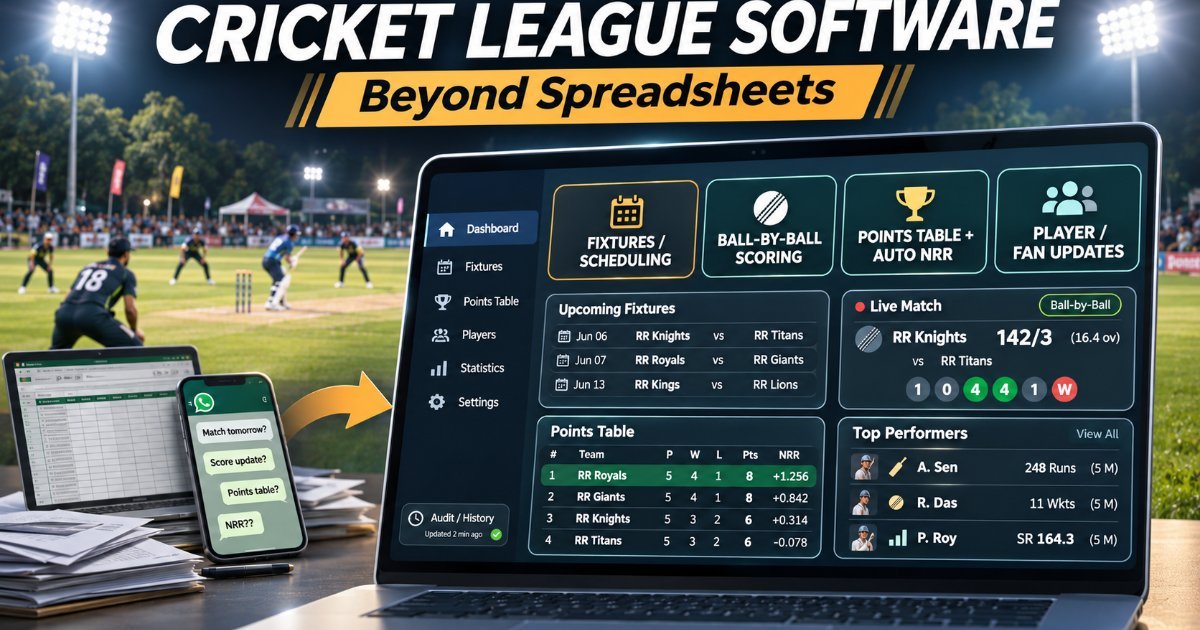
How Modern Cricket Leagues Run on Software (Not Spreadsheets)
A modern cricket league runs on one shared system for fixtures, scoring, standings and stats, not a dozen spreadsheets. Here is what that software actually does.
Why Your Favorite Apps Keep Changing
Your app moved a button and you're annoyed. There's a real project behind that change — a test, a number, and sometimes a team that later reverses it.

Feature Prioritization: How a Real App Picks What Ships Next
A six-person app team had three weeks and three big requests. They shipped none of them. Here's what won instead, and how your feedback shapes the list.